View without an account
 Temporary workspace
<!-- SEO experiment baseline 2026-11-01 (GSC): ~615 impressions / 16 clicks / avg position 19.4. Title and description unchanged. Review 2026-11-13 and 2026-11-27. -->
Open a STEP or STP file in the browser and view it. No install and no account.
To view a STEP file, upload it: select or drop the .step or .stp file in the viewer and the model opens in 3D for rotating, sectioning and measuring.
Open a STEP or STP file
- Open the viewer and select or drop a
.stepor.stpfile. - Wait while the file is processed on the server. Viewing and measuring need no account, and guest files are temporary.
- Read the Properties panel first: the solid count, the X × Y × Z extents and any geometry warning. Compare one extent with a dimension you already know.
- For an assembly, open Structure and check that every expected component is listed.
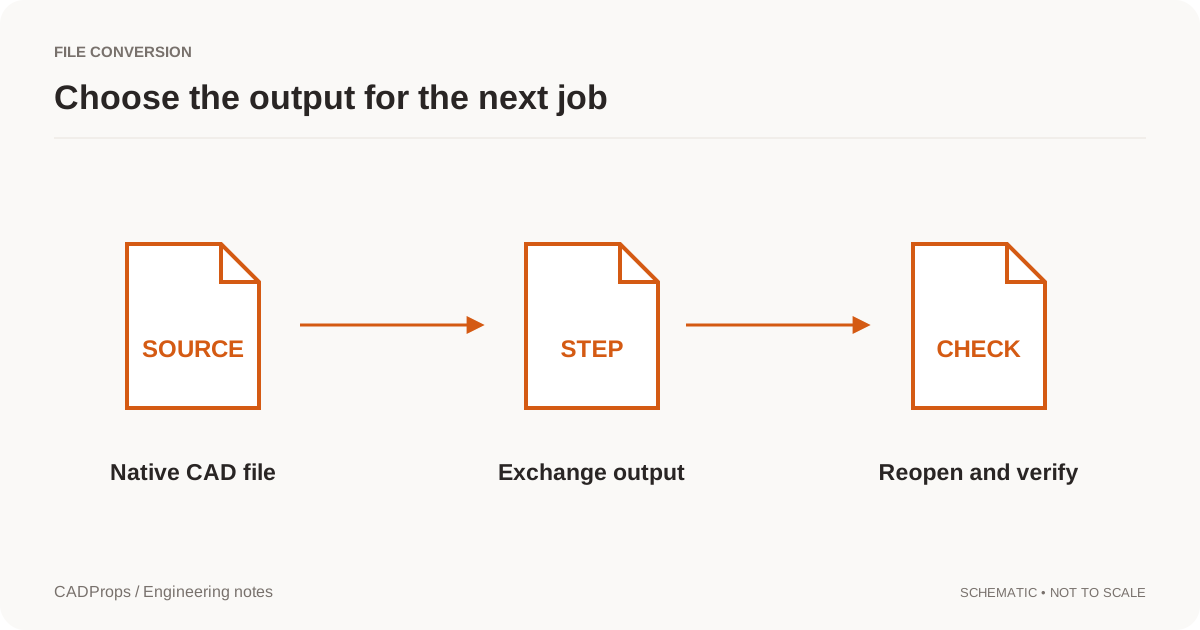
Then check dimensions or closed-solid volume, or convert STEP to STL. If the part is still a SolidWorks file, export SolidWorks to STEP and open that file here.
A shaded view can hide a missing body or an open surface. Edge length, hole diameter and volume use supported B-Rep. Volume is shown only for a valid closed solid and is never reported as zero when it is unavailable. A point picked on the shaded view is approximate.
If you are not sure what the file contains, what a STEP file is and how to open it explains the file header, the AP203, AP214 and AP242 names, and what a STEP file can and cannot carry.
Inspect an assembly part by part
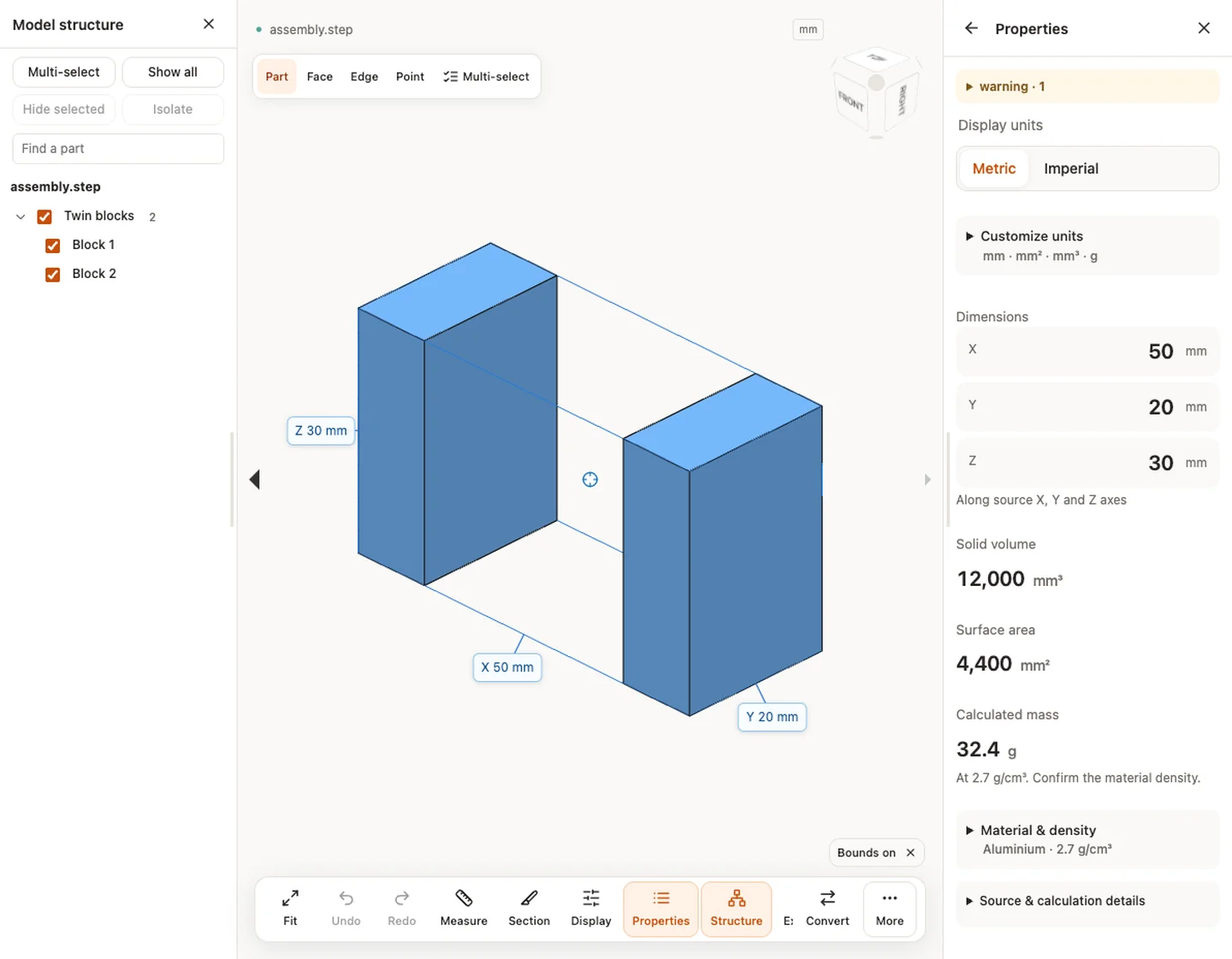
Self-contained STEP assemblies keep readable component names, colors and placements. Use the Model structure panel to select a component, hide it, isolate it or find a part by name. Totals count repeated instances, and overlapping parts are not subtracted. Hiding, clipping or exploding a part changes only what you see, not the source geometry.
Choose the right measurement mode
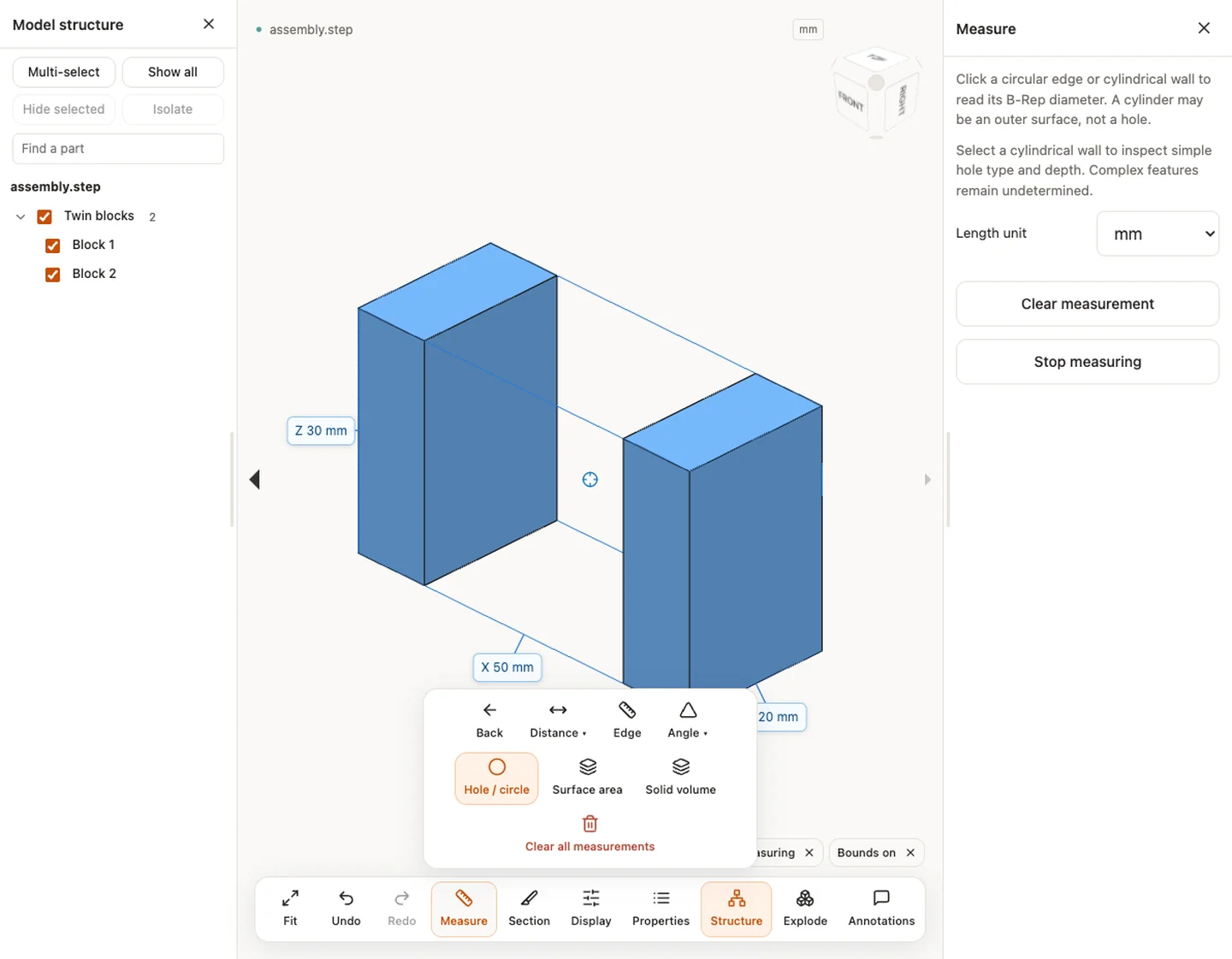
The modes answer different questions, so keep the mode and unit next to every number you copy out.
- Distance between two picked points is approximate, because the pick lands on the display mesh.
- Edge length and Hole / circle diameter read supported B-Rep geometry. Click a circular edge or a cylindrical wall to read a diameter; a cylinder can be an outer surface rather than a hole.
- Hole type and depth are shown for simple cases: full cylindrical through holes and flat-bottom blind holes. Stepped, intersecting and conical-bottom holes remain unclassified.
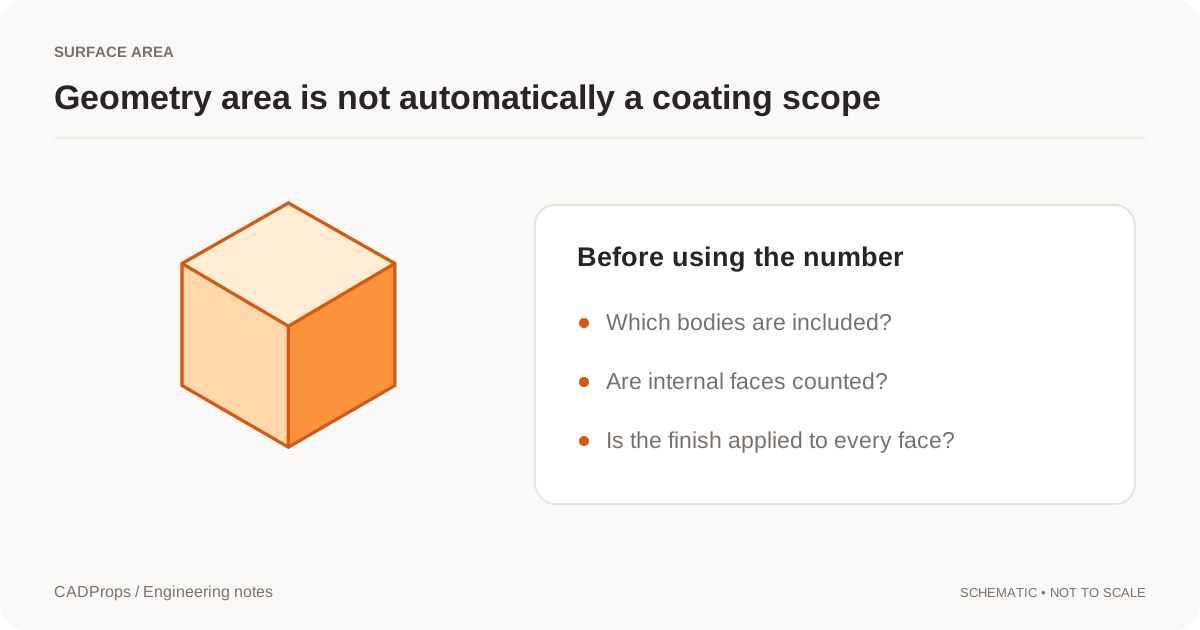
- Surface area and Solid volume come from the B-Rep when the file provides a valid closed solid. When it does not, the result is unavailable and is never shown as zero. Source units, method and precision in the Properties panel states how each value was obtained.
Section and display the model
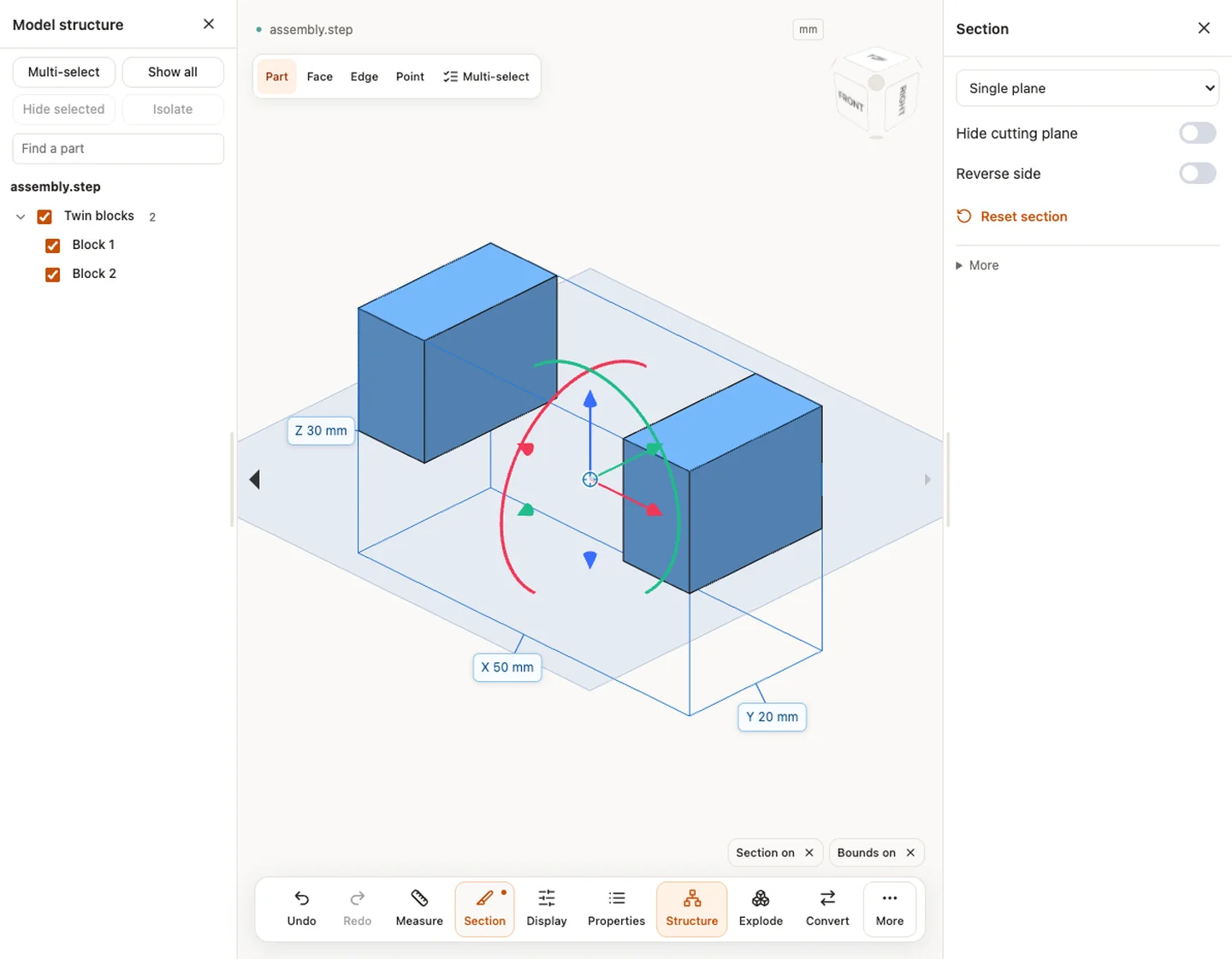
Section cuts the view with a single plane, several planes or a box, and you can reverse the side or hide the cutting plane. It clips only what you see; it does not calculate a cross-section area. The display options include wireframe and transparent views, which help when one body hides another.
Checks specific to STEP files
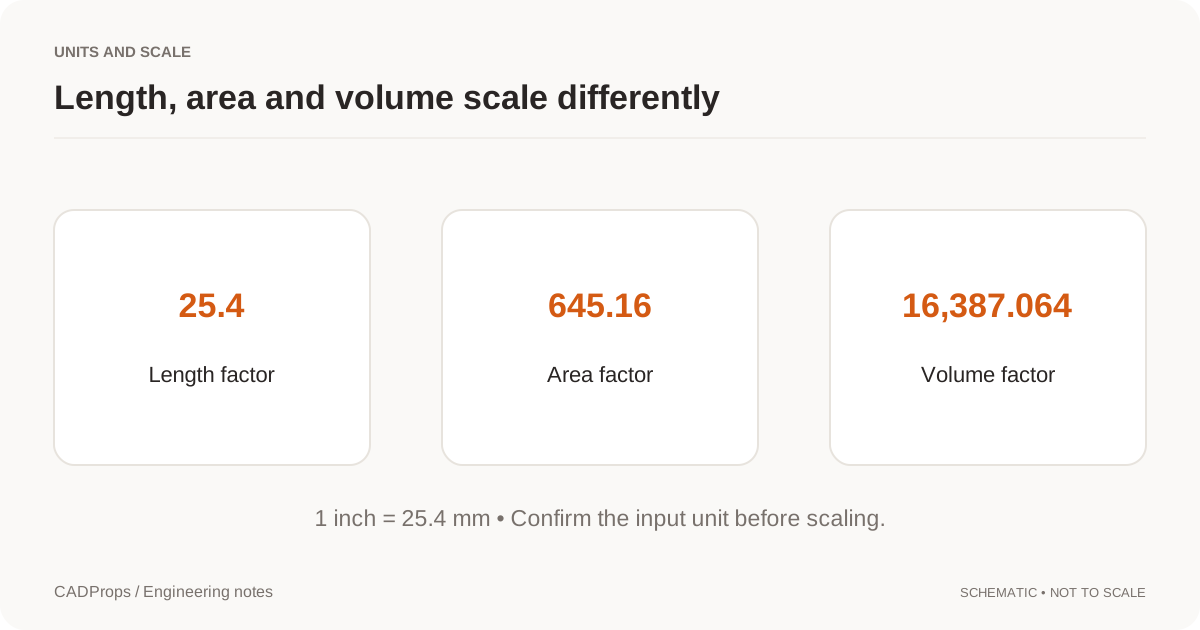
- Units. Compare one known dimension before using any measurement. A model that is 25.4 times too large or small points to an inch and millimetre mix-up; see fixing a 25.4 scale error.
- External references. CADProps reads self-contained STEP files and does not fetch files an assembly refers to. If parts are missing, ask the sender for a single-file assembly export.
- Open surfaces. A model that looks solid can be a set of open surfaces. Volume is then unavailable; why STEP volume is zero or missing explains the cause.
- Feature history. A STEP file carries the resulting geometry, not the feature tree. See why STEP export has no feature tree.
- Protocol. The header names the application protocol the exporter used. AP203, AP214 and AP242 lists what each can carry.
STEP file will not open or the viewer is blank
- Wrong extension or content. Renaming another CAD file to
.stepdoes not convert it. A real STEP file is text and starts withISO-10303-21;. Open it in a text editor to check; if it begins differently, ask for a fresh export. - Truncated download or email. A file that ends without
END-ISO-10303-21;was cut off. Download or export it again. - Blank canvas but properties are listed. Check the extents in Properties. A very small or very large model can look empty at the default zoom; compare the extents with a known size and rule out the inch/millimetre mix-up in fixing a 25.4 scale error.
- Missing parts in an assembly. The file may reference other files that were not included. Ask for a single-file assembly export.
- Only surfaces or nothing shaded. Some exports contain open surfaces or curves only; see why STEP volume is zero or missing.
- Still failing. Check the supported size and format limits in Input formats and the STEP file basics.
STP vs STEP: is there a difference?
No. .stp and .step are the same ISO 10303-21 format; only the extension differs, a leftover of the older three-letter limit. The viewer accepts both. What can differ is the application protocol inside (AP203, AP214, AP242), covered in STEP vs STP and AP203, AP214 and AP242.
Input formats: STEP / STP
General steps for uploading, viewing, sectioning, measuring, converting and exporting are explained once in How it works. This page covers what is specific to this file type.
Real CADProps screenshots
The screenshots show the English interface. Captions and instructions describe the same operations.
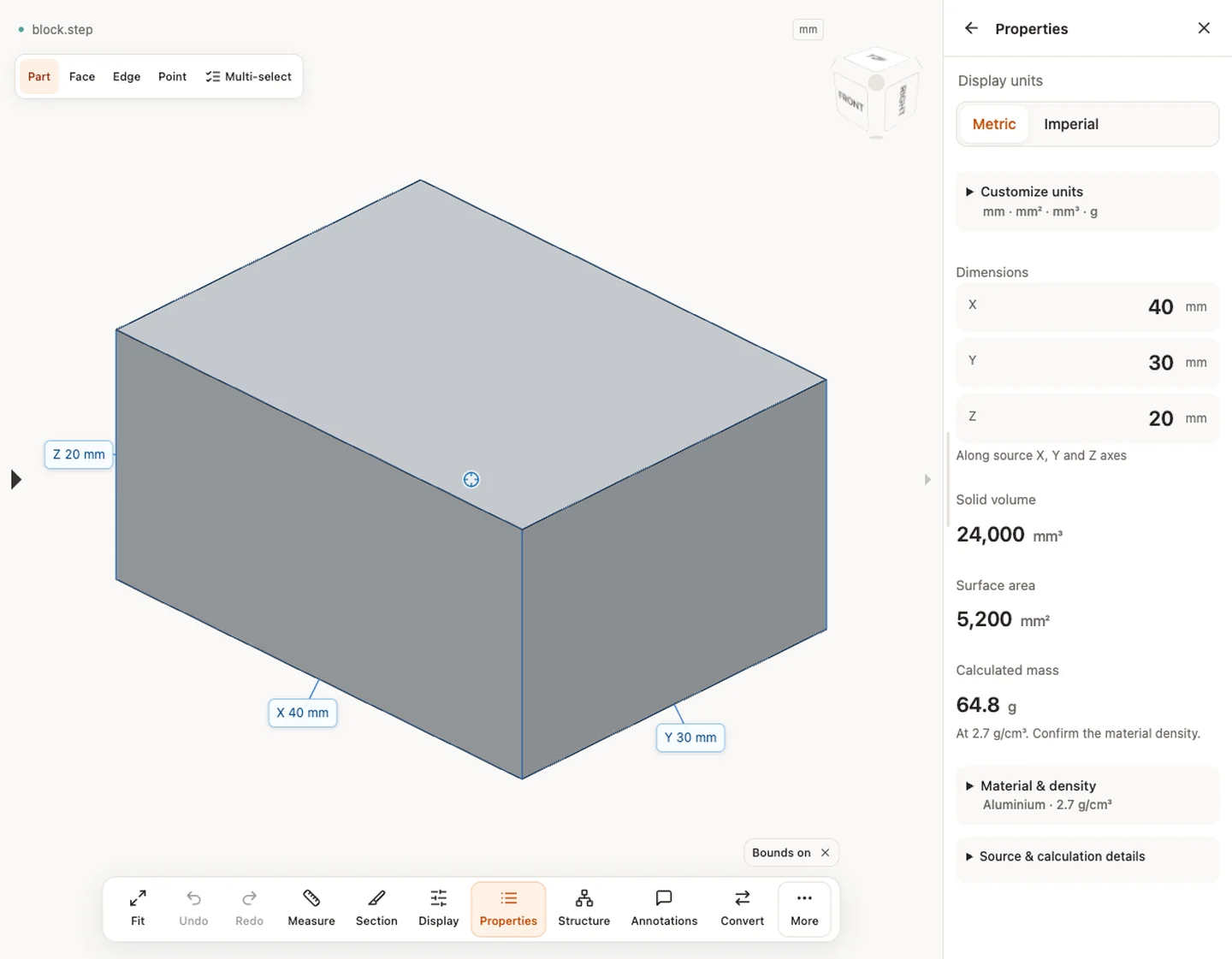
Sample source and verification
When a result needs another check
Viewing can start without an account. Conversion, account storage and share creation require signing in. Temporary files expire after the displayed retention period. Read the privacy statement for server processing and deletion, and the accuracy notes before using numerical results. Do not assume that hiding a part, clipping it or exploding an assembly changes the exported source geometry.
When a result needs another check · Input formats
Continue with a related task
- Export SolidWorks to STEP
- STEP File Dimensions Online: Measure X, Y, Z & Distances
- CAD Volume Calculator: Measure STEP Solid Volume
- Convert STEP to STL Online
- CAD Surface Area Calculator: Measure STEP Geometry
- CAD Weight Calculator: STEP Volume & Material Density
For fast part and assembly viewing, see Fast CAD viewing with CADProps, with real model examples and loading times.
Original article: CADProps · https://www.cadprops.com/tools/step-viewer/