View without an account
 Temporary workspace
Open an NX PRT file without installing Siemens NX. Upload the part—or a ZIP containing an assembly and its local references—then inspect the converted geometry, dimensions and loaded-component scope before using properties or exporting STEP.
Open an NX PRT file online
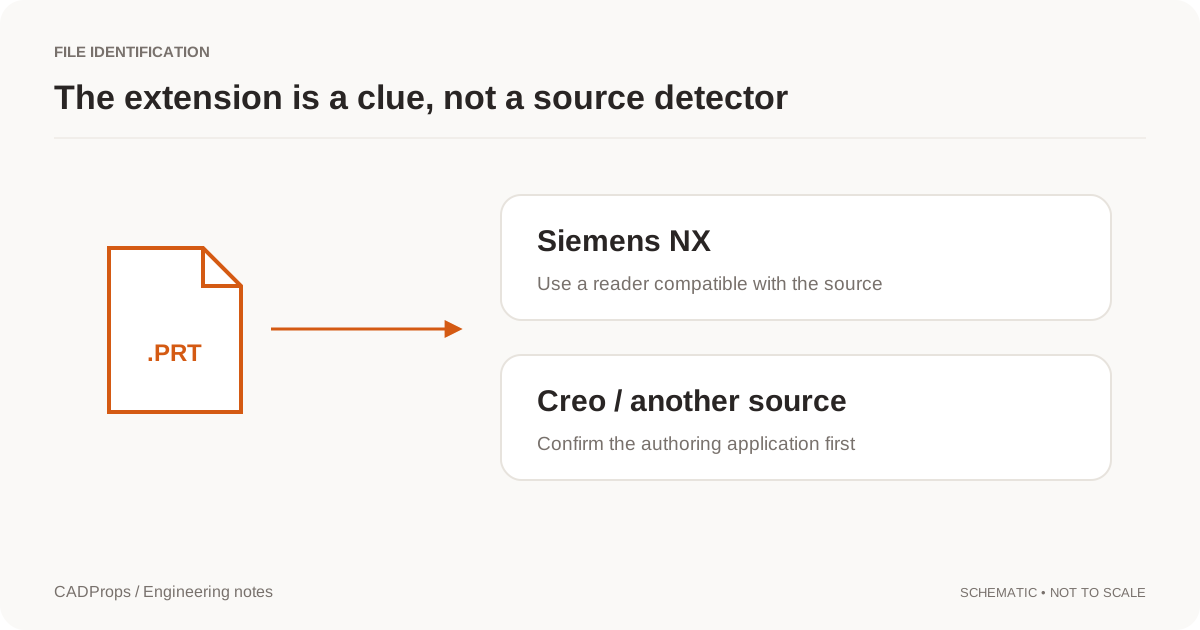
Upload a supported Siemens NX / UG NX PRT file to the temporary workspace. Because .prt is also used by other CAD systems, source identification matters: confirm that the file really came from NX before diagnosing a rejected file as corrupt.
NX or Creo: how a .prt file is identified
CADProps decides from the file's content, not from the extension. A Siemens NX part goes to the NX reader. A Creo or Pro/ENGINEER part, including numbered saves such as part.prt.7, is recognized as Creo and is not reported as a damaged NX file; the Creo page explains what it shows. If you are not sure which system wrote a .prt, read NX or Creo PRT.
Check the part before trusting properties
Rotate and fit the model, then verify a known dimension, expected body count and model orientation. If the geometry is incomplete or the source version is unsupported, a shaded preview alone is not enough to approve the file.
Package NX assemblies with their references
For assembly workflows, preserve the relative folder structure and include referenced PRT files in a ZIP. Missing components are reported. When only part of the assembly loads, dimensions, volume and mass apply only to the loaded geometry.
Measure converted geometry
Use the measurement tools for overall dimensions and supported geometry properties. Keep the current model shape separate from drawing tolerances or PMI requirements; the viewer does not infer manufacturing acceptance limits from the geometry.
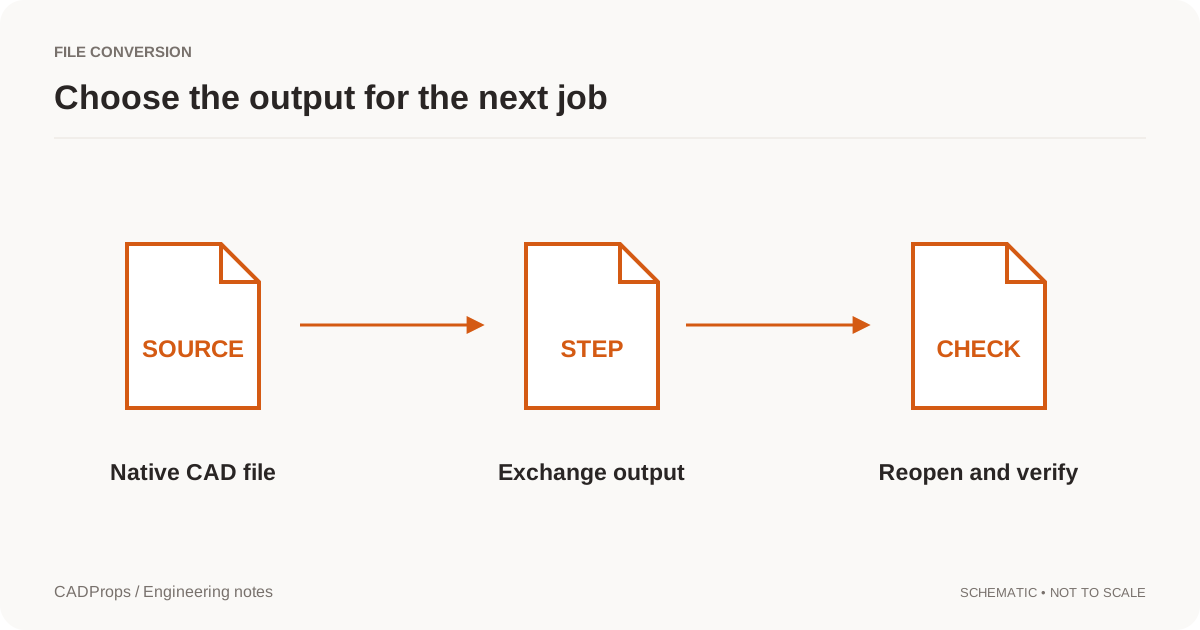
Convert NX PRT to STEP
When the next system needs neutral CAD, move to the NX-to-STEP converter and verify the output. STEP does not preserve the original NX feature history, so keep the native file as the authoritative editable source when needed.
Exact and approximate results
NX PRT files are shown from the display geometry NX saved in the file, so dimensions and properties are approximate and the STEP export is a mesh STEP, not exact NX surfaces. Files saved without display geometry show their saved thumbnail.
When to ask the NX user for a STEP export
The saved display is enough to see which part arrived, check its overall size and find missing assembly components. It is not enough when someone needs exact faces. Ask the sender for a STEP exported from NX when you need to:
- quote or machine from exact hole diameters and faces;
- run CAM toolpaths or FEA that expect solid B-Rep geometry;
- compare against drawing tolerances finer than the display facets.
For 3D printing or visualization, the displayed triangles can be exported as STL, OBJ, 3MF, GLB or glTF after signing in.
Input formats: PRT
General steps for uploading, viewing, sectioning, measuring, converting and exporting are explained once in How it works. This page covers what is specific to this file type.
Real CADProps screenshots
The screenshots show the English interface. Captions and instructions describe the same operations.
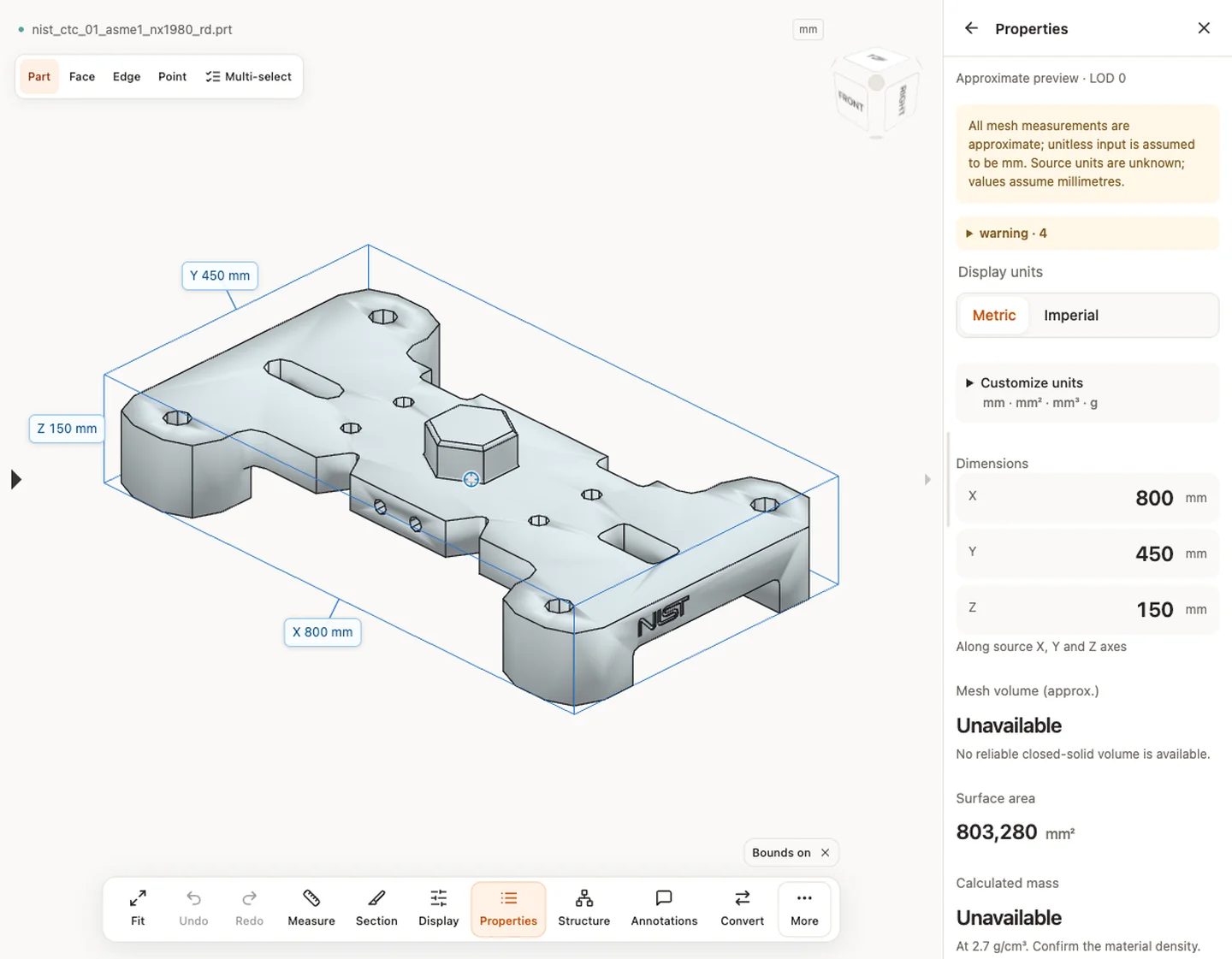
Sample source and verification
When a result needs another check
Viewing can start without an account. Conversion, account storage and share creation require signing in. Temporary files expire after the displayed retention period. Read the privacy statement for server processing and deletion, and the accuracy notes before using numerical results. Do not assume that hiding a part, clipping it or exploding an assembly changes the exported source geometry.
When a result needs another check · Input formats
Continue with a related task
- NX PRT to STEP Converter Online: Siemens NX / UG NX
- STEP File Viewer Online: Open STP Files, No Account
- STEP File Dimensions Online: Measure X, Y, Z & Distances
Original article: CADProps · https://www.cadprops.com/tools/nx-viewer/