

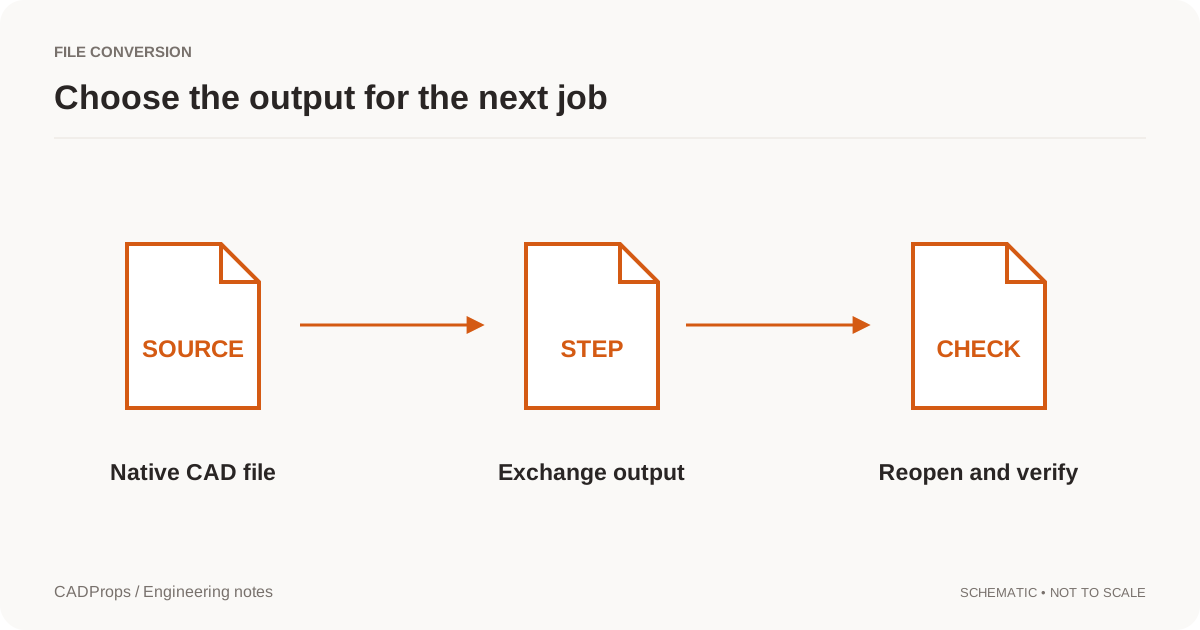
If you want to run the conversion directly, use the NX PRT to STEP converter. The guide below focuses on the checks that keep a successful conversion from becoming the wrong engineering handoff.
The export is a mesh STEP built from the display geometry NX saved, not exact NX surfaces. When the receiving CAD or CAM system needs a solid, ask for a STEP export from NX.
A .prt extension is not a complete description of a CAD file. Before converting a PRT attachment, establish which application wrote it. Siemens NX and Creo both save part files with the .prt extension, so choosing a reader from the extension alone can send the task down the wrong path.
For an NX-to-STEP handoff, the output format is only part of the agreement. You also need to know which part or assembly, which configuration or loading scope, which units and which revision are being delivered.
Identify the source without changing it
Keep the original PRT unchanged. Ask the sender for the source application and release, especially if the reader reports an unsupported file. Check whether the attachment is the full data package or only one member of an assembly.
Do not try to fix a rejected file by renaming the extension. That changes the label, not the binary structure. Likewise, resaving through an unrelated mesh tool may produce a viewable model without preserving the geometry representation you wanted.
When confidentiality prevents cloud processing, use an approved local workflow or ask the sender for an agreed neutral export. An upload button does not create permission to transmit a customer's design.
Specify the deliverable before running the conversion
A small handoff note can prevent several rounds of email:
| Item | Example instruction |
|---|---|
| Input | The released NX part, not a screenshot or visualization-only extract |
| Scope | The mounting bracket only; no fixture geometry |
| Revision | Match the revision named in the accompanying drawing |
| Units | Millimeters |
| Output | STEP using a profile supported by the recipient |
| Structure | Preserve components where the receiving workflow needs them |
These are example choices, not defaults that suit every job. In particular, merging bodies or flattening an assembly should be an explicit decision. It may simplify viewing while making component-level work harder later.
Export and import capabilities are different
A translator may read NX and write STEP without being able to write a native NX design. That is normal: reader and writer capabilities are separate. A product's format table should tell you which direction is supported and whether B-Rep, assembly data or other information is included.
Treat “supports NX” as the beginning of the compatibility check. Do not assume it promises every release, all configurations, original design history or all manufacturing annotations. The format matrix is a boundary, not a substitute for an end-to-end test.
Reopen the STEP in the receiving workflow
Do not stop when the conversion service reports that it saved a file. Reopen that file in the program that will use it, or in an independent reader when practical. Confirm the unit interpretation, overall dimensions, expected body count and component placement.
Check one or two functional details rather than only the outside silhouette. A small hole, an internal pocket or a mating surface may be the feature that matters to the next process. If the reader cannot expose the required detail, record the limitation instead of approving it from a shaded picture.
STEP validation can include checks of format structure and of specific product data. NIST distinguishes analysis of file information from visual confirmation of contents; a successful display alone does not establish every required property. NIST validation overview.
Keep an output record
Save the source filename, revision, selected scope, translator version if available and the main export choices with the result. Record any known losses, such as an attribute that was not transferred. A neutral file should not acquire a new design revision merely because its extension changed.
When you share the output, include the original revision label and identify the exported file clearly. bracket_RevB.step is easier to handle than output_final_2.step, but the filename still needs to agree with the actual package contents.
When the result needs another attempt
A scale mismatch suggests a unit problem, not necessarily faulty geometry. A part that looks split into many faces can reflect a representation change. A missing component can indicate scope or reference issues. Diagnose the symptom before applying repair tools.
Use the conversion checklist to separate a failed translation from an output that is valid but unsuitable for the intended task. That distinction makes feedback to the sender or tool provider much more precise.
Use the actual PRT result to choose the next step
Confirm that the source is NX or UG NX before using the NX converter; Creo also uses PRT names. For an assembly, check references and the intended root before requesting conversion. A readable preview validates that input and scope, not every NX saved version.
Sign in for conversion, preserve the source and reopen the downloaded STEP. Compare a known dimension, required bodies and critical interfaces in the receiving application. If preview geometry is mesh-derived, do not use its approximate properties as evidence of exact-solid preservation. If the native read fails, request a fresh source-CAD STEP export rather than renaming the attachment or claiming corruption.
Once you have the STEP export, you can open the STEP file in the browser with the STEP file viewer and check size and units before forwarding it.
Original article: CADProps · https://www.cadprops.com/guides/nx-prt-to-step/