The tools catalog covers 92+ supported file extensions across supported format groups. Choose the task first, then the file format. Open a model to inspect its geometry, use the property tools for numerical checks, compare two revisions, collect a batch CSV, convert an input into a supported output, or create a fixed model share.
Viewing and measurement can start without an account. Conversion, account storage and share creation require signing in. Processing takes place on the server. Formats and valid geometry determine which functions and results are available.
Open Rhino 3DM saved meshes · Parasolid X_T / X_B viewer · ACIS SAT / SAB viewer · Fast online viewing for parts and assemblies
Solid Edge PAR / PSM / ASM viewer · Creo file check and saved thumbnail · DWF / DWFx published-page viewer · G-code viewer for 3D printing and CNC toolpaths
A mesh export or a saved drawing image?
The 3DXML viewer opens packages with XML or CATIA V5 binary (UVR) .3DRep tessellations and applies supported saved component placements. Other binary representations and exact B-Rep are unavailable. PLY triangle surfaces, static VRML97 (.wrl, .vrml, .wrz) scenes, static X3D (.x3d, .x3dv) scenes, I-DEAS Universal (.unv) finite-element meshes, VDA-FS (.vda, .vdafs) surfaces, Creo / Pro/ENGINEER Neutral (.neu) parts, IFC (.ifc, .ifczip) building models, Autodesk Fusion (.f3d) designs, Universal 3D (.u3d) meshes, PRC (.prc) models and flat AMF triangle volumes open in the workspace; the mesh format notes explain their individual limits. Properties and mesh exports are approximate. 3DXML, PLY and VRML use unverified, assumed millimetres; AMF applies declared units, defaulting to millimetres. X3D verifies units only when the file declares a length UNIT; otherwise the X3D default of metres is assumed. UNV verifies units from its units dataset (164); otherwise millimetres are assumed. VDA-FS coordinates are millimetres by definition. NEU parts state no unit, so millimetres are assumed. IFC verifies units from the project's length unit. F3D bodies are stored in centimetres and converted to millimetres. U3D states no unit, so millimetres are assumed. PRC units are read from the model's unit declaration when present; otherwise millimetres are assumed.
An SLDDRW, IDW, DFT, CATDrawing or Creo DRW attachment has a different result: only its saved preview image is shown. The respective native viewer explains this boundary. No drawing views, dimensions or title blocks are read, and the image supplies no 3D geometry, rotation, measurement, exact properties or model conversion. Request an exported drawing or the 3D model when the saved image is absent or insufficient.
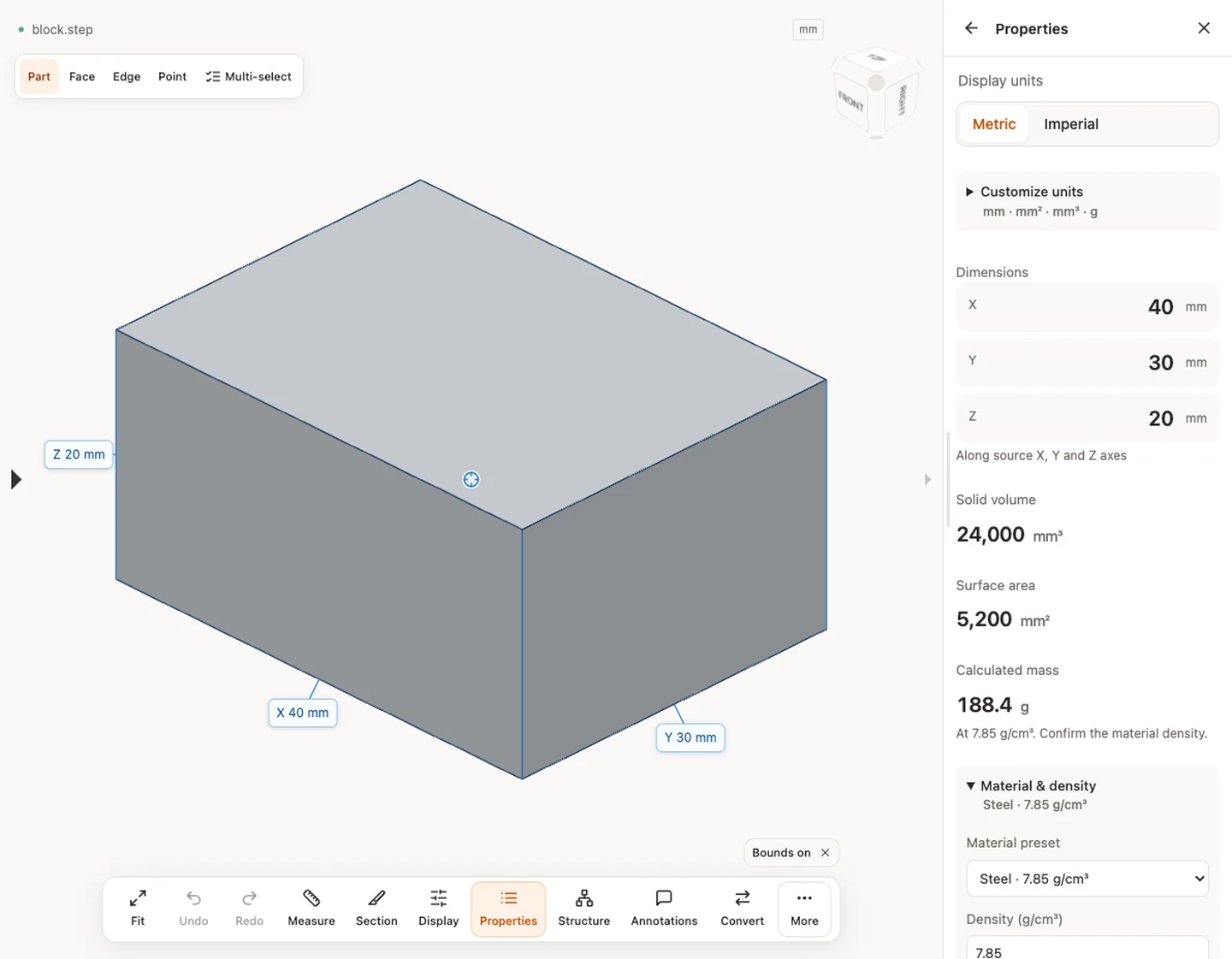
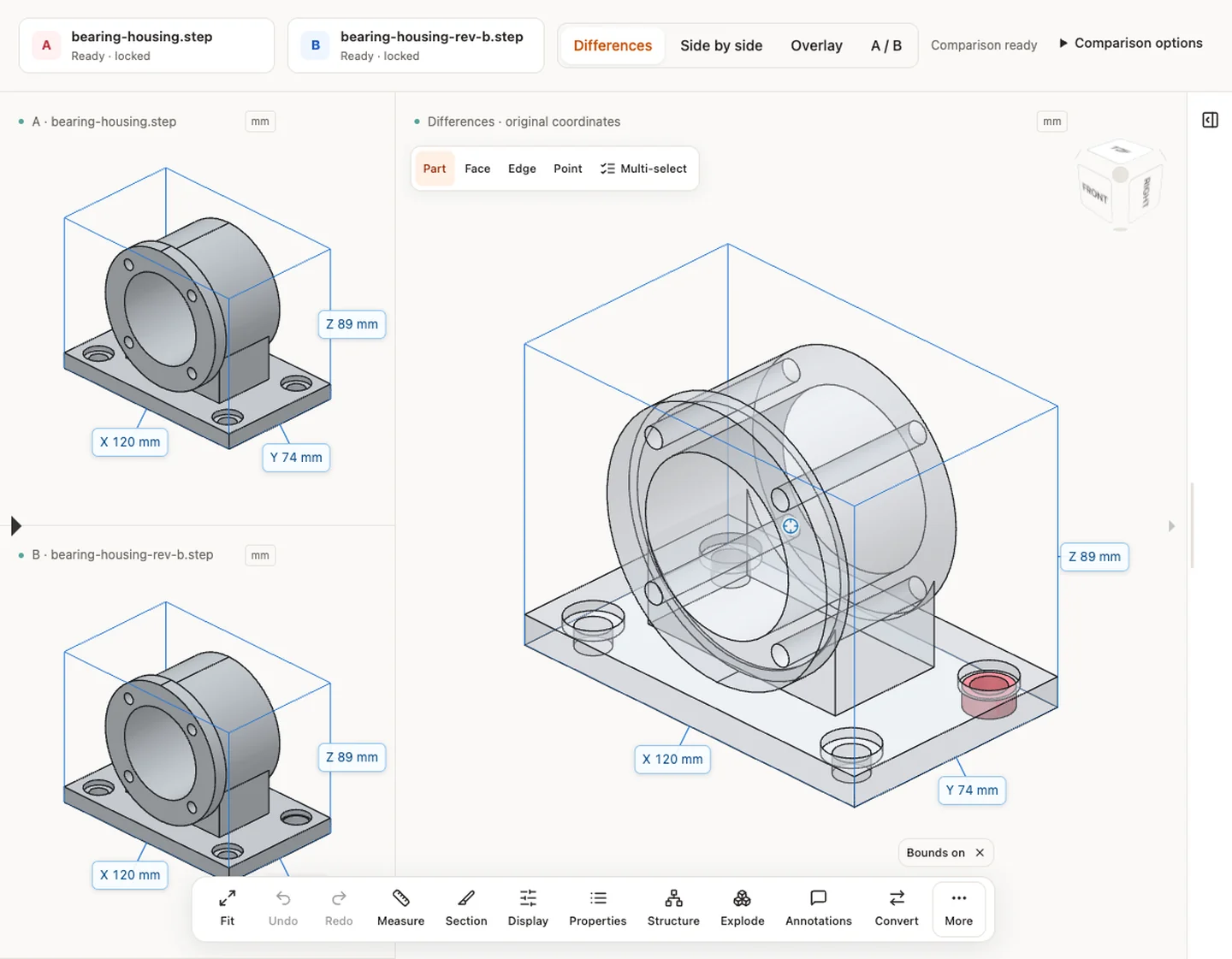
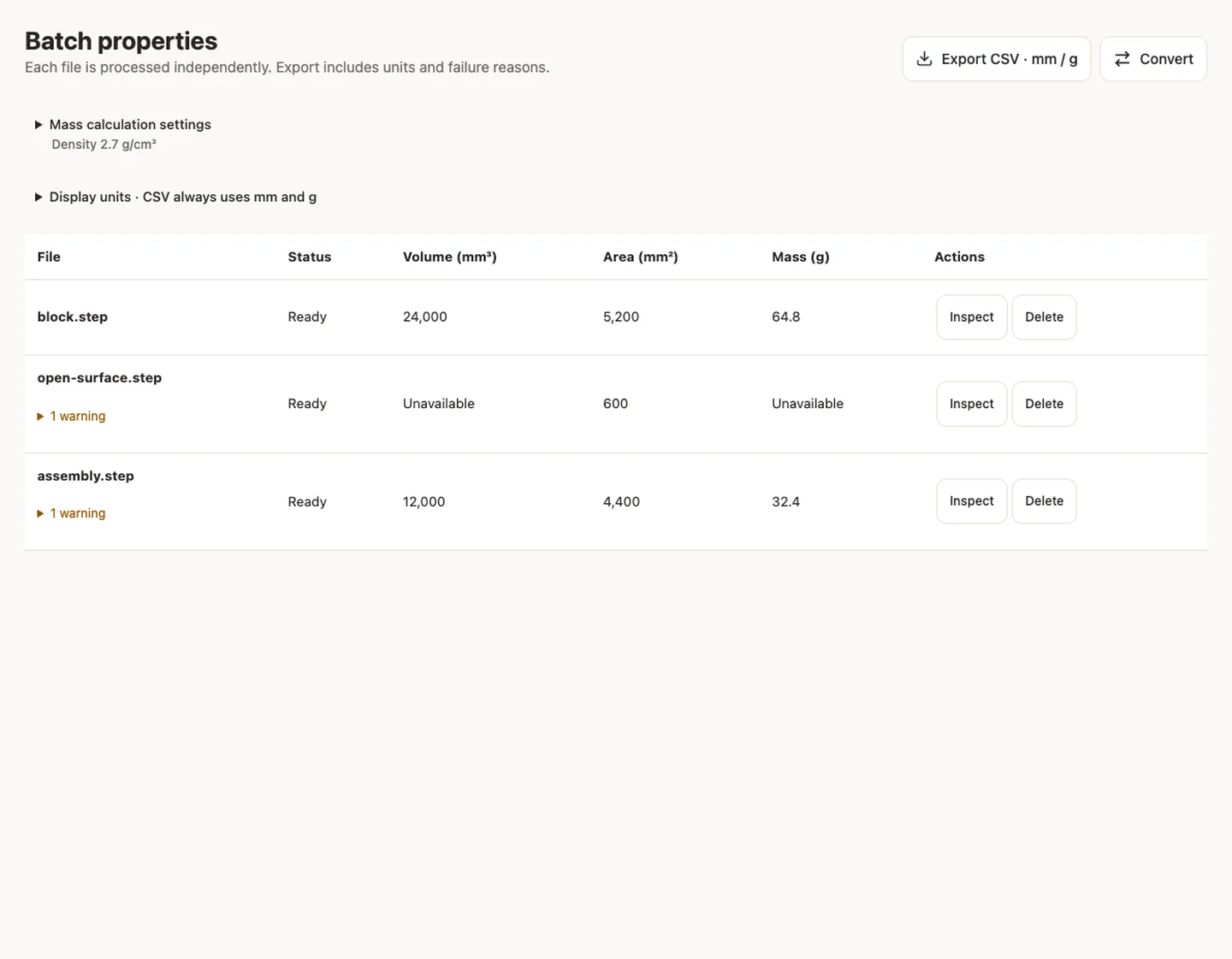
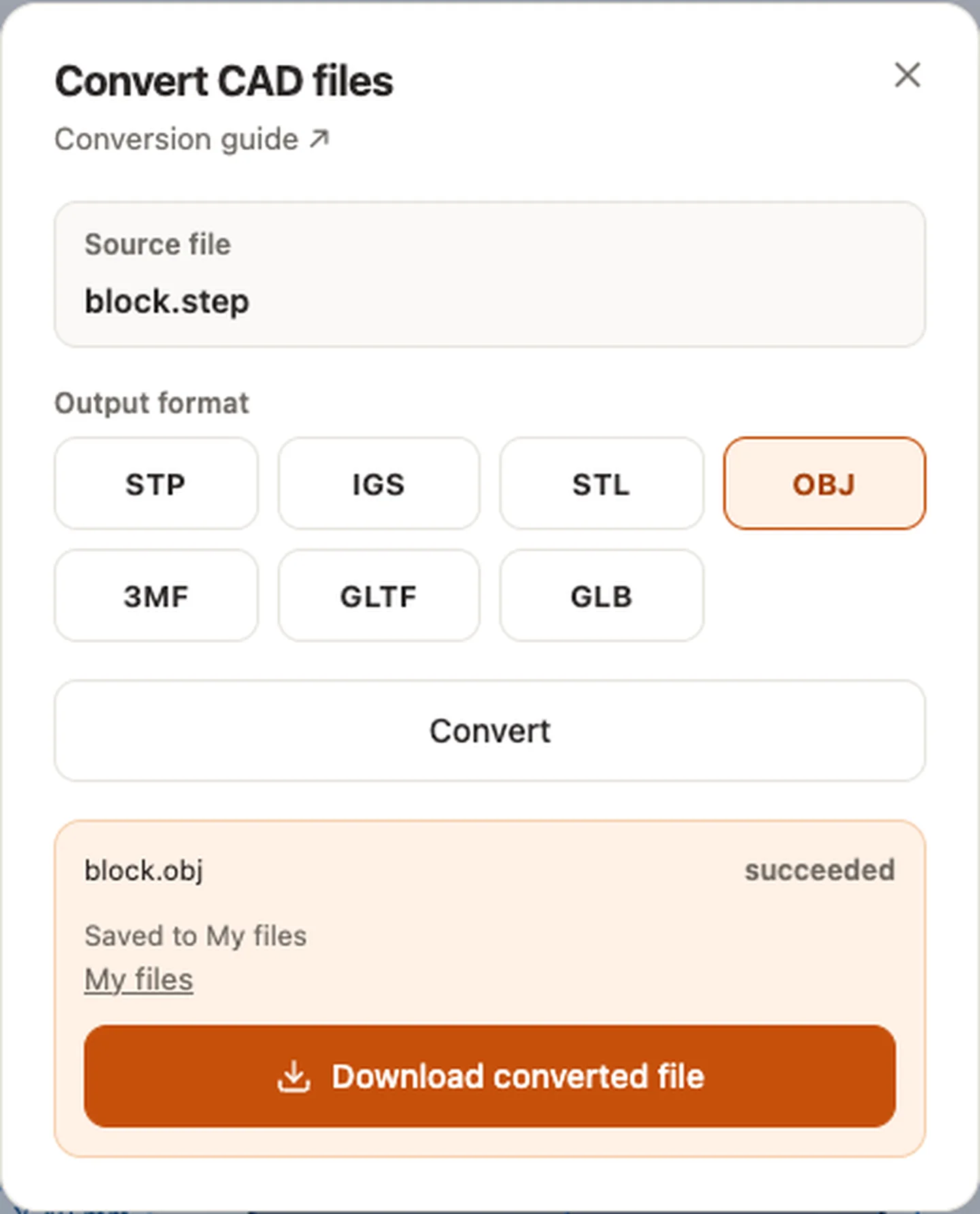
Real CADProps screenshots
The screenshots show the English interface. Captions and instructions describe the same operations.
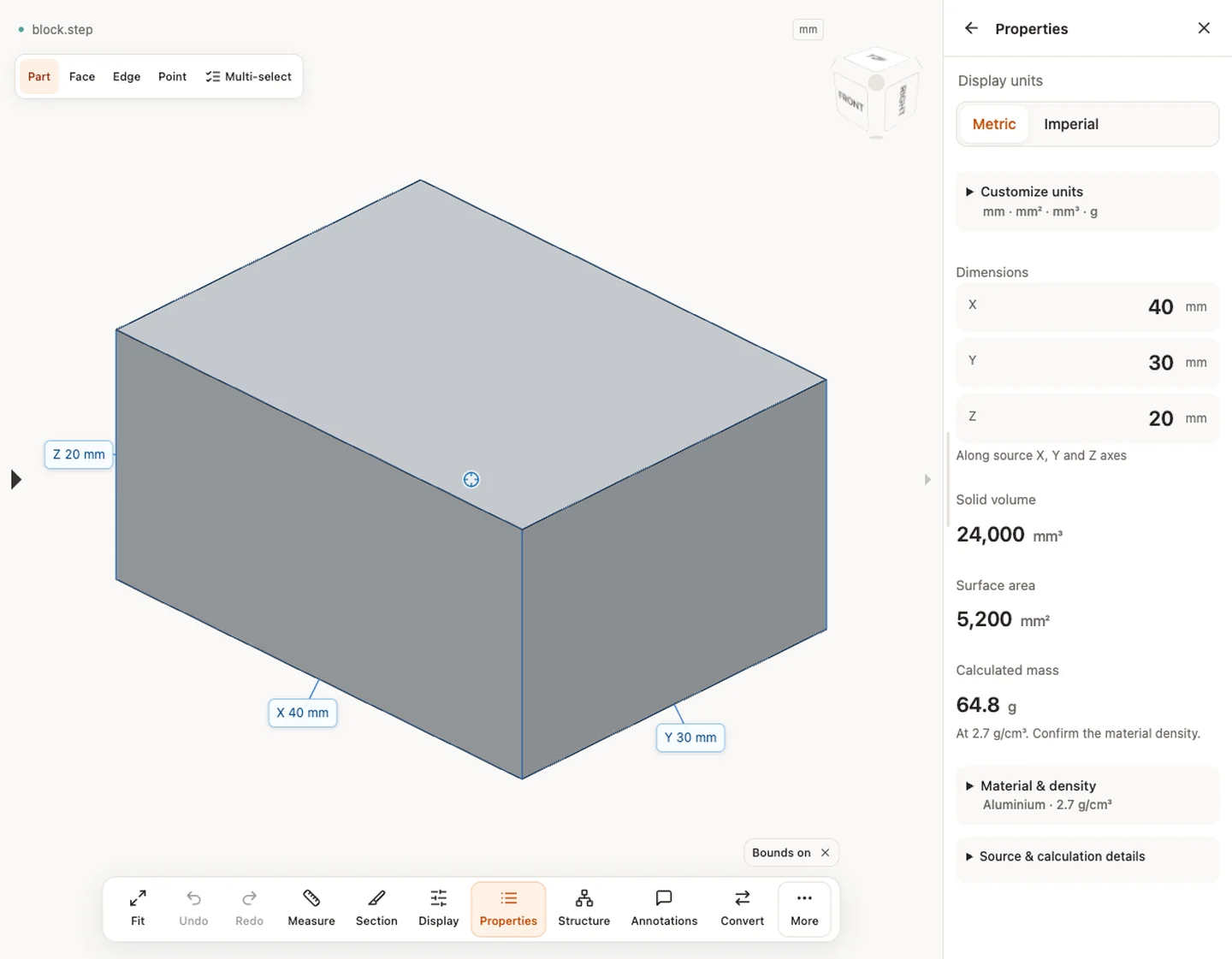
Sample source and verification
Sample source and verification
Sample source and verification
Sample source and verification