Confirm the IGES is the intended model
Open the IGES file and check that the expected surfaces or solids loaded. An IGES extension does not say whether the file is a closed solid, a set of faces or a trimmed surface model.


Convert IGES/IGS files to STEP online. Open surfaces stay surfaces; volume is available only when the source is a closed solid.
 No account required
 Temporary workspaceCAD processing
Convert a supported IGES or IGS file to STEP. Inspect the source first: many IGES files are open surfaces, and conversion does not close them into a solid.
Open the IGES file and check that the expected surfaces or solids loaded. An IGES extension does not say whether the file is a closed solid, a set of faces or a trimmed surface model.
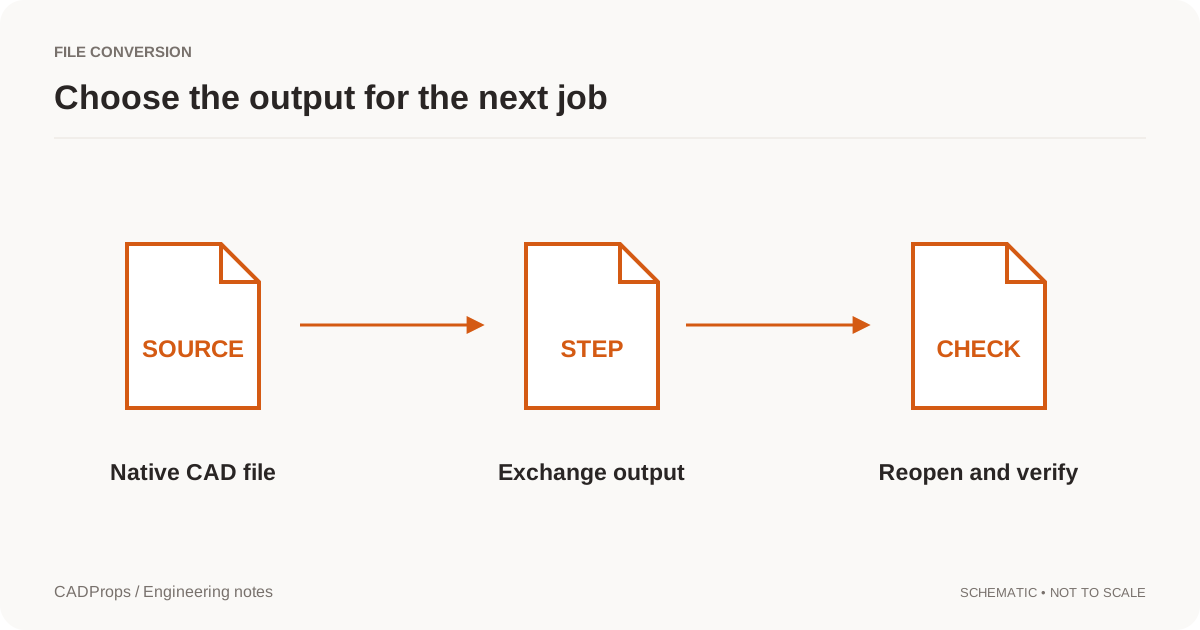
Choose STEP as the output and download the result. The conversion exchanges the geometry that could be read. It does not invent a feature tree, and it does not sew open shells into a solid.
Dimensions and surface area can be available for open shells. Volume and any density-based mass require a valid closed solid. If the IGES was surfaces, the STEP result can still be surfaces.
Yes, for supported IGES and IGS files. Upload the file, choose STEP and download the converted geometry.
No. Open shells stay open. Volume is reported only when the geometry is a valid closed solid.
No. Both formats exchange geometry. The conversion does not recreate a parametric feature tree.
ConversionReopen the output, verify scope and units, inspect critical geometry, and include a short record of what was and was not checked.
Read the guide →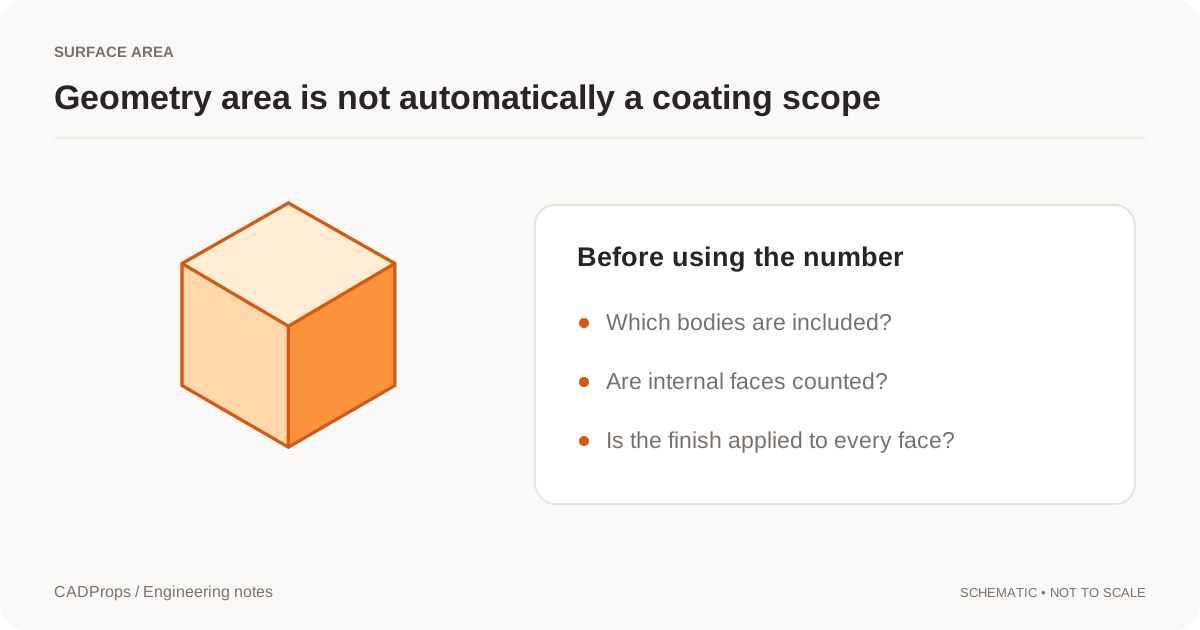 Troubleshooting
Understand an IGES surface import before stitching boundaries or assuming the reader failed to create a solid.
Read the guide → File formats
Compare STEP and IGES for CAD handoffs, solids, surfaces, assemblies and downstream verification without assuming one file extension guarantees a perfect transfer.
Read the guide →