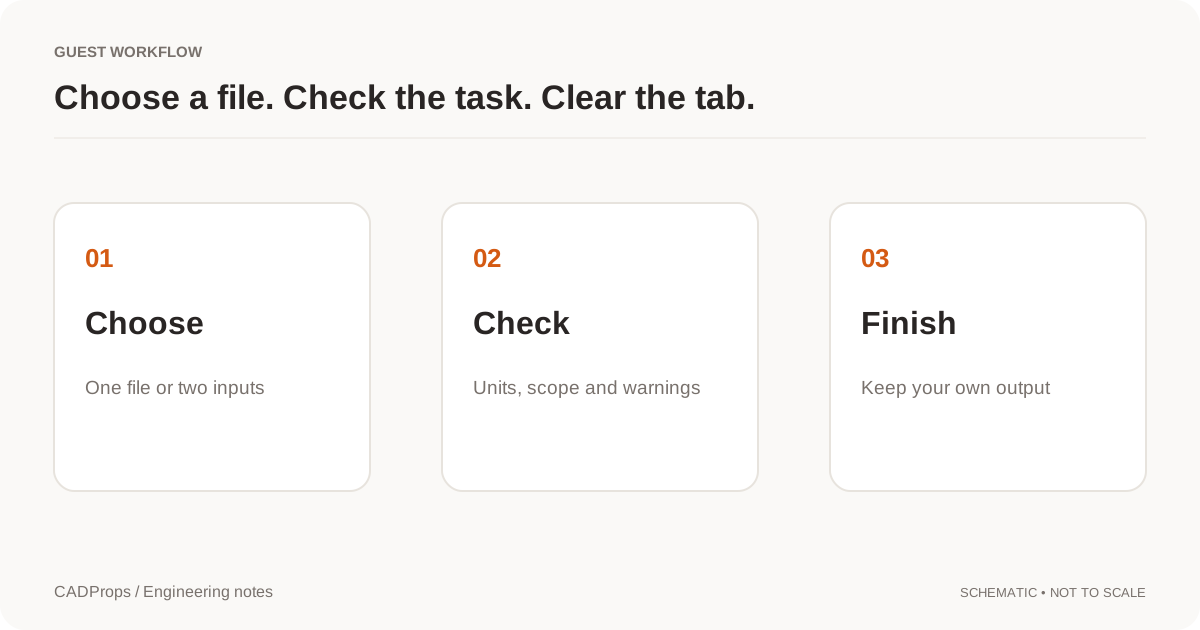
View without an account
 Temporary workspace
Open a supported ACIS SAT or SAB file, inspect its geometry, then convert complete, valid geometry to STEP for a receiving CAD or CAM system. Viewing does not require an account. Register or sign in before starting conversion. Selecting a file uploads it for server-side processing.
What is SAB? SAT versus SAB
SAT is the text form of ACIS model data; SAB is the binary form. CADProps reads supported files in both encodings. Neither encoding recreates the authoring application's feature history. Keep the original file unchanged: renaming SAB to SAT or changing an extension to STEP does not translate the contents.
How to open a SAB file online
Select the original .sab or .sat file, wait for processing and inspect the result in the workspace. Rotate and fit the model, read any omissions and compare the expected bodies with the source. If no usable geometry loads, record the error and ask the sender for a fresh SAT or STEP export.
Inspect the geometry before converting
Check the expected bodies, overall dimensions and one known feature against the source drawing or the sender's value. A model fitted to the screen can look correct at the wrong scale. The ACIS header unit factor is applied, but units are marked assumed; confirm a known length before relying on physical values. Display uses triangles, while readable reconstructed B-Rep can provide geometry properties and supported edge or face measurements. Point distances picked on the display mesh are approximate; any recovered mesh volume is approximate too. Read the reported method and warnings. Solid volume needs suitable closed solid geometry; an unavailable result is not zero. Calculated mass also needs a confirmed density. Incomplete results describe only loaded geometry.
Convert SAT or SAB to STEP in the workspace
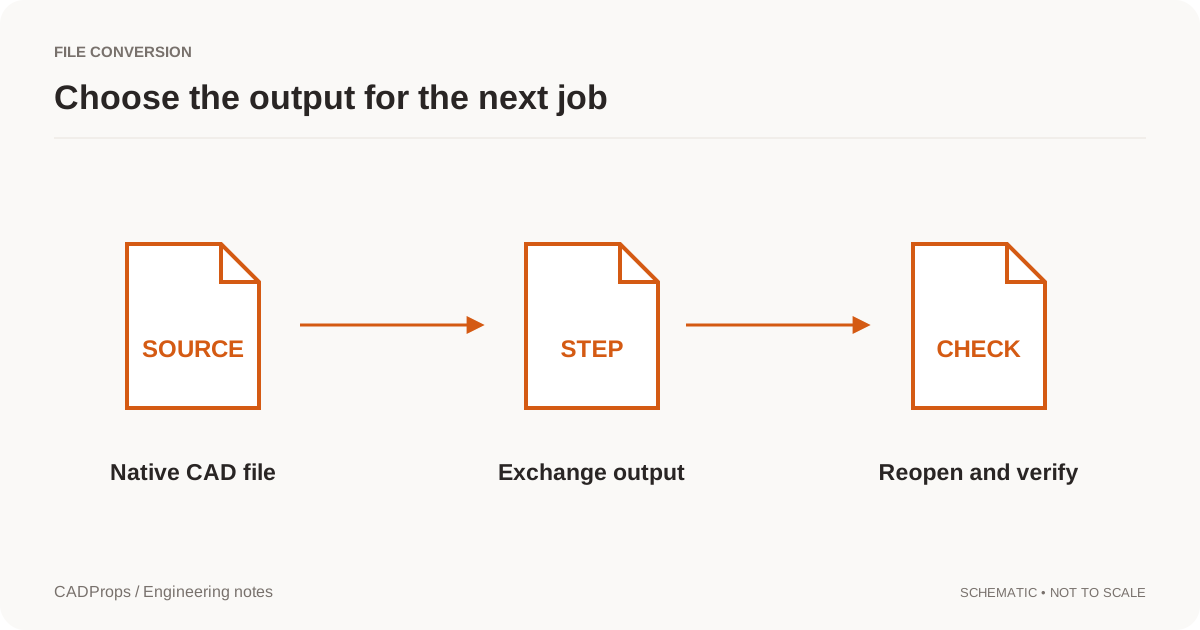
After inspection, register or sign in and open Convert. Select the SAT or SAB source and choose STEP from the available targets, then start the conversion. Exact STEP export requires complete, valid reconstructed source B-Rep; partial or unsupported geometry is refused even if a preview is visible. Download the result after processing completes. If STEP is unavailable, use the reported message to check the source version and geometry before retrying. Keep the original alongside the derivative.
Check the downloaded STEP
Open the exported file in the application that will receive it. Compare source units, one known dimension, expected bodies, orientation and critical holes or mating surfaces. For valid closed solids, volume provides an additional check, but a matching volume alone does not establish that every detail survived. Record the part revision and the purpose of the handoff. Conversion does not reconstruct the original parametric feature tree.
SAB APATTERN and other compatibility limits
Standalone SAB files with APATTERN pattern-instanced topology are not supported. Ask the sender to export an unpatterned SAT or STEP file from the source application. Changing the extension cannot remove this limitation. Other unsupported entities, invalid geometry, save versions or resource limits may cause an error or an incomplete preview. Record the exporting application, release and reported message. Repeated conversion cannot recover missing geometry. A visible preview is not manufacturing approval.
Review upload and retention before sharing a design
Files are processed on the server. Use the current upload limit shown in the workspace, and upload only designs you are authorized to share with CADProps. The workspace shows when each temporary file expires; the file, its previews and results are then deleted. Uploaded files stay private, as the privacy policy explains.
Input formats: SAT, SAB
General steps for uploading, viewing, sectioning, measuring, converting and exporting are explained once in How it works. This page covers what is specific to this file type.
Real CADProps screenshots
The screenshots show the English interface. Captions and instructions describe the same operations.
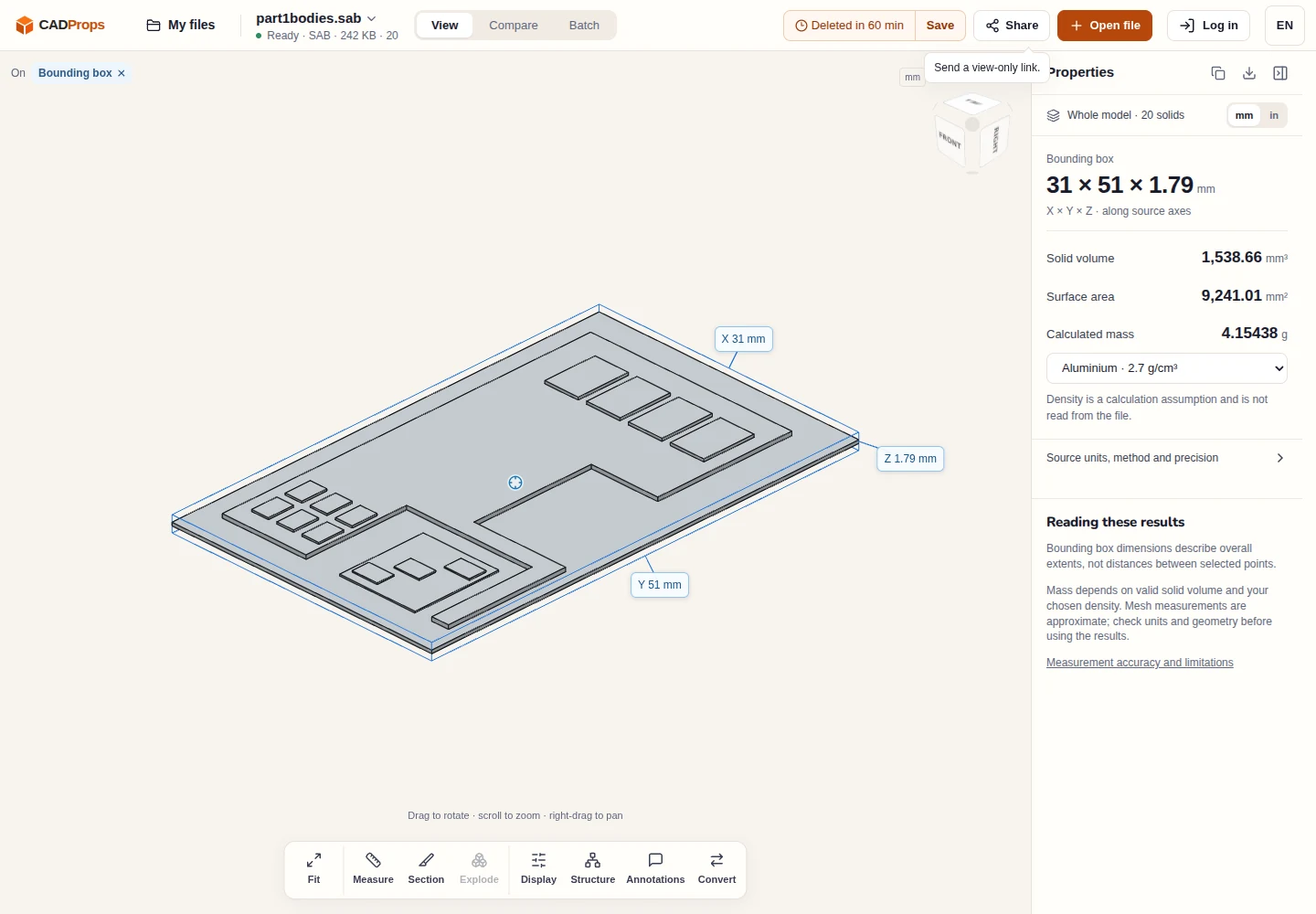
Sample source and verification
When a result needs another check
Viewing can start without an account. Conversion, account storage and share creation require signing in. Temporary files expire after the displayed retention period. Read the privacy statement for server processing and deletion, and the accuracy notes before using numerical results. Do not assume that hiding a part, clipping it or exploding an assembly changes the exported source geometry.
When a result needs another check · Input formats
Continue with a related task
- STEP File Viewer Online: Open STP Files, No Account
- STEP File Dimensions Online: Measure X, Y, Z & Distances
Original article: CADProps · https://www.cadprops.com/tools/acis-viewer/