Check the STEP geometry before export
Confirm units and that the bodies you intend to print or view are present. 3MF will carry the tessellated shape, not the original CAD construction.


Convert STEP/STP models to 3MF mesh geometry. Print profiles, materials and manufacturing instructions are not created.
 No account required
 Temporary workspaceCAD processing
Convert a STEP or STP model to 3MF when you need mesh geometry in a 3MF package. The output does not include print settings or manufacturing instructions.

Confirm units and that the bodies you intend to print or view are present. 3MF will carry the tessellated shape, not the original CAD construction.
Choose 3MF and download the file. The conversion writes core mesh geometry. It does not write printer profiles, slice settings or manufacturing instructions.
Declared 3MF units are converted to millimetres when CADProps measures the file. Dimensions and area are approximate. Volume requires a closed, consistent mesh.
Yes. Upload a STEP or STP file, choose 3MF and download the mesh package.
No. The conversion contains geometry only. Printer profiles and manufacturing instructions are not created.
No. 3MF measurements are mesh approximations. A closed STEP solid can have a precise volume; the 3MF result depends on the triangle mesh.
File formatsCompare 3MF and STL for mesh exchange, including declared units, packaging, multiple objects, metadata and what CADProps can actually inspect from each format.
Read the guide →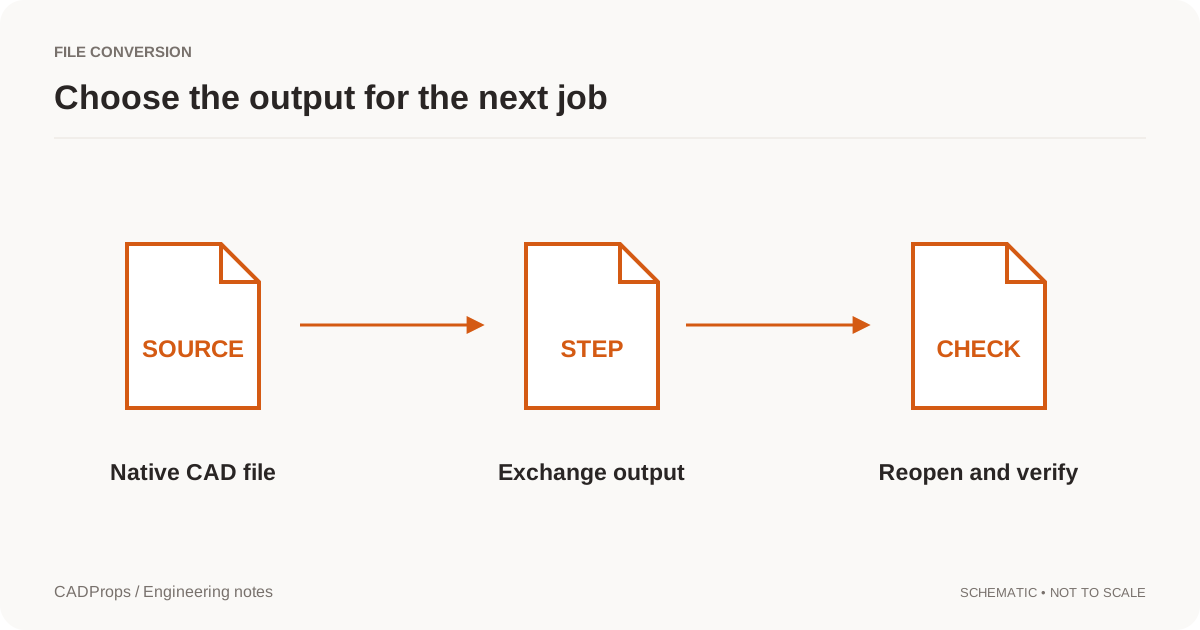 Conversion
Reopen the output, verify scope and units, inspect critical geometry, and include a short record of what was and was not checked.
Read the guide →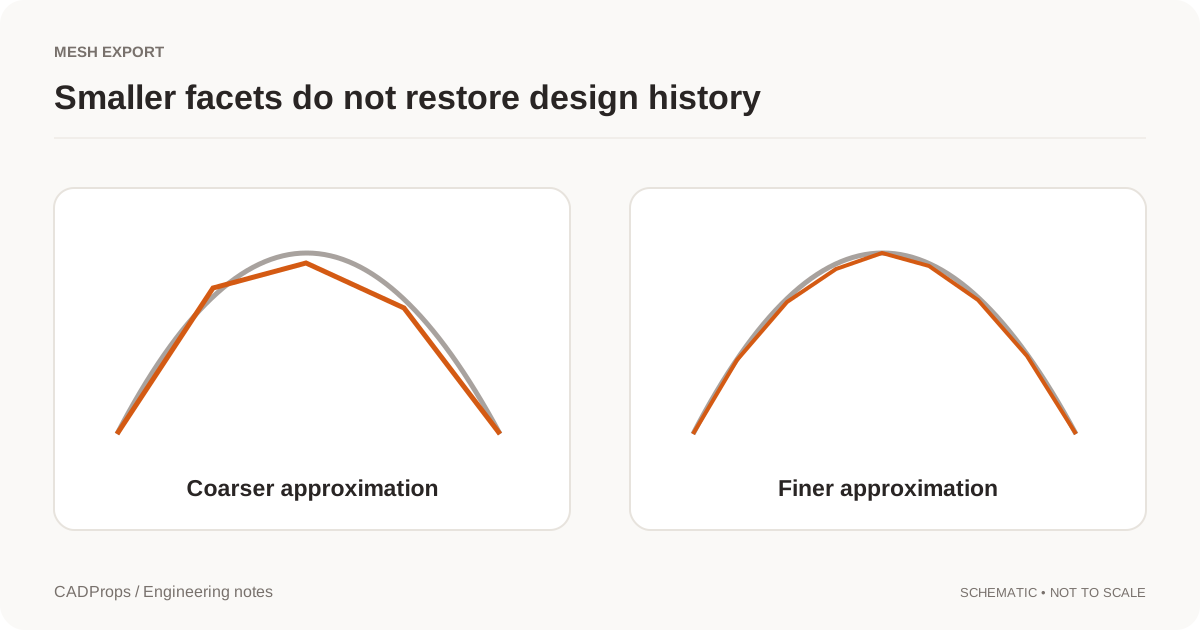 Conversion
Choose tessellation settings for the receiving task and verify curved features, thin regions and units after exporting.
Read the guide →