Inspect the STEP model first
Confirm the expected bodies and one known dimension before converting. A mesh made from the wrong scale or the wrong revision will look complete and still be unusable.


Convert STEP/STP models to an OBJ triangle mesh. OBJ does not declare reliable units, and the mesh is not an editable CAD solid.
 No account required
 Temporary workspaceCAD processing
Convert STEP or STP geometry to OBJ when the next tool wants a triangle mesh. The output approximates surfaces with triangles and does not keep the CAD feature tree.

Confirm the expected bodies and one known dimension before converting. A mesh made from the wrong scale or the wrong revision will look complete and still be unusable.
Choose OBJ and download the mesh. Curves become triangles. The OBJ file does not declare a reliable unit, and CADProps treats OBJ coordinates as millimetres when you measure it here.
Reopen the OBJ and compare a known size. Mesh area and volume are approximate, and volume requires a closed, consistent mesh. The conversion does not restore a precise CAD solid.
Yes. Upload a STEP or STP file, choose OBJ and download the triangle mesh.
No. OBJ does not declare a reliable unit. When CADProps measures an OBJ file, it treats the coordinates as millimetres. Verify a known dimension in the receiving application.
No. It is a triangle mesh. It does not keep the STEP feature tree, and it cannot be treated as an exact solid.
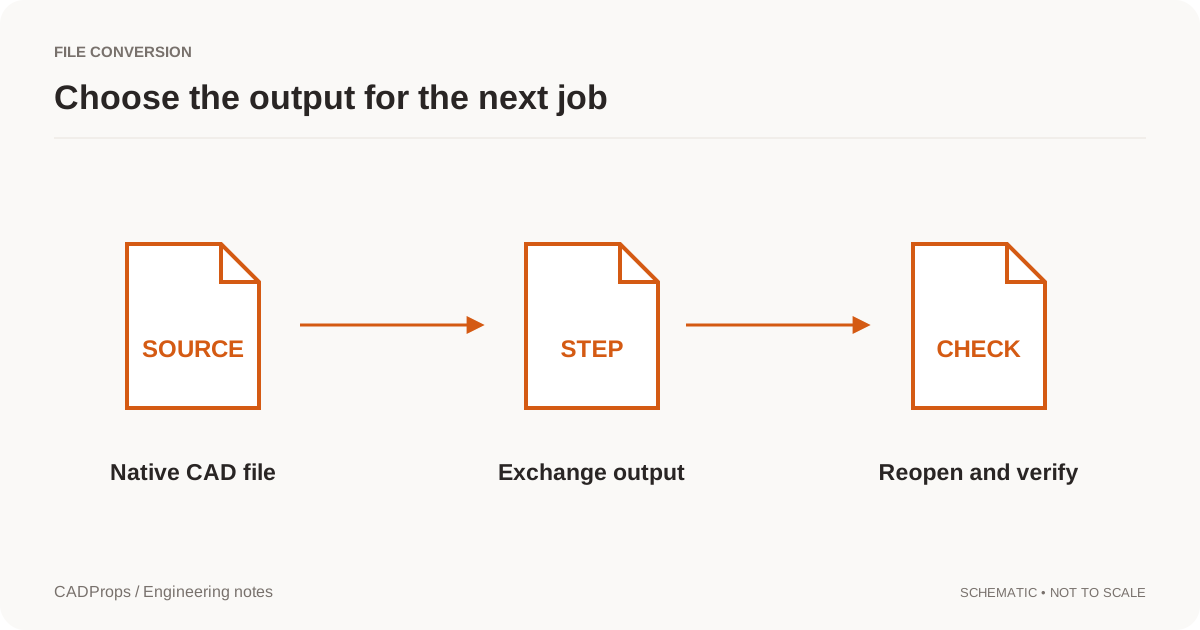 Conversion
Reopen the output, verify scope and units, inspect critical geometry, and include a short record of what was and was not checked.
Read the guide →MeasurementOBJ does not declare reliable units. See how millimetres are assumed, when mesh volume is only an approximation, and why OBJ is not a CAD solid.
Read the guide →File formatsSTEP and STL serve different jobs. Learn what changes when surfaces become triangles and which checks belong in a CAD handoff.
Read the guide →