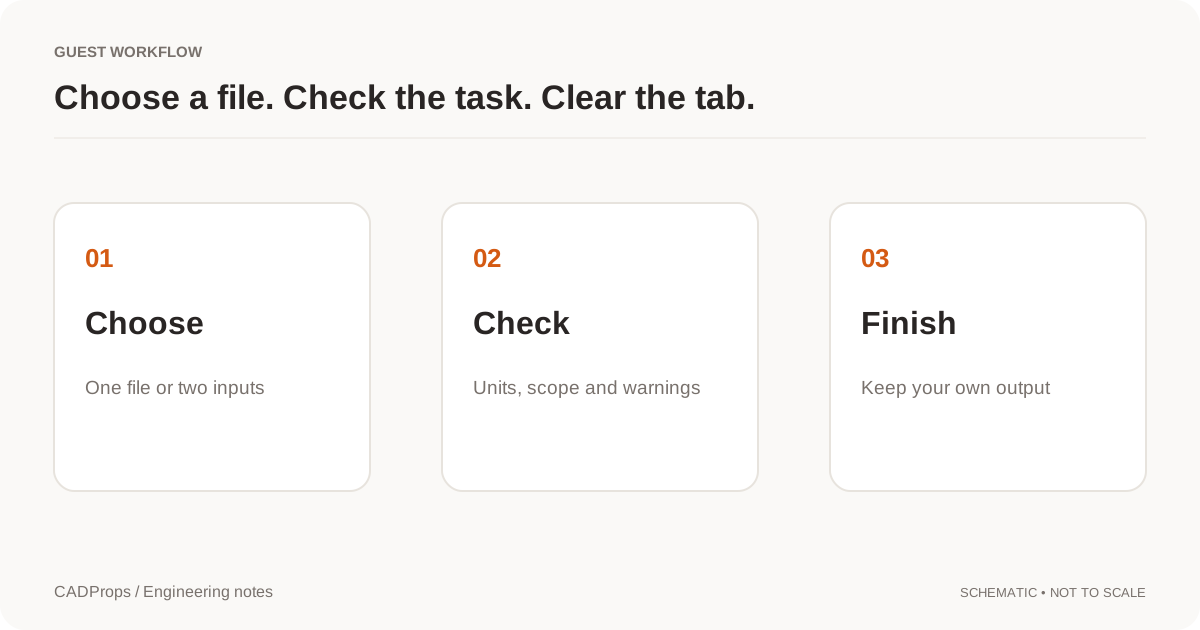
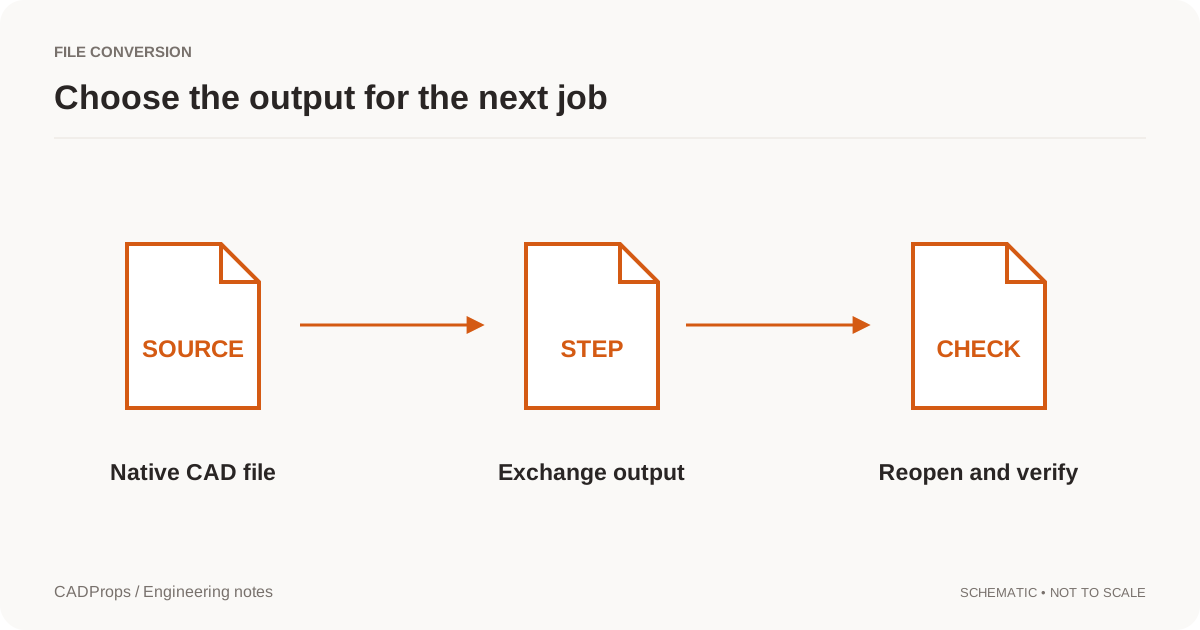
View without an account
 Temporary workspace
Open a JT file without Siemens software. CADProps shows JT parts and assemblies from the tessellated (triangle) geometry stored in the file. Dimensions and properties are approximate, and exports are mesh files: STL, OBJ, GLB or mesh STEP.
What CADProps reads from a JT file
JT files usually carry triangle levels of detail for display, and some also carry exact B-Rep data. CADProps uses the triangle geometry; exact JT B-Rep is not read. Files without readable triangle geometry cannot be shown. What a JT file is and how to open it explains the payloads and how to read a file's version.
How to open a JT file online
- Open the JT viewer workspace and choose the
.jtfile. No Siemens software or account is needed to view it. - Wait for server processing. The file is uploaded temporarily; the page shows any warning about a coarser saved level of detail or missing components.
- Rotate and fit the model, open Structure to check the components, and read the unit status before measuring.
- If the JT is an assembly that points to separate part files, upload the assembly and its parts together as one ZIP.
Opening a JT is a viewing step. The result is drawn from saved triangles, so it is not the exact solid.
JT versions and what is not supported
CADProps reads JT 8, 9 and 10 files that contain saved triangle geometry. It does not read exact JT B-Rep, so a file that holds only B-Rep without triangle levels of detail cannot be shown. Other major versions are also unsupported. If your file fails, ask the sender for a STEP export, and see JT vs STEP for how the two formats differ.
View first, then convert if you need a file
Check the model and its unit in the viewer before converting. Converting from the workspace requires signing in and produces mesh files only: STL, OBJ, GLB or a mesh STEP. A mesh STEP is made of triangles, so it is suitable for viewing or reference in other software, not for editing as a solid. When the recipient needs a solid model, ask for a STEP export from the authoring system and open it in the STEP file viewer.
Geometry and measurement limits
Overall size, distances and mesh-based area are approximate. Volume and mass need a closed mesh and your confirmed density; treat them as estimates. Assemblies cover only the components that loaded.
Check a supplier JT before you measure
A JT file is often the lightweight review copy that a supplier or a PLM system sends instead of native CAD. Before you quote a size or forward the file:
- Look for a coarser-detail warning. An approximate preview is drawn from the display triangles saved in the file. If the finest saved level of detail would exceed the geometry budget, CADProps uses a coarser saved level and lists that in the warnings; small holes and fillets then look faceted.
- Check whether the unit is verified. When the unit cannot be verified, the model is still shown, but sizes, measurements and the related properties are unavailable. Confirm the unit with the sender, or ask for a STEP export.
- Compare the structure with the BOM. Open Structure and check that every expected component loaded. Missing components are reported, and the file is marked incomplete.
- Use a two-point distance as a check, not a final size. On a JT mesh, measure with Two points once the unit is verified. The result depends on where you pick and on how fine the saved mesh is, so compare critical sizes with the drawing or the source CAD.
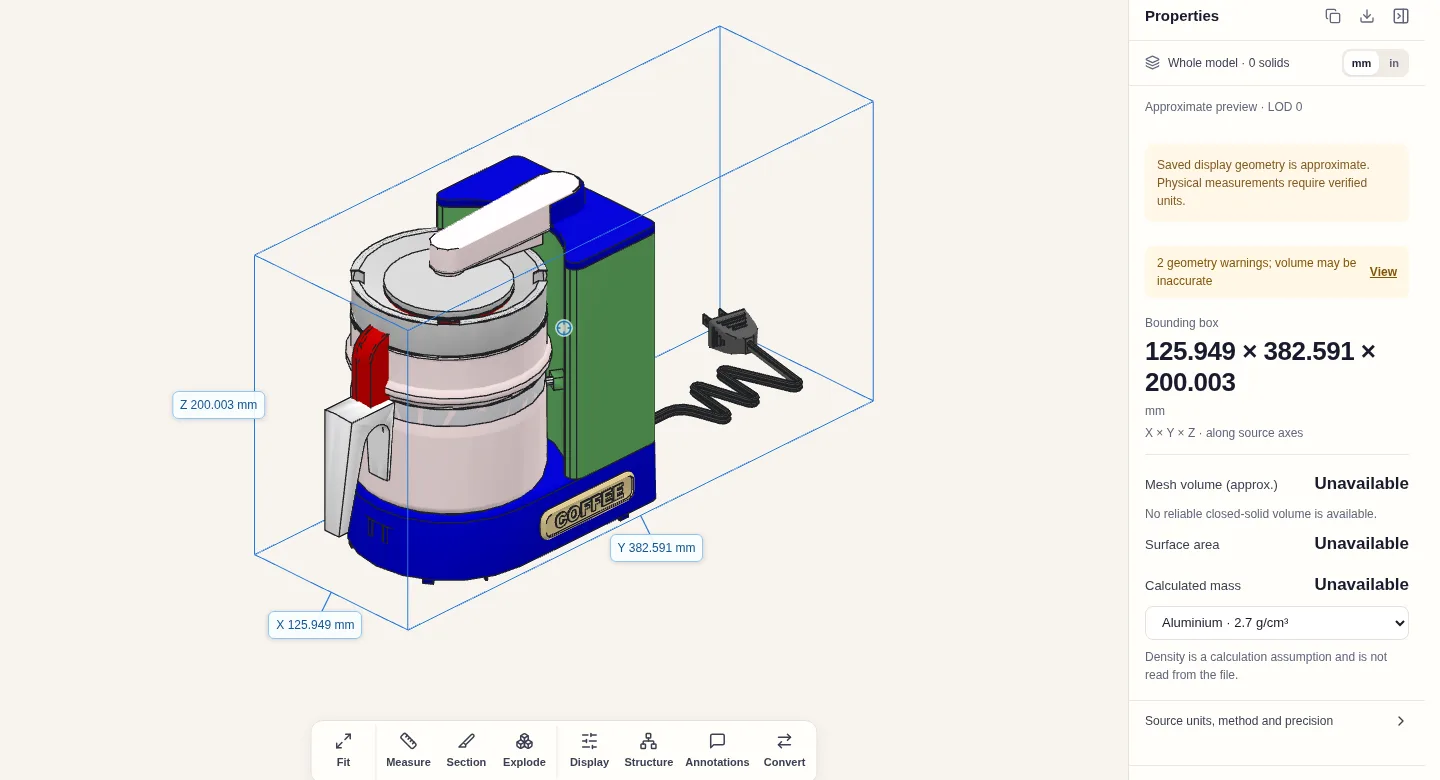
Screenshot by CADProps. Sample: CoffeeMaker.jt from PyOpenJt (GPL-2.0).
When a JT file does not open
- Assembly without its parts. Many JT assemblies store only the product structure and point to separate part
.jtfiles. Upload the assembly and its part files together in one ZIP. On its own, the assembly is reported as having missing referenced parts. - Some components missing. When a level of detail or an instance cannot be decoded, the preview shows the components that loaded and is marked incomplete. Check the part list before measuring the whole assembly.
- No measurements. If the file has no verifiable unit, the model is still shown, but physical measurements are unavailable.
- Damaged or unfinished file. A JT file whose header does not start with a version line (for example, one that begins with
Invalid) cannot be read. Export the JT again, or export STEP. - Unsupported content. CADProps reads JT 8, 9 and 10 files that contain saved triangle geometry. Other major versions, and files that hold only exact B-Rep without triangle levels of detail, cannot be shown; ask for a STEP export instead.
Export from the workspace
Sign in and use Convert to download STL, OBJ, GLB or a mesh STEP. A mesh STEP contains triangles, not exact surfaces, so JT to STEP here never produces an editable solid. When the recipient needs a solid, ask for a STEP export from the authoring system.
Input formats: JT
General steps for uploading, viewing, sectioning, measuring, converting and exporting are explained once in How it works. This page covers what is specific to this file type.
Real CADProps screenshots
The screenshots show the English interface. Captions and instructions describe the same operations.
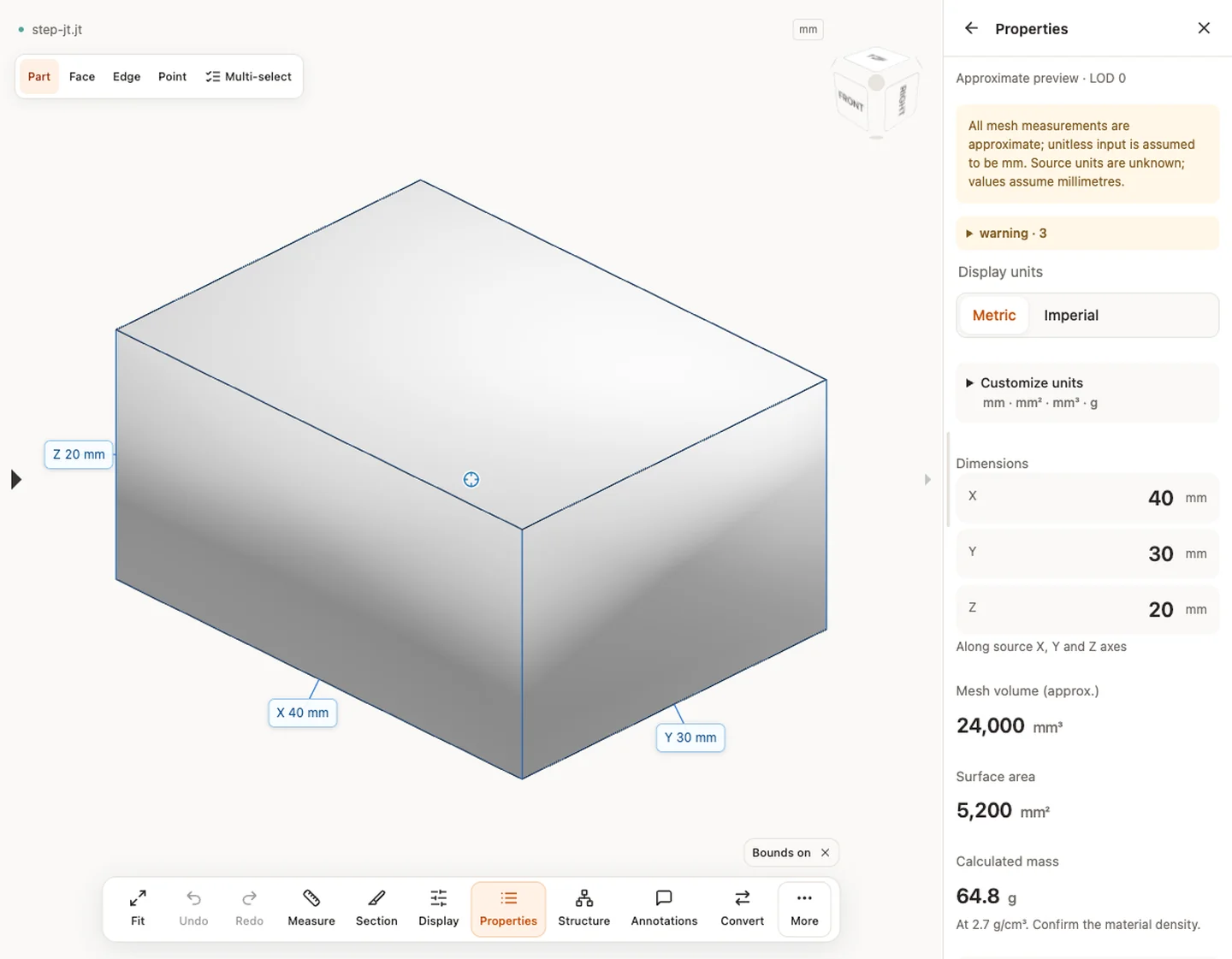
Sample source and verification
When a result needs another check
Viewing can start without an account. Conversion, account storage and share creation require signing in. Temporary files expire after the displayed retention period. Read the privacy statement for server processing and deletion, and the accuracy notes before using numerical results. Do not assume that hiding a part, clipping it or exploding an assembly changes the exported source geometry.
When a result needs another check · Input formats
Common questions about JT files
Can I open a JT file without Siemens software? Yes. CADProps shows the triangle geometry stored in the file in a browser; no Siemens install is required.
Is the JT shown as an exact solid? No. It is drawn from saved display triangles, so sizes and properties are approximate and mass needs a density you confirm.
Can I get an editable STEP from a JT? No. JT to STEP here gives a mesh STEP with triangles. Ask the sender for a STEP export from the source CAD when you need a solid.
Continue with a related task
- What a JT file is and how to open it
- JT vs STEP: which one to request
- STEP File Viewer Online: Open STP Files, No Account
- STEP File Dimensions Online: Measure X, Y, Z & Distances
Original article: CADProps · https://www.cadprops.com/tools/jt-viewer/