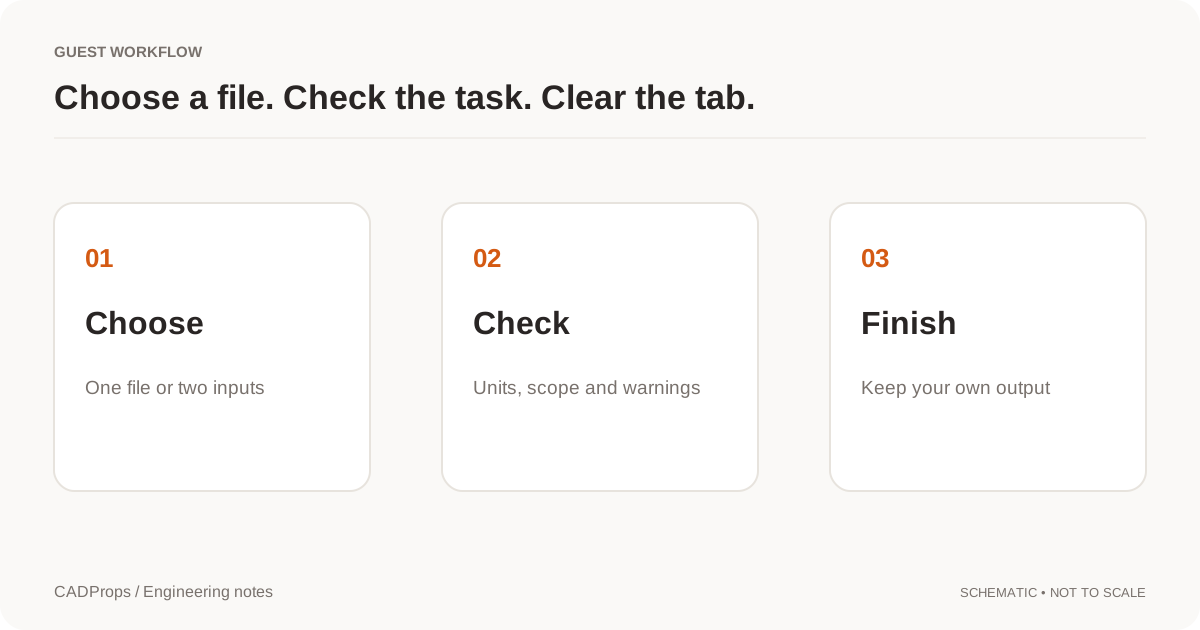
View without an account
 Temporary workspace
Open a .dwf or .dwfx package to inspect its published pages without installing the authoring application. CADProps displays supported XPS or WHIP/W2D content as vectors. If a page contains unsupported content, it shows that page's linked saved thumbnail when available. Every DWF/DWFx page is read-only: CAD measurement and editing are unavailable.
Open and check published pages
- Select the original
.dwfor.dwfxfile in the upload panel. - Wait for processing, then choose a listed layout or section. Fit and zoom the displayed page to inspect its content.
- Read the page notices. A vector page, a saved sheet thumbnail and an unavailable section are different outcomes; one visible page does not prove the whole package loaded.
- Use Export SVG to download the displayed page. Reopen the SVG and check whether it contains vectors or an embedded raster thumbnail before using it elsewhere.
Input formats: DWF, DWFx
DWF, DWFx and the supported vector paths
DWF is a published design package; DWFx uses an XPS-based package. Neither is a replacement for the editable DWG or source CAD model. Compatibility depends on the package version and each page's graphics.
Supported DWFx XPS pages can include paths, embedded font outlines, and supported simple image or gradient brushes. Text uses source-owned outlines, not a substituted system font. Supported WHIP/W2D sheets can show primitives such as polylines, polygons, circles and elliptical arcs, with supported colors, line weights, layers and clipping. These are published-page graphics, not an editable CAD entity model.
Unsupported fonts, text placement, brushes, patterns or other drawing records can cause whole-page fallback to a saved thumbnail. There is no guarantee of vector recovery for all DWF versions: some older streams have unsupported palettes or line styles and no thumbnail to fall back to. Missing or unsupported sections are reported rather than filled with guessed content.
A saved 3D-section image is not a 3D model
W3D/HSF sections are thumbnail-only. CADProps does not decode their 3D geometry, rotate the source model, recover assembly placements or convert that model to STEP or a mesh. Zooming a saved image enlarges its pixels; it cannot reveal hidden faces.
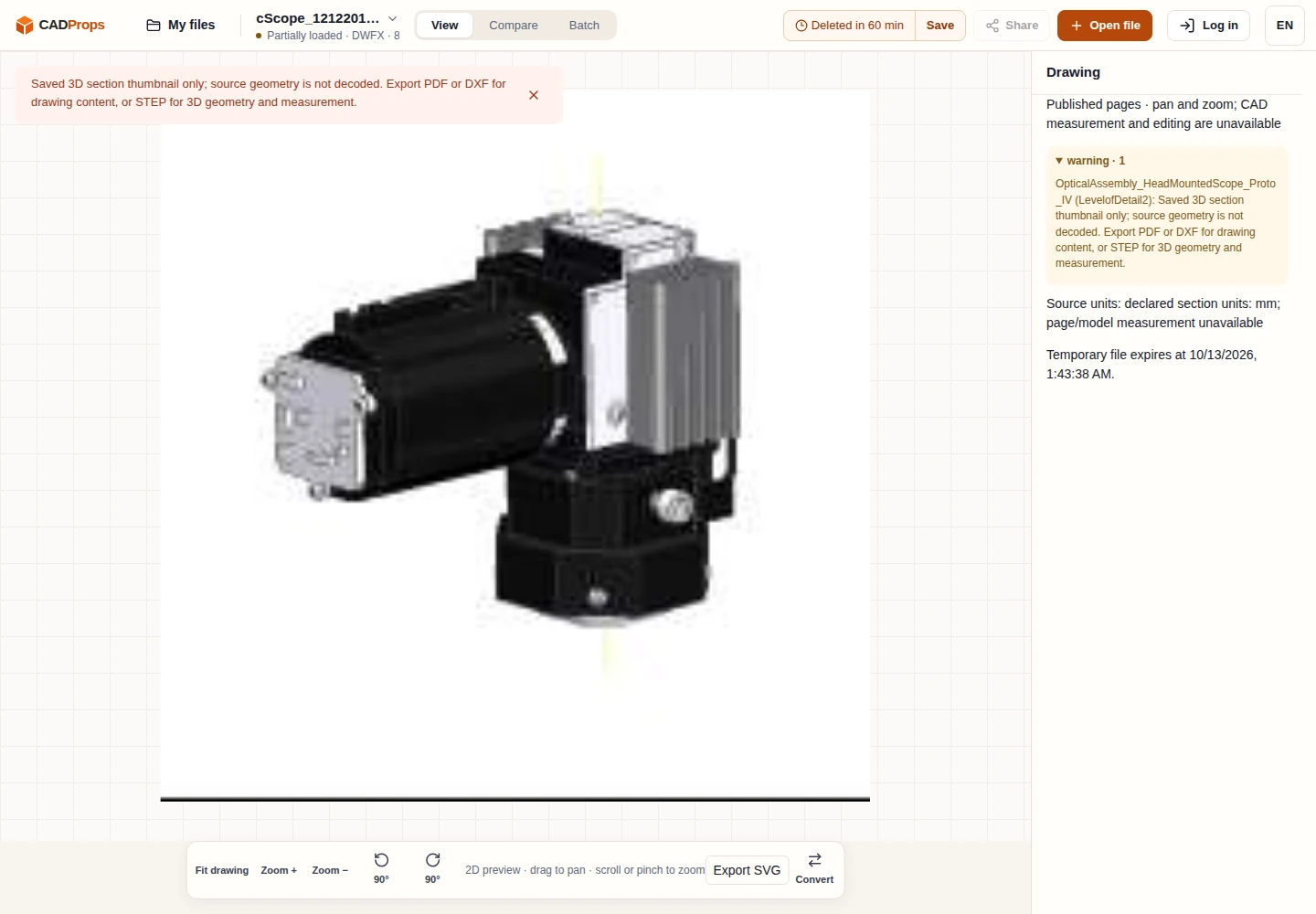
PrincetonUniversity / cScope · licence notice
SVG export, measurement and editing limits
SVG export contains the selected displayed page: vectors for a supported vector page, or an embedded image for a thumbnail. It does not restore DWG entities, model surfaces, editable text or the original authoring history. DXF export, entity selection and editing are unavailable on this path.
Published coordinates or declared paper units do not enable physical CAD dimensions, distances, area, volume or mass. For measurable drawing geometry, request a supported DWG/DXF and use the drawing viewer. For 3D geometry, request STEP from the source application and use the STEP viewer. Check the derivative's units and scope before using numerical results.
Package and upload limits
Up to 20 sections are listed. Package limits include 500 entries and 200 MiB expanded; the normal per-file upload limit also applies. Limits and unavailable sections are reported. An incomplete package should be checked in the originating workflow, especially when it is the basis for a design review.
Viewing does not require an account. Files are uploaded to CADProps servers for processing. Guest copies expire after the displayed retention period and can be deleted early. Signed-in files are saved to the account library when space is available; otherwise they remain temporary. Account storage and share creation require signing in. Read privacy before uploading confidential drawings.
Continue with a related task
Original article: CADProps · https://www.cadprops.com/tools/dwf-viewer/