Start from the STEP file you intend to send
Open the STEP model and confirm units, bodies and component scope before converting. Converting a partial or wrong revision only produces another copy of that input.


Convert STEP/STP models to IGES online. The IGES result is geometry exchange and does not guarantee the original assembly structure or solids.
 No account required
 Temporary workspaceCAD processing
Convert a STEP or STP model to IGES when a receiver still requires IGS. Check the result: IGES may represent the shape as surfaces rather than as the same solid assembly.
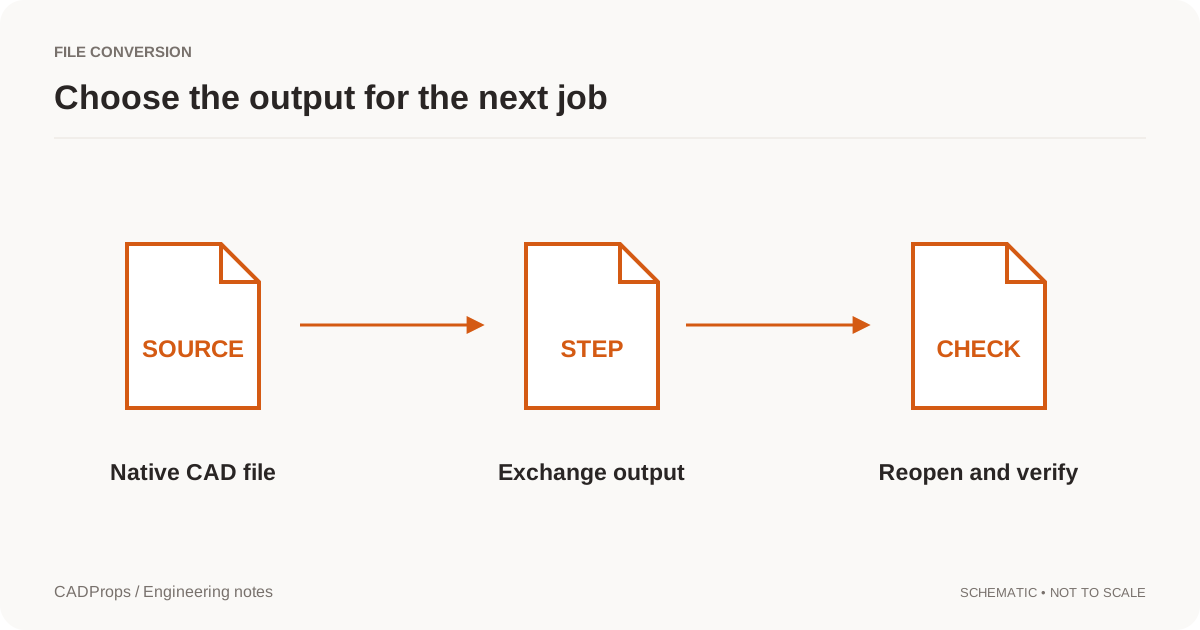
Open the STEP model and confirm units, bodies and component scope before converting. Converting a partial or wrong revision only produces another copy of that input.
Choose IGES as the output and download the file. The result is for geometry exchange. It does not promise that assembly structure, solid topology or product manufacturing information will survive.
Check one known dimension and whether the receiver needed solids or can accept surfaces. An IGES file of open shells will not provide a reliable volume.
Yes. Upload a STEP or STP file, choose IGES and download the converted file.
Not necessarily. IGES is a surface-oriented exchange format. Assembly structure and closed solids are not guaranteed in the output.
Use IGES when the receiving process asks for it. For a new handoff, STEP is usually the clearer neutral format. Confirm the requirement before converting.
ConversionReopen the output, verify scope and units, inspect critical geometry, and include a short record of what was and was not checked.
Read the guide → Troubleshooting
Understand an IGES surface import before stitching boundaries or assuming the reader failed to create a solid.
Read the guide → File formats
Compare STEP and IGES for CAD handoffs, solids, surfaces, assemblies and downstream verification without assuming one file extension guarantees a perfect transfer.
Read the guide →