View without an account
 Temporary workspace
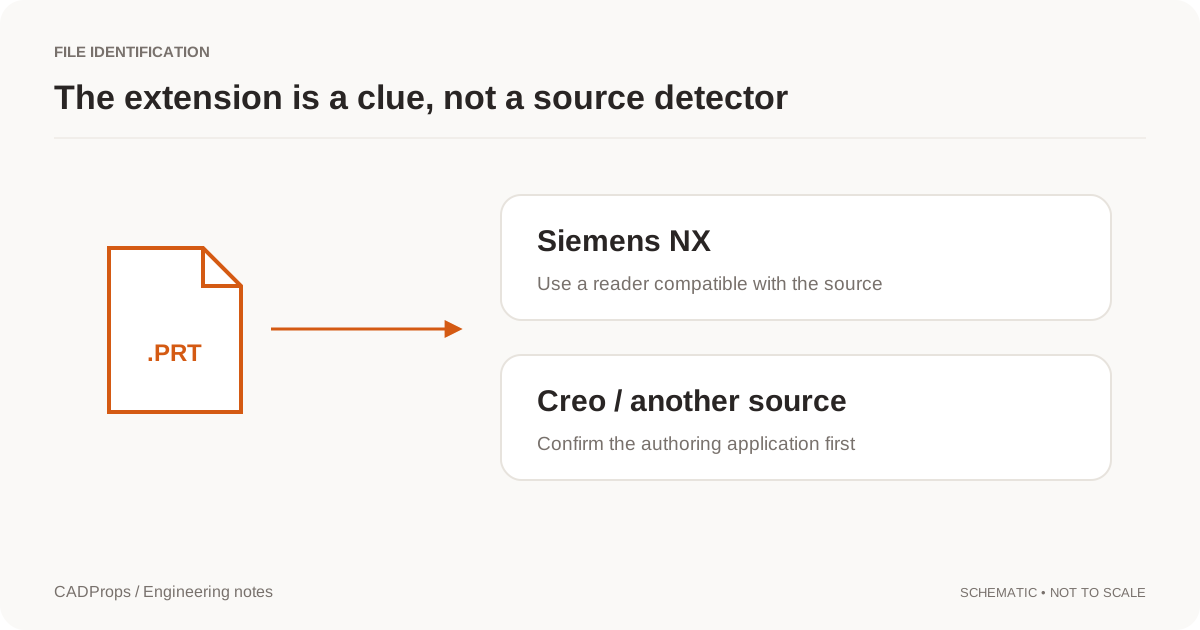
A .prt attachment may come from Siemens NX or Creo. CADProps checks the file content to recognize Creo / Pro/ENGINEER parts and assemblies, including numbered saves such as bracket.prt.7 and assembly.asm.12. When a supported saved thumbnail is present, it shows that image. This is a thumbnail preview and file check, not a 3D viewer.
Check a Creo PRT or ASM without installing Creo
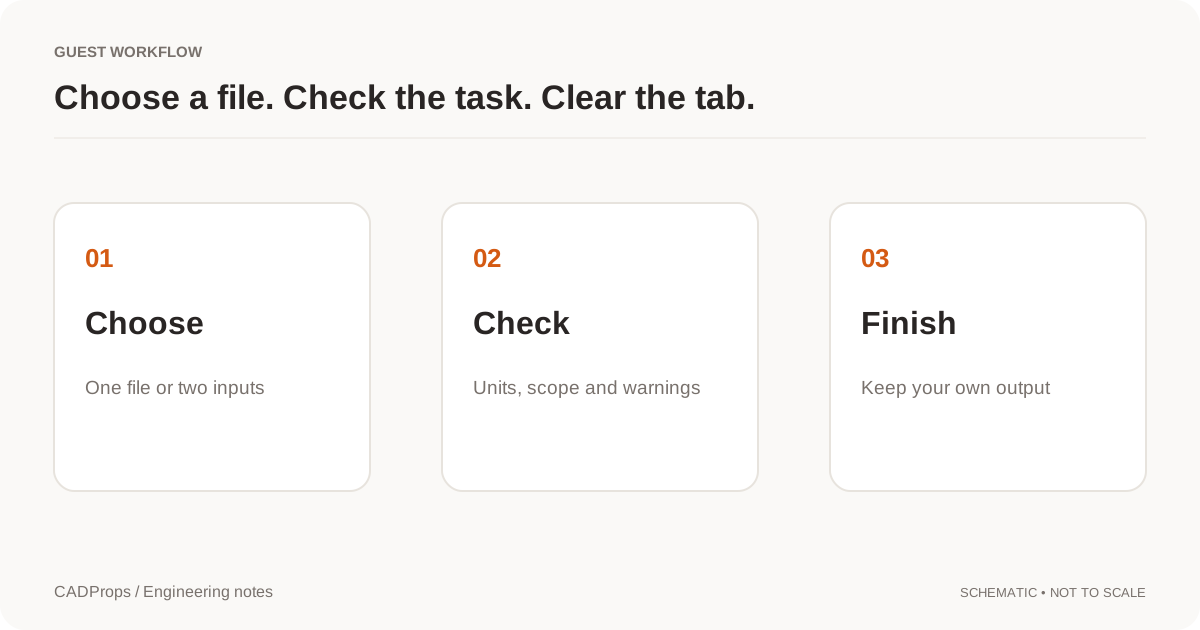
- Select the original
.prt,.asm,.prt.Nor.asm.Nfile. Keep its name and save number; renaming it to STEP does not translate its contents. - Wait for recognition and the saved thumbnail, when available. A Creo-specific notice explains that 3D geometry is unavailable.
- Use the image to help identify the attachment, then confirm its revision and intended configuration with the sender. A saved image does not prove that the current model or every component is present.
- For rotation, dimensions, area, volume or a geometry handoff, request a STEP export from the Creo owner and open that export in the STEP viewer.
Input formats: Creo PRT, ASM, PRT.N, ASM.N
What the thumbnail can and cannot tell you
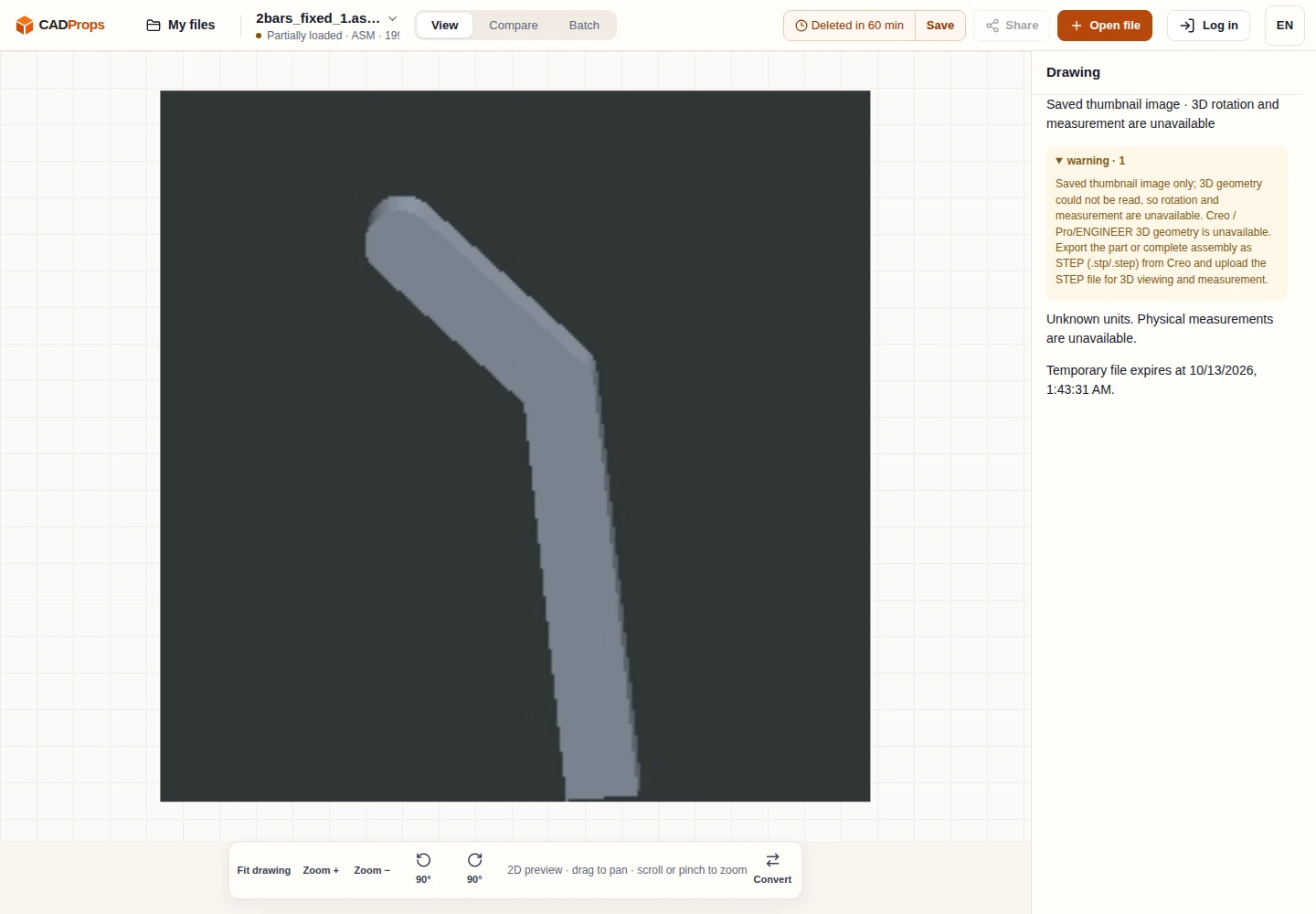
The preview comes from the thumbnail saved by Creo, rather than newly rendered geometry. It may be absent, stored in an unsupported encoding or reflect a previously saved view. If no usable thumbnail is found, recognition can still return guidance to export STEP. No image is generated by guessing the shape.
CADProps does not decode Creo 3D geometry, reconstruct an assembly, restore a feature tree or edit native Creo files. The thumbnail has no measurable model scale. There is no Creo measurement, calculated mass, mesh conversion or Creo-to-STEP export in CADProps. A visible assembly image does not establish member completeness or placements.
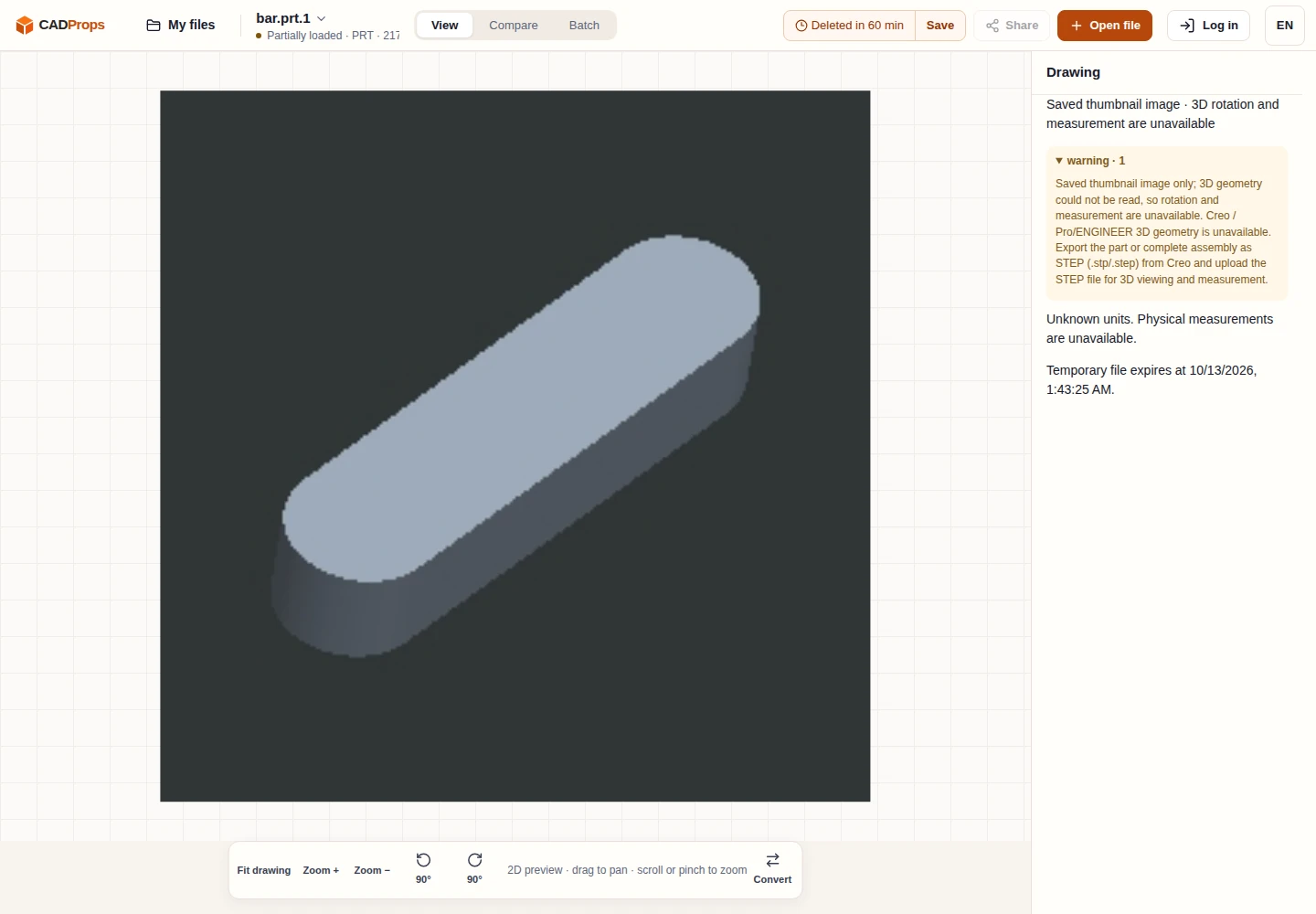
mesh-iit / creo2urdf two-bar example · licence notice
Numbered saves and ZIP packages
Creo often retains several saves of the same model. Uploading an individual versioned file keeps that specific save. Within a ZIP, unversioned model selection and references use the highest numeric save for the same full model path; an explicitly numbered reference stays explicit. Do not strip suffixes or flatten folders to force a match.
A ZIP with no usable 3D geometry can show one named saved Creo thumbnail. That image is not an assembled model or a contact sheet of every file. Packaging components cannot enable Creo 3D decoding. ZIP packages retain the normal limits of 50 entries and 200 MiB expanded; encrypted archives, nested ZIPs, symlinks and parent paths are rejected.
Request STEP for the intended Creo model
Ask the sender to export the released part, family-table instance or complete assembly from Creo. Agree units and included components, then check the received STEP against a known dimension and the intended scope. The export exchanges geometry; it does not preserve the editable Creo feature history. See open a Creo file without Creo for the handoff checks.
Upload and retention
Viewing does not require an account. Selecting a file uploads it to CADProps servers. Guest copies belong to the browser session, expire after the displayed retention period and can be deleted early. Signed-in files are saved to the account library when space is available; otherwise they remain temporary. Read privacy before uploading confidential files.
Continue with a related task
Original article: CADProps · https://www.cadprops.com/tools/creo-viewer/