

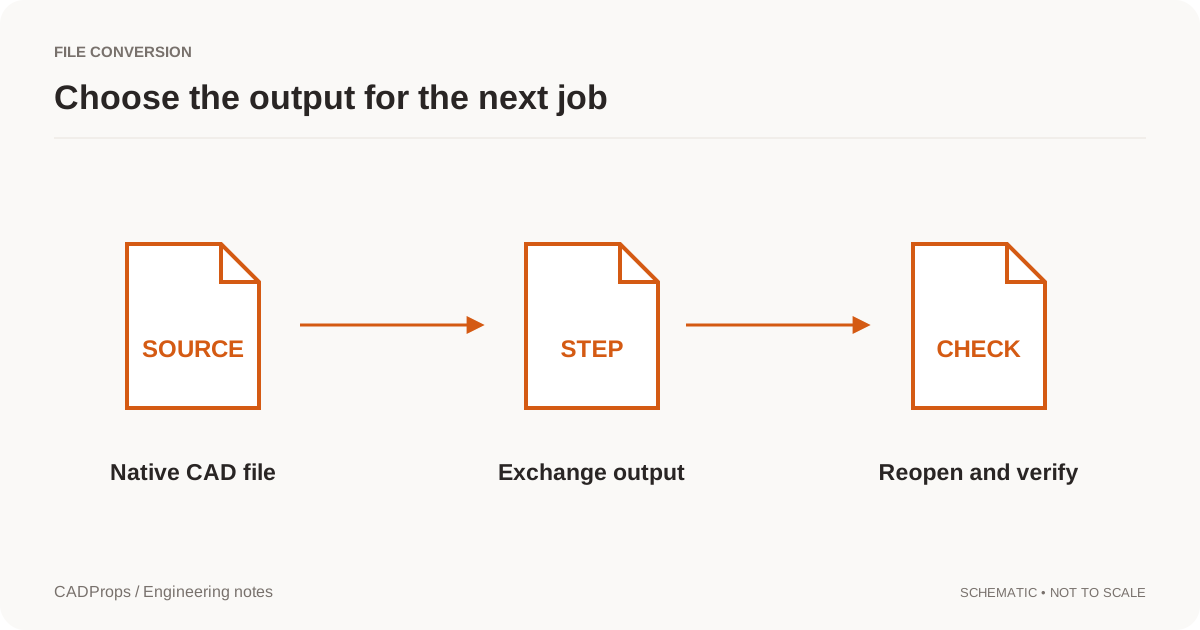
The STEP options dialog can turn a routine export into a guessing exercise: AP203, AP214 or AP242? Start with the receiving workflow, not a rule that the largest number must always be the best choice.
These names identify different STEP application protocols. Their editions and implementations matter. A file can be valid for a protocol while a particular importer only uses part of its contents. NIST's STEP tools support multiple protocols and distinguish geometry, product information and validation-related data. NIST STEP reference.
Ask what the receiving application has been tested with
A practical question is: “Which STEP profile and exporter settings have worked in your current software release?” That is more useful than asking whether the software supports STEP in general.
For a straightforward geometry transfer, the recipient may already have a tested option. For a handoff involving colors, assembly organization or product manufacturing information, name those requirements separately. Do not assume a color visible in one viewer proves that a semantic tolerance has transferred.
When a contract or downstream process specifies a particular deliverable, follow that requirement. A web article is not a substitute for the agreed data specification.
Avoid an oversimplified feature table
It is tempting to describe AP203 as “geometry only,” AP214 as “colors” and AP242 as “everything.” That summary is too crude for a dependable workflow. Editions, recommended practices and the particular writer and reader all affect what is transferred.
A better table is one you fill in for the job:
| Requirement | Needed for this delivery? | Verified after import? |
|---|---|---|
| Intended solid or surface geometry | Yes | Check in the receiving system |
| Correct units and placements | Yes | Measure and inspect |
| Component names and structure | Depends on the task | Compare the component list |
| Visual annotations | Depends on the task | Inspect the actual views |
| Machine-readable PMI | Depends on the task | Use an appropriate semantic check |
This separates the name of the format from the information your recipient actually needs.
Export only the scope you intend to send
Confirm the active part, assembly configuration and selected geometry before choosing a protocol. A technically valid STEP file of the wrong configuration is still the wrong deliverable.
Check options that merge bodies, flatten assemblies or include hidden geometry. Those choices can matter more than the protocol choice for an ordinary supplier review. Record them with the output rather than expecting the filename to explain what happened.
Translator documentation lists input and output support separately, including supported protocol editions. That distinction is a useful model for a compatibility table: a reader's capabilities do not imply that the same software writes every representation it reads. Open CASCADE STEP translator guide.
Reopen the file, then check the required information
Start with the gross checks: expected bodies, units, orientation and overall dimensions. Then inspect the information that made you choose a specific export profile. If PMI is required, do not stop at a shaded preview. Check whether the needed information is present and usable in the downstream workflow.
NIST describes both basic file checks and checks related to recommended implementation practices. This is a reminder that successful rendering and conformance assessment answer different questions. NIST's explanation of STEP validation.
When an importer drops information, try a controlled test with one changed export setting. Changing many settings at once can produce a usable file without telling you which change fixed the problem.
Keep a small, repeatable handoff note
Store the source revision, export profile, source application release and a concise list of verified items. Do not call the export a new design revision solely because the profile changed. The geometry source and the resulting artifact are different records.
A short note might read: “Exported from the approved Rev.B configuration. Units verified as millimeters. Component placements checked. Visual colors retained. PMI not part of this handoff.” That is a sample of useful scope language, not a claim about any particular software.
For everyday work, a tested combination plus a clear check record is usually more useful than memorizing three protocol acronyms. Use the conversion checklist to make the checks repeatable.
Test one required capability at a time
Use a source model containing the information your receiving process actually needs. For geometry, choose a representative curved region and known size. For assembly structure, choose repeated and nested components. For PMI, use an agreed requirement that the receiving system can inspect semantically, not just as a visible label.
Export candidate profiles from the same revision and keep the settings with each artifact. Import them independently into the target application and record geometry, structure, appearance and PMI as separate outcomes. A retained color does not imply retained tolerances, and a schema identifier in the header does not prove that every relevant entity was consumed.
If a geometry-only supplier task passes with its agreed profile, changing protocol solely to use a larger number adds no established benefit. If required data is missing, identify the writer or reader limitation before switching multiple settings. CADProps can inspect supported geometry, but it is not a complete AP242 conformance or semantic-PMI validator. Use an appropriate engineering validation process for that requirement.
Original article: CADProps · https://www.cadprops.com/guides/step-ap203-ap214-ap242/