Convert a binary or ASCII .stl triangle mesh to mesh STEP (.stp) in the browser so you can import it into CAD systems that expect STEP. Inspect the mesh, bounding box and assumed units without an account; sign in to convert and download.
What STL to STEP produces (mesh output, not native B-Rep)
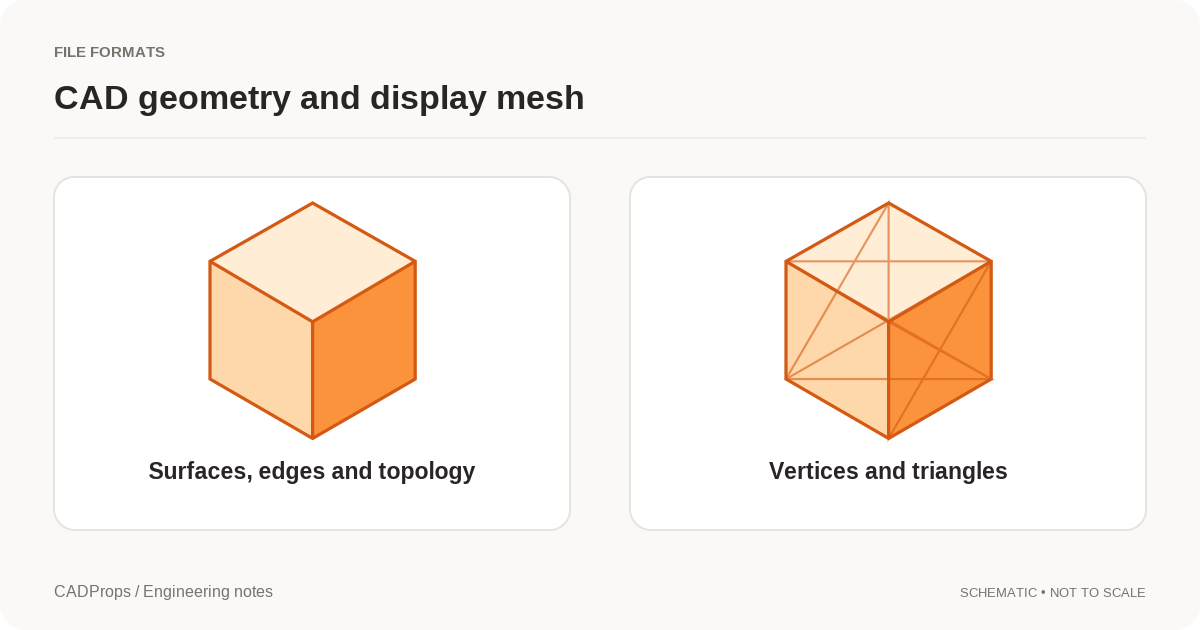
An STL file stores only flat triangle facets — it contains no analytic cylinders, NURBS surfaces, sketches or feature history. Converting STL to STEP therefore produces a mesh STEP (OutputClass::Mesh):
- Where possible, CADProps fits editable mesh-reconstructed surfaces and solids from the triangle mesh so downstream CAD tools can import lighter geometry than raw facets.
- Where surface fitting is not applicable (for example, organic scans, noisy or open meshes, or very dense meshes), CADProps writes a triangulated STEP file.
- In both cases, the output stays classified as mesh output, not native CAD source precision. It is suited for CAD import, packaging layout, assembly reference and visual checks — not for restoring lost CNC machining tolerances or exact analytic hole diameters.
If a supplier or machinist requires true CAD surfaces, ask for a native STEP export from the original CAD model instead of converting an STL. See STEP vs STL for the difference.
Check STL units before converting
STL has no standard length-unit header. CADProps reads STL coordinates as millimetres (assumed).
- Upload your
.stlfile and read the X × Y × Z bounding box in Properties. - Compare one extent against a known dimension from your drawing or slicer.
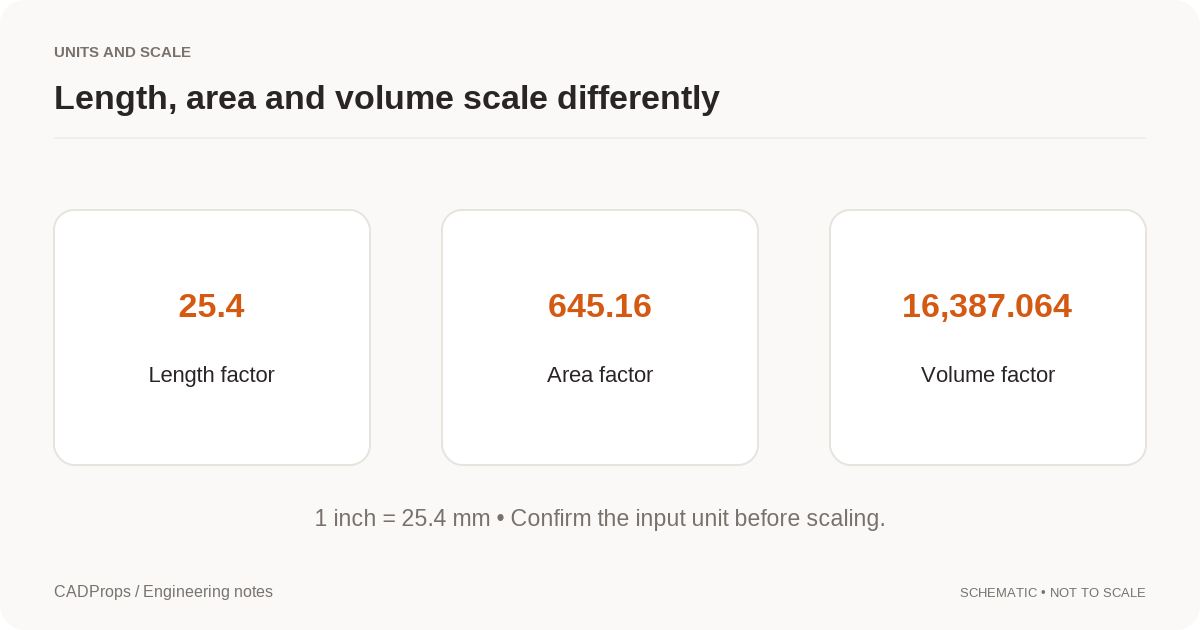
- If the part reads 25.4 times too small, the STL was exported in inches. Changing the display unit button in the viewer does not rescale the exported file; rescale at the source or in your receiving CAD tool. See do STL files have units?.
Mesh closure, facet density and file limits
- Binary and ASCII STL: Both encodings are accepted. Very high triangle counts may be reduced within export geometry budgets and flagged in export warnings.
- Open or non-manifold meshes: Gaps, open edges or flipped triangles do not prevent a triangulated or surface mesh STEP export, but they prevent closed-solid volume calculation. See why STL volume is zero or missing.
- No part names or colours: Standard STL carries no assembly tree or colour table, so the result imports as a single mesh body.
Reopen and check the STEP file
After downloading, open the .stp file in the STEP viewer or your target CAD software (SolidWorks, Inventor, Fusion, Creo, NX or FreeCAD). Confirm the overall bounding box, orientation and whether the imported body meets your reference or assembly needs.
Input formats: STL
Points: viewing and measuring are free. Eligible new accounts receive trial points. Free points are valid for 90 days. The first download uses 1 point and unlocks all available formats for this file for 30 days. Failed or non-deliverable conversions use no points. See pricing.
General steps for uploading, viewing, sectioning, measuring, converting and exporting are explained once in How it works. This page covers what is specific to this file type.
When a result needs another check
Viewing can start without an account. Conversion, account storage and share creation require signing in. Temporary files expire after the displayed retention period. Read the privacy policy for server processing and deletion, and review accuracy before using numerical results. Do not assume that hiding a part, clipping it or exploding an assembly changes the exported source geometry.
When a result needs another check · Input formats
Related CAD tools
- STL Viewer Online with Measurement: Dimensions, Area & Volume
- Convert STEP to STL Online
- Convert STL to OBJ Online: Mesh to Mesh
- STEP File Viewer Online: Open STP Files, No Account
Original article: CADProps · https://www.cadprops.com/tools/stl-to-step/