Convert an Autodesk Fusion (formerly Fusion 360) .f3d design archive to STEP in the browser without installing Fusion. CADProps reads the current Design ShapeManager B-Rep bodies in-house, converts Fusion's internal centimetres to millimetres, and exports an exact STEP when supported solid or open-surface B-Rep bodies rebuild cleanly — or a mesh STEP when exact B-Rep export is unavailable. View and inspect the model without an account; sign in to convert and download.
Exact STEP versus mesh STEP from F3D
An .f3d archive stores the design's component tree alongside its current solid and surface bodies in Autodesk ShapeManager binary format.
- Exact STEP (
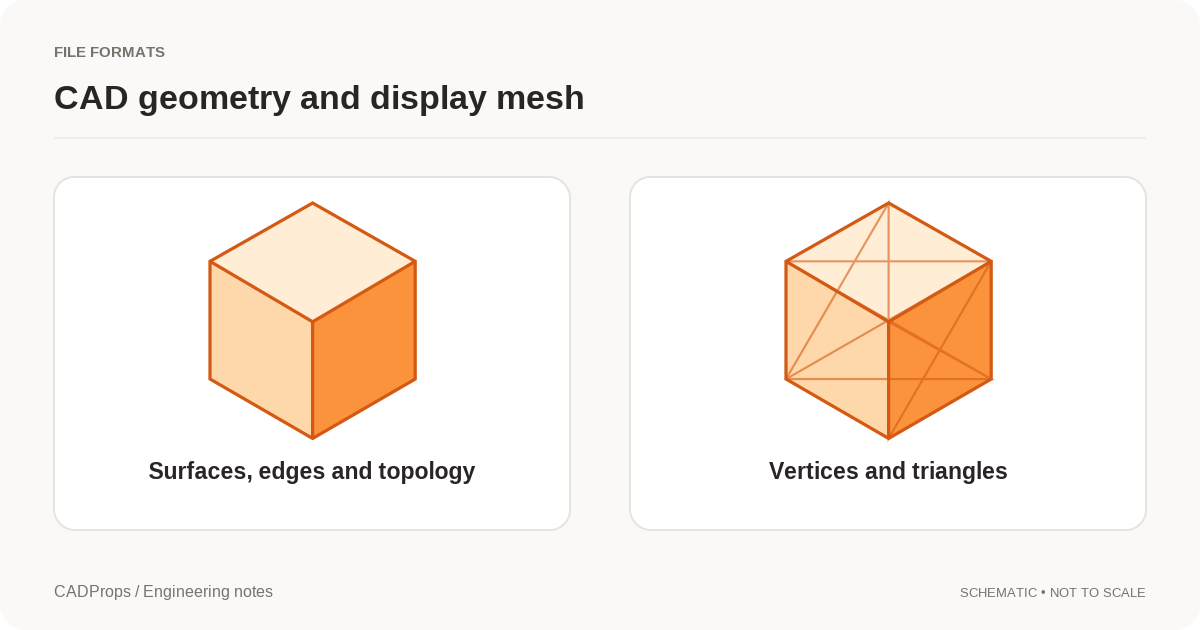
stp): Offered when CADProps rebuilds valid closed solids or verified open CAD surfaces (exact/surface) from the current Design B-Rep. Multi-body and multi-component archives can deliver the qualified bodies even if hidden, suppressed or external components are omitted; any omitted items are listed in the result warnings. - Mesh STEP (
stp-mesh): Offered when a model cannot be exported as exact B-Rep. Mesh STEP fits editable mesh-reconstructed surfaces where possible (or falls back to triangulated STEP) and stays classified as mesh output rather than native CAD source precision. STL, OBJ, 3MF, glTF and GLB are also available from the preview.
Check which STEP output the Convert dialog offers for your file before downloading.
What F3D conversion keeps and leaves out
- Kept: Current visible solid and surface bodies, component occurrence placements and component names from the archive, scaled from centimetres to millimetres.
- Left out: Parametric timeline, sketches, constraints, parameters, joints, appearances, materials, mesh bodies and external Fusion documents linked from the cloud.
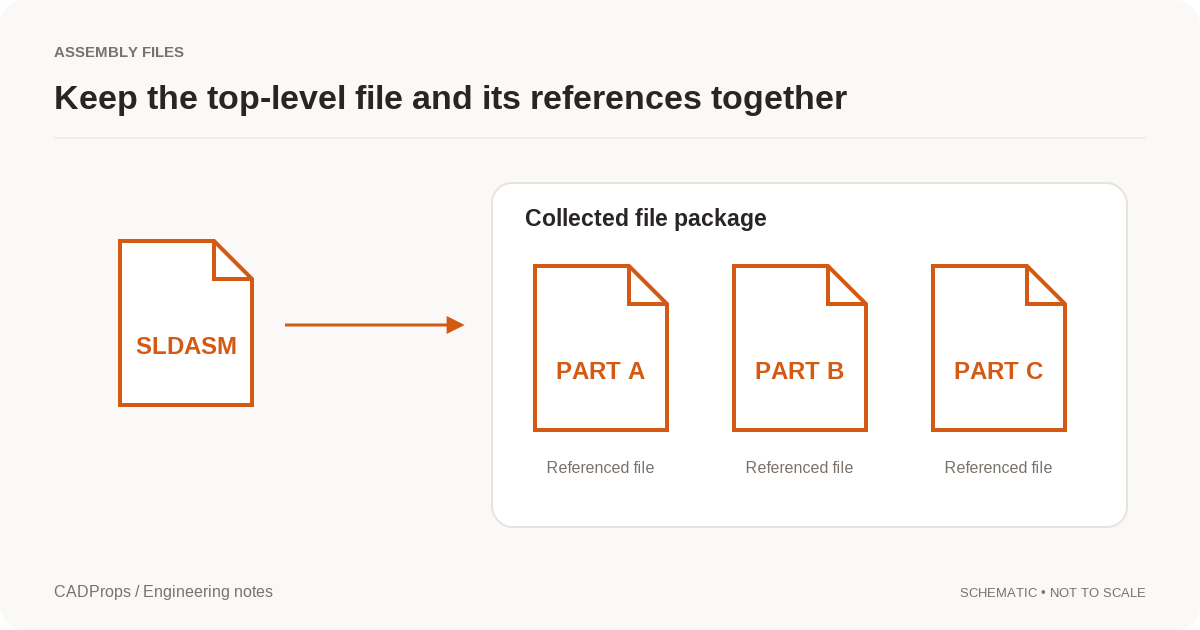
- Incomplete archives: External linked components are not stored inside a standalone
.f3dfile and are never fetched online. Unreadable bodies or unresolved placements are omitted and reported in warnings.
Verify the exported STEP
- Open the downloaded
.stpfile in the STEP viewer. - Check Properties with millimetres selected and confirm one known dimension against the original design.
- Verify the body and component count in Structure, and inspect critical holes, fillets or mating faces in your receiving CAD or CAM software.
- Keep the original
.f3dfile as the editable Fusion source.
Input formats: F3D
Points: viewing and measuring are free. Eligible new accounts receive trial points. Free points are valid for 90 days. The first download uses 1 point and unlocks all available formats for this file for 30 days. Failed or non-deliverable conversions use no points. See pricing.
General steps for uploading, viewing, sectioning, measuring, converting and exporting are explained once in How it works. This page covers what is specific to this file type.
When a result needs another check
Viewing can start without an account. Conversion, account storage and share creation require signing in. Temporary files expire after the displayed retention period. Read the privacy policy for server processing and deletion, and review accuracy before using numerical results. Do not assume that hiding a part, clipping it or exploding an assembly changes the exported source geometry.
When a result needs another check · Input formats
Related CAD tools
- F3D File Guide: What It Is & How to Open Without Fusion
- STEP File Viewer Online: Open STP Files, No Account
- STEP File Dimensions Online: Measure X, Y, Z & Distances
- STL to STEP Converter Online: Mesh to STEP
Original article: CADProps · https://www.cadprops.com/tools/f3d-to-step/