Receiving an .f3d export from a mechanical contractor, electronics enclosure vendor or open-hardware repository does not mean you need an Autodesk Fusion desktop installation or cloud hub invitation just to inspect part geometry and verify fit. The CADProps F3D Viewer opens .f3d design archives directly in your browser, exposes component trees and solid bodies, reports bounding box dimensions and available B-Rep properties, and hands qualified assemblies straight into neutral CAD formats.
Unlike Autodesk's desktop client, CADProps reads geometry locally inside its isolated server worker without requiring an Autodesk sign-in. Viewing, sectioning, exploding components and measuring distances stay free with no account, while signed-in users can convert supported B-Rep bodies to exact STEP (exact/solid or exact/surface) or export mesh STEP, STL, OBJ, 3MF, glTF and GLB.
Inside an Autodesk Fusion .f3d archive
An .f3d file is a self-contained ZIP package exported from a cloud Fusion project rather than a single flat CAD kernel stream. Understanding what sits inside that ZIP explains why some files yield exact analytical B-Rep solids while others resolve as approximate mesh assemblies:
- ShapeManager solid & surface bodies (
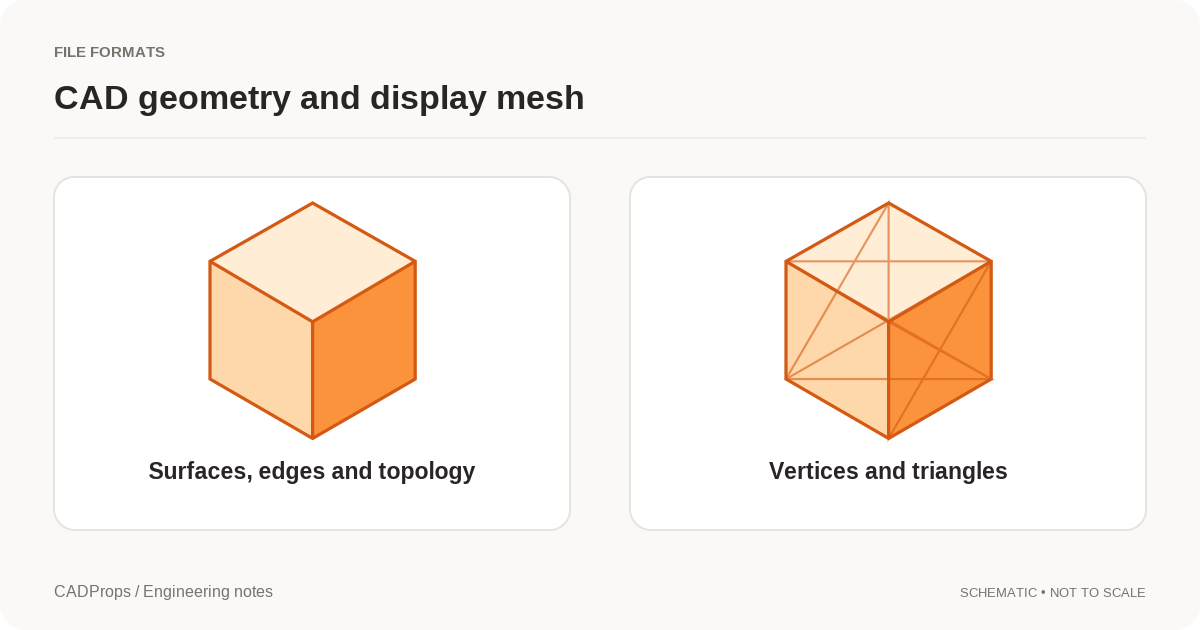
.smb/.smt): Native parametric features resolve down to evaluated Autodesk ShapeManager B-Rep topology stored inside the archive. Because Fusion does not embed a separate triangle display cache like SolidWorks or CATIA V5, CADProps decodes these ShapeManager B-Rep streams directly—preserving exact cylindrical holes, planar faces, fillets and analytical surfaces. - Mesh bodies (
UDPMESH/.paramesh): Designs containing imported scans, sculpted mesh bodies, T-Spline mesh fallbacks or STL components embed compressedUDPMESHv2 binary streams alongside or instead of B-Rep solids. BulkStreamplacement matrices & component hierarchy: Component instances (such as eight copies of a spacer or fastener) reference shared body definitions through 3D transform matrices and keep their original parent-child browser names and hidden-body visibility flags.- Automatic centimetre-to-millimetre unit normalization: Fusion internally stores ShapeManager coordinates in centimetres (
cm), regardless of whether the designer's document display preference was set to millimetres or inches. CADProps converts coordinates cleanly from centimetres to millimetres during readback so bounding boxes and hole diameters report at true physical scale.
What is shown vs what is omitted honestly
An .f3d export bundles design intent alongside geometry. To avoid guessing parametric history or inventing unverified solids, CADProps explicitly separates what is decoded from what remains Fusion-only:
- Displayed cleanly: Active solid and surface bodies, component hierarchies, repeated component placements (
instances), hidden-body states marked in the design browser and decodedUDPMESHgeometry. - Omitted on purpose: Parametric feature timelines, parametric sketches, user parameter tables, assembly joints/motion links, decals, Fusion materials and rendering appearances (models appear in clean neutral workshop shading).
- External cloud links: Derived inserts or XREF sub-components that remain linked solely inside the sender's Autodesk Team hub rather than exported offline cannot be fetched remotely; those missing components are listed explicitly in warnings (
incomplete: true). - PCB & electronics footprints: ECAD-linked
.f3dpackages often embed thin footprint placeholder bodies slightly proud of mechanical housings, which can make overallX × Y × Zbounds marginally larger than a trimmed STEP export from the same assembly.
Step-by-step online .f3d inspection workflow
- Upload the
.f3darchive directly: Drop your.f3dfile into View mode (up to 95 MiB per file; larger archives fail admission rather than truncating silently). - Verify overall dimensions and unit scale immediately: Check the top
Bounding boxreadout (X × Y × Z) inmmorinin the Properties sidebar. Compare one known mounting pitch or overall width against the project spec to confirm design intent before downloading or quoting. - Inspect internal bosses, ribs and clearances: Use Explode to separate multi-component
.f3dsub-assemblies, toggle Section planes alongX,YorZto check wall thickness and fastener engagement, or open Structure to hide enclosures and inspect internal brackets. - Distinguish certified B-Rep solids from
.parameshmesh bodies: Check the status chip and Geometry notes in Properties. Certified ShapeManager B-Rep models calculate surface area, exact solid volume and estimated mass (from selected material density) when converted or read cleanly, whereas.parameshbodies stay classified transparently as approximate meshes. - Convert or share for manufacturing review: Open F3D to STEP Converter to export
STEP (Solid)(when B-Rep bodies qualify),STEP (Mesh), STL, OBJ, 3MF or GLB—or click Share to send a clean browser review link to a machinist or buyer without requiring them to install Fusion.
Choosing the right output from an .f3d design
Once you inspect an .f3d file, choose the export tier that matches your downstream manufacturing or review workflow rather than assuming every STEP or mesh behaves identically:
| Workflow Goal | Recommended Output | Geometry Fidelity | Typical Engineering Notes |
|---|---|---|---|
| CNC Machining, CAM & Mold Tooling | STEP (Solid) via F3D to STEP |
Exact B-Rep closed solids (exact/solid) |
Preserves true cylinders, planar datums and fillet radii; re-check tolerances in STEP Viewer |
| Surface Machining / Sheet Skins | STEP (Solid) with qualified open surfaces (exact/surface) |
Exact B-Rep trimmed surfaces | Keeps exact NURBS faces when open shells exist; excluded from closed-solid volume totals |
| FDM / SLA / SLS 3D Printing | 3MF or binary STL |
Triangle mesh | Verify watertight closure and millimetre scale before slicing |
| Web Configurators & Client Previews | GLB / glTF |
Compact triangle mesh | Fast browser streaming across mobile & desktop viewers |
B-Rep Ineligible / Mesh-Only .f3d |
STEP (Mesh) (stp-mesh) or STL/OBJ |
Approximate mesh-reconstructed STEP | Fits editable mesh surfaces where safe without pretending to be native B-Rep |
| Multi-Part RFQ Costing Summary | Batch CAD Processing (paid members) | Mixed-format CSV summary | Evaluates up to 20 .f3d, .step and native files together into one RFQ spreadsheet |
Exact STEP vs mesh STEP eligibility on .f3d files
When converting .f3d to STEP, CADProps enforces strict geometric certification before issuing an exact STEP (Solid) file:
- Qualified exact STEP: ShapeManager
.smb/.smtbodies decode cleanly, pass OCCT topology & bounds verification against internal references, and serialize via XCAF with verified units. If an assembly mixes solid B-Rep parts with suppressed, unplaced or.paramesh-only parts, CADProps delivers qualified solid components cleanly and reports omitted ones undermissing_components. - Honest mesh STEP (
stp-mesh): If the.f3ddesign contains solely.parameshmesh geometry or B-Rep bodies that fail closed-solid certification, CADProps does not silently downgrade tolerances under an exact label—it offersSTEP (Mesh)and standard mesh exports (STL,OBJ,3MF,GLB), flagged clearly in the interface and file metadata.
Troubleshooting common .f3d viewer & conversion issues
- Volume or mass unavailable on a mesh-only
.f3d: Designs authored with Fusion's Mesh workspace or organic sculpted bodies containUDPMESH.parameshstreams rather than analytical ShapeManager solids. Volume remains blank on non-solid previews instead of showing unreliable approximations; check whether exact STEP or closed mesh exports satisfy your downstream check. - Missing sub-assemblies in an exported
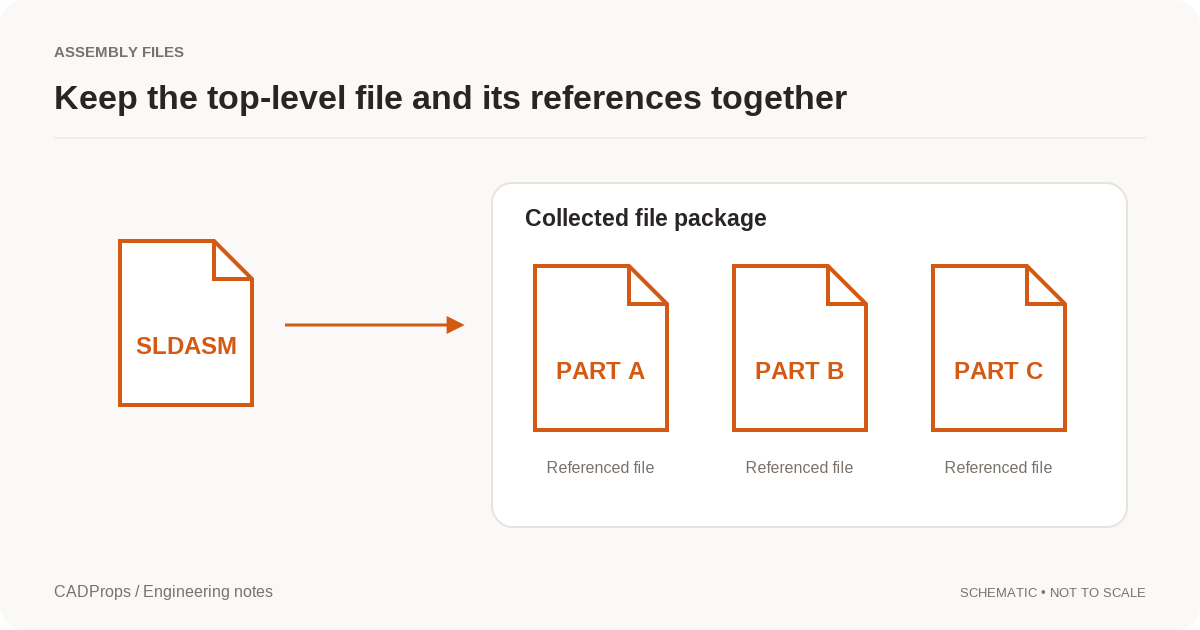
.f3d: Assemblies using Fusion's Insert Into Current Design cloud links keep pointers to external documents unless the author broke links before export or packaged components together. Ask the designer to export a self-contained STEP assembly (AP214orAP242) or break external links before saving.f3d. - Large assemblies omit secondary bodies cleanly: Very dense
.f3dfiles containing hundreds of hardware fasteners or PCB pins can reach single-request time limits; CADProps prioritizes major bodies (incomplete: truewith explicit warnings) rather than crashing or hanging indefinitely. - Confusing
.f3dwith generic Autodesk exports: Renaming.f3dto.ziplets you inspect raw contents, whereas renaming.f3dto.stpwill fail in every CAD system. Always use real conversion via F3D to STEP.
Input formats: F3D
Open Fusion F3D viewer · Convert F3D to STEP
General steps for uploading, viewing, sectioning, measuring, converting and exporting are explained once in How it works. This page covers Autodesk Fusion .f3d architecture, inspection limits and export rules.
Upload, retention and verification rules
Files uploaded into CADProps are processed on isolated servers. Guest uploads expire automatically after the displayed temporary window; signed-in accounts can save verified models to their library, export neutral formats, run multi-file comparisons in Compare CAD Files or create password-protected Share links for external vendors. Check Sample source and verification, Accuracy & calculation rules and Supported formats before signing off procurement dimensions.
Sample source and verification · Accuracy & calculation rules · Supported formats
Related CAD tools & guides
- F3D to STEP Converter Online: Fusion 360
- F3D File (.f3d): What It Is & How to Open Without Fusion
- STEP Viewer Online: Inspect Exact B-Rep Solids
- CAD Weight Calculator: Volume & Material Density
- Batch CAD Properties: Export Multi-Format Measurements to CSV
Original article: CADProps · https://www.cadprops.com/tools/f3d-viewer/