Multi-format CAD tools · View without an account

Privacy settings

Allow Google Analytics to measure visits and tool use so we can improve CADProps. You can change your choice anytime.

CADProps · CAD tools

JT to STEP Converter Online: Parts & Assembly Packages

Convert JT files and JT ZIP assembly packages to STEP online. Exports exact STEP when XT B-Rep rebuilds cleanly, or mesh STEP from saved triangle geometry.

Sign in to convert Temporary workspace

Open your CAD file

Drop a file here, or choose one from your computer.

File size: up to 95 MiB per file · JTSTEPIGESSTLSLDPRTIPTCATPARTX_T
All 92 conversion input extensions

STEP · STP · IGES · IGS · STL · OBJ · 3MF · GLB · GLTF · ZIP · RAR · CATPART · CATPRODUCT · X_T · X_B · SAT · SAB · F3D · 3DM · PAR · PSM · ASM · JT · SLDPRT · SLDASM · PRT · IPT · IAM · DXF · DWG · SVG · PDF · DWF · DWFX · SLDDRW · DFT · CATDRAWING · DRW · PLY · WRL · VRML · WRZ · IFC · IFCZIP · X3DV · X3D · NEU · U3D · 3DXML · AMF · UNV · VDA · VDAFS · PRC · GCODE · IDW · 7Z · GZ · TGZ · CGM · EMF · WMF · PLT · PNG · JPG · BMP · GIF · TIFF · WEBP · TGA · PCX · ICO · XMT_TXT · XMT_BIN · STE · P21 · IGE · STPZ · STEPZ · PRTDOT · ASMDOT · DRWDOT · DWT · HPGL · HPG · HGL · JPEG · TIF · GCO · NC · NGC · TAP

Supported formats

Capabilities and limits

  • Convert JT files and JT ZIP assembly packages to exact STEP when XT B-Rep rebuilds cleanly, or mesh STEP and STL/OBJ/GLB from saved triangles.
  • Support covers readable JT 8, 9 and 10 geometry; PMI semantics are not preserved and assemblies missing referenced .jt files remain partial.
  • Files are processed temporarily on the server; verify unit status and exact vs mesh output type in the Convert dialog.
  • Viewing and measuring do not require an account. Free conversion points are valid for 90 days; first download uses 1 point.
On this page

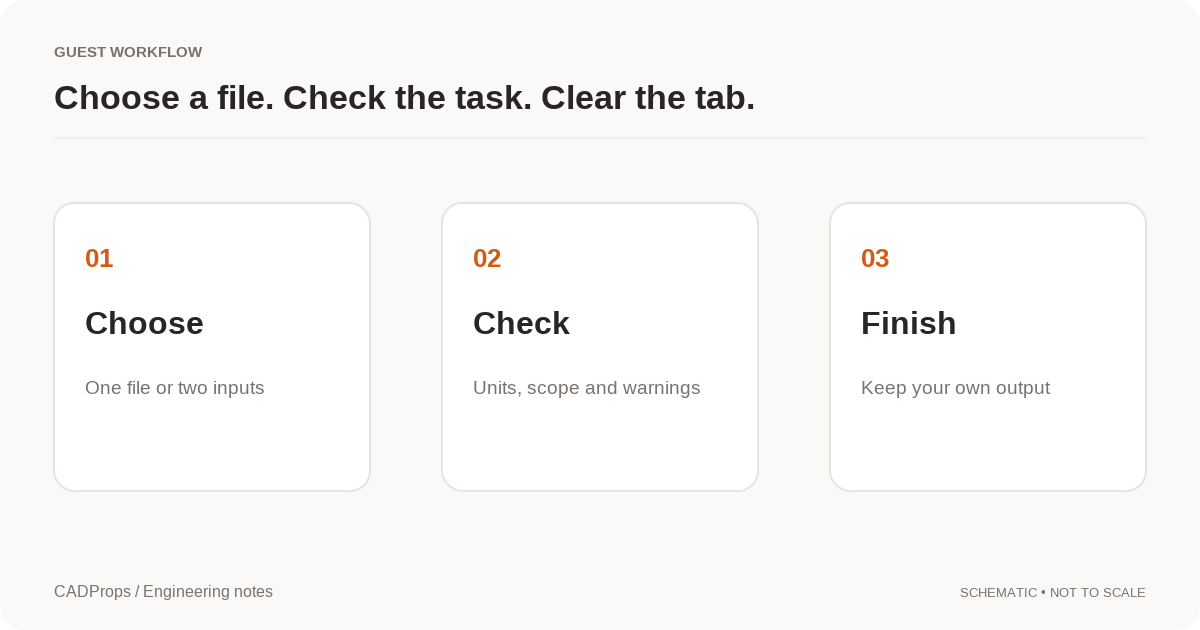
Convert Siemens JT (.jt) files and complete JT assembly ZIP packages to STEP in the browser. View and inspect the geometry without an account; sign in to convert and download the STEP export.

Exact STEP versus mesh STEP from JT

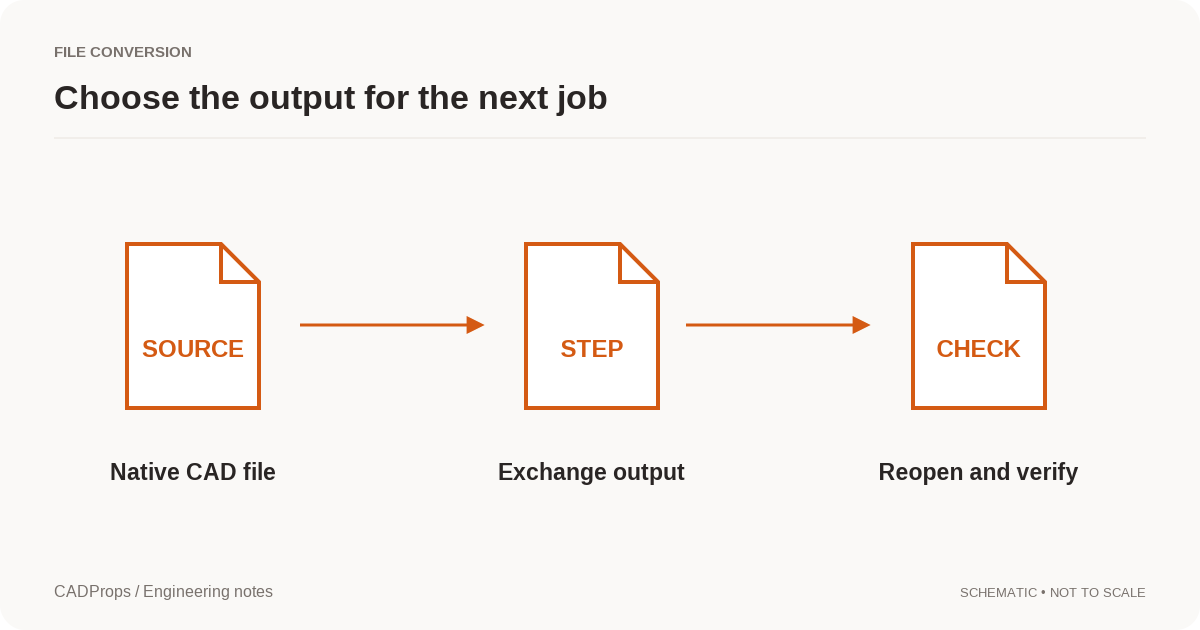
A JT file can contain tessellated display levels of detail (LOD), Parasolid XT B-Rep solids, or both. When CADProps reads XT/Parasolid B-Rep geometry inside a single JT part or a complete JT ZIP assembly package and rebuilds a closed, valid solid with verified units, the Convert dialog offers exact STEP (stp). When a JT file contains only triangle geometry or incomplete B-Rep data, CADProps exports a mesh STEP (stp-mesh) built from the saved triangles, alongside STL, OBJ, GLB, glTF and 3MF preview mesh targets. Check which STEP option Convert offers for your file before downloading.

Uploading multi-file JT assemblies

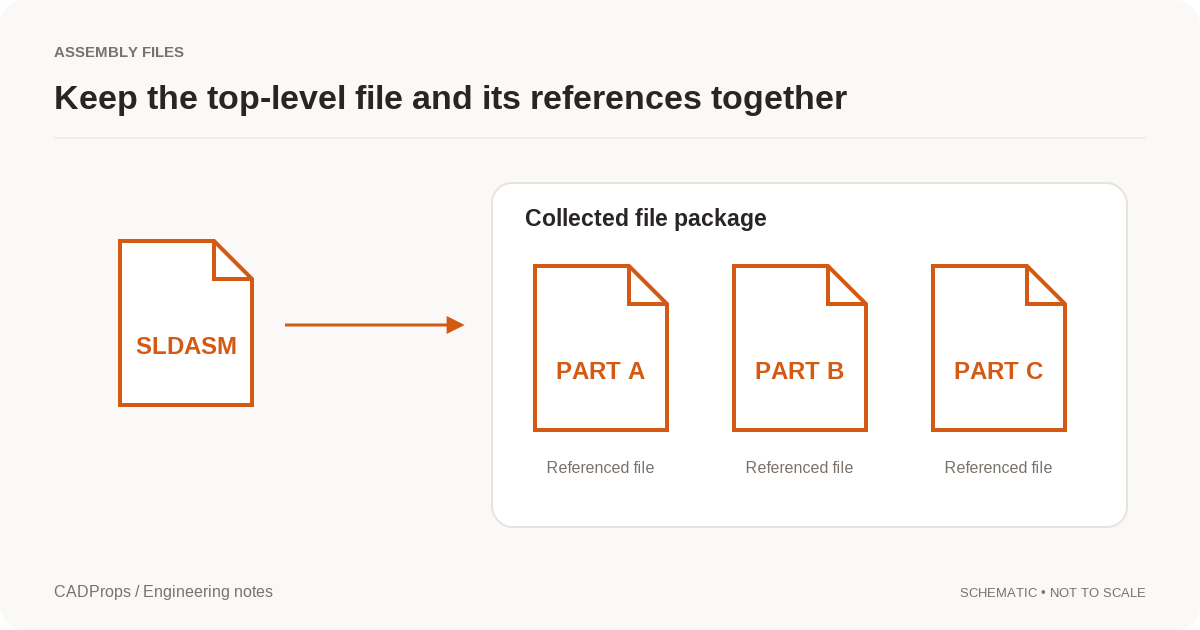
Many JT assemblies store only the product tree in the top-level .jt file and reference separate part .jt files. Upload the root .jt file together with all referenced .jt files inside a single ZIP package keeping relative folders, then check component counts and missing-part warnings in Structure.

Limits, LOD notices and verification

  • Support targets readable JT 8, 9 and 10 files; files carrying unsupported payloads or lacking readable geometry cannot be shown.
  • When a finest triangle LOD exceeds geometry limits, CADProps loads a coarser saved LOD and reports a warning (mesh_reduced notice); small features then look faceted and mesh properties remain approximate.
  • Siemens PMI semantics and native CAD feature history are not converted into editable CAD features.
  • Reopen the exported STEP in the STEP file viewer to verify unit status, bounding box dimensions and solid count.

Input formats: JT

Points: viewing and measuring are free. Eligible new accounts receive trial points. Free points are valid for 90 days. The first download uses 1 point and unlocks all available formats for this file for 30 days. Failed or incomplete conversions use no points. See pricing.

Open this tool

General steps for uploading, viewing, sectioning, measuring, converting and exporting are explained once in How it works. This page covers what is specific to this file type.

When a result needs another check

Viewing can start without an account. Conversion, account storage and share creation require signing in. Temporary files expire after the displayed retention period. Read the privacy statement for server processing and deletion, and the accuracy notes before using numerical results. Do not assume that hiding a part, clipping it or exploding an assembly changes the exported source geometry.

When a result needs another check · Input formats

Related CAD tools

Original article: CADProps · https://www.cadprops.com/tools/jt-to-step/
A reproducible example

Open a JT part or ZIP assembly package, check whether the Convert dialog offers exact STEP or mesh STEP, download the export and verify dimensions in the STEP viewer.

Repository-generated samples are synthetic test models. Verify your own model's units and geometry before using results.

Supported formats
All formats and limits →

Questions about JT to STEP

Can JT to STEP produce an exact B-Rep solid?

Yes, when the JT file includes readable XT/Parasolid B-Rep geometry that rebuilds into a closed, valid solid with verified units. Otherwise CADProps provides a mesh STEP built from saved display triangles.

How do I convert a multi-file JT assembly?

Package the top-level .jt file together with all referenced part .jt files in a ZIP archive preserving relative directories, then select the root assembly in the workspace.

What if the JT file only has triangle geometry?

CADProps converts the loaded triangles to a mesh STEP or STL/OBJ/GLB mesh. Request a native STEP export from the sender if machining or B-Rep editing requires exact surfaces.

Why did CADProps warn about a coarser level of detail?

If the finest saved triangle LOD exceeds processing limits, CADProps falls back to a coarser saved LOD and reports the notice. Mesh-derived area and volume should be treated as estimates.