

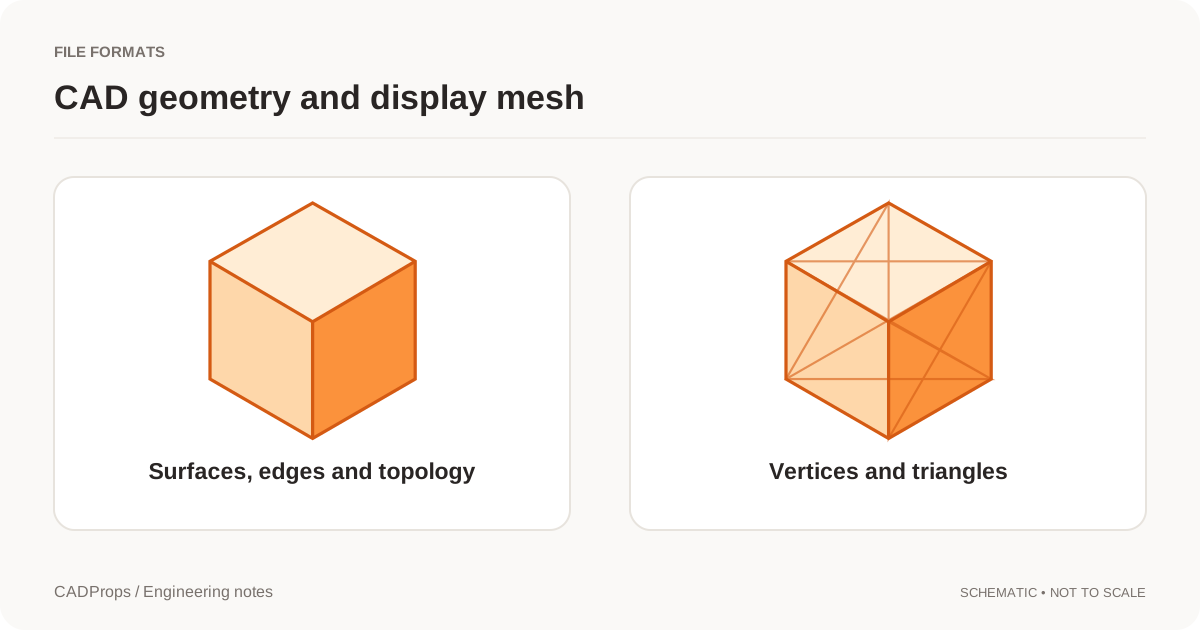
You can open a STEP in CADProps and still get an error when converting it to IGES. If the message says the STEP contains mesh faces without CAD surfaces, the viewer had enough geometry to draw the model, but the IGES writer needs a surface for each face it transfers. This can happen in a mixed file that contains both CAD surfaces and tessellated faces.
Inspect the STEP before choosing another output
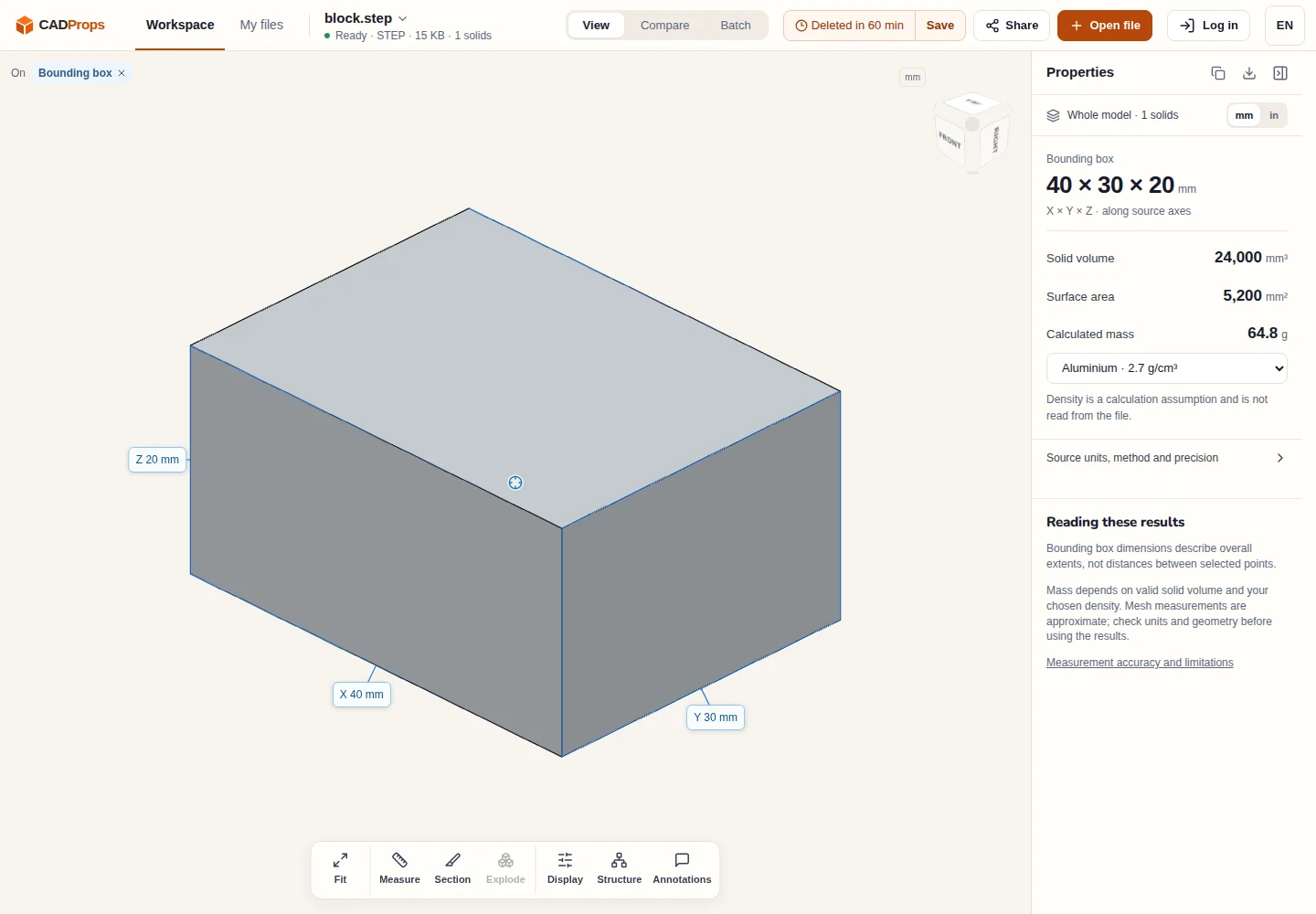
- Open the original file in the STEP viewer. Check the revision, Properties, and any warnings. Compare one dimension with the drawing.
- If it is an assembly, open Structure and compare the loaded components with the expected set. The overall dimensions can look right even when an internal part is missing.
- If the receiver specifically needs IGES, use the STEP to IGES converter and read the error. A missing-surface message is about the geometry in the source. Renaming the extension or changing display quality will not supply those surfaces.
Decide what the receiver needs
| The receiver needs | What to send |
|---|---|
| A mesh for a workflow that accepts triangles | Export a supported mesh format such as 3MF. Reopen the result and check its dimensions and scope. |
| IGES surfaces for a downstream CAD system | Ask the model owner to export IGES from the original CAD model, or to supply a STEP with CAD surfaces so you can retry. |
| An editable solid for CAD or CAM | Ask whether the receiver accepts a solid STEP. If so, request it directly from the original CAD system and reopen it in the receiving application. |
For example, a fixture STEP may include a native baseplate and a purchased component supplied only as a mesh. Ask whether the receiver needs the complete fixture or only the plate. If the plate alone is the agreed deliverable, have the author export that scope from the source. Hiding the purchased component in the CADProps viewer does not remove it from the conversion input.
Reopen the replacement
Open the replacement IGES in the IGES viewer and compare the intended components and a known dimension. If the job needs a particular surface or a closed solid, check that requirement in the receiving CAD system as well. A successful export does not guarantee that IGES preserved the assembly hierarchy or solid topology. STEP and IGES comparison
Original article: CADProps · https://www.cadprops.com/guides/step-to-iges-mesh-faces-error/