

If your CATPart opens as a picture you cannot rotate, check which file you uploaded and what the viewer says it loaded. In the CADProps CATIA viewer, a supported CATPart can open as a rotatable model. When the available result is only the saved thumbnail, you can identify the pictured part but cannot use the image to measure it.
Check the file and the result
- Check the original extension. Upload a
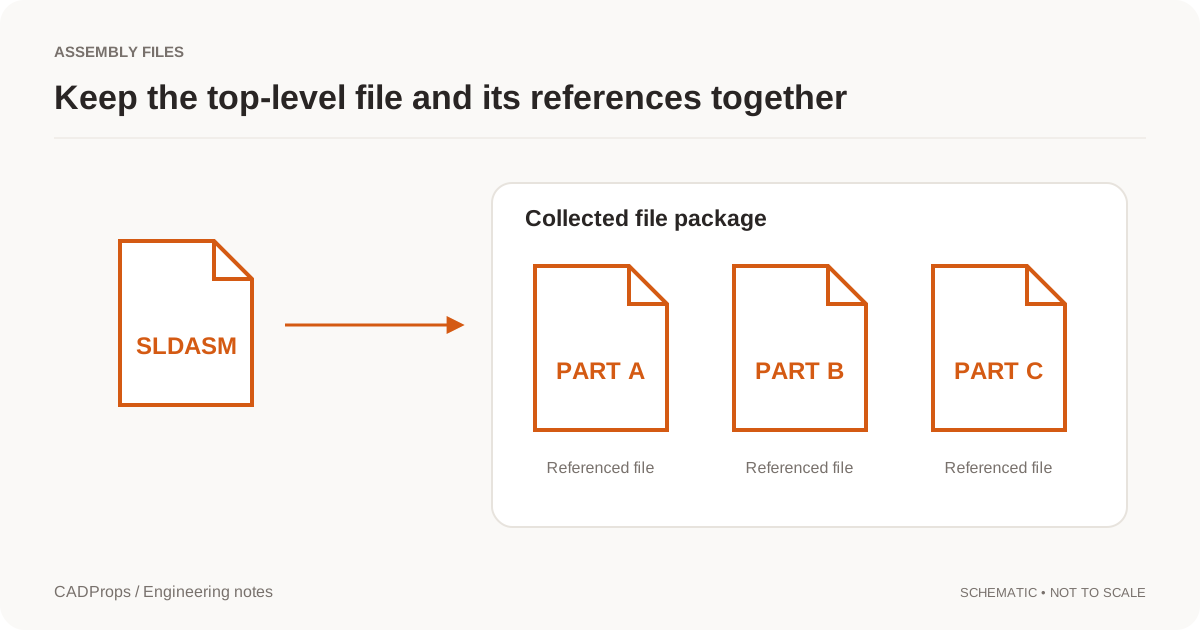
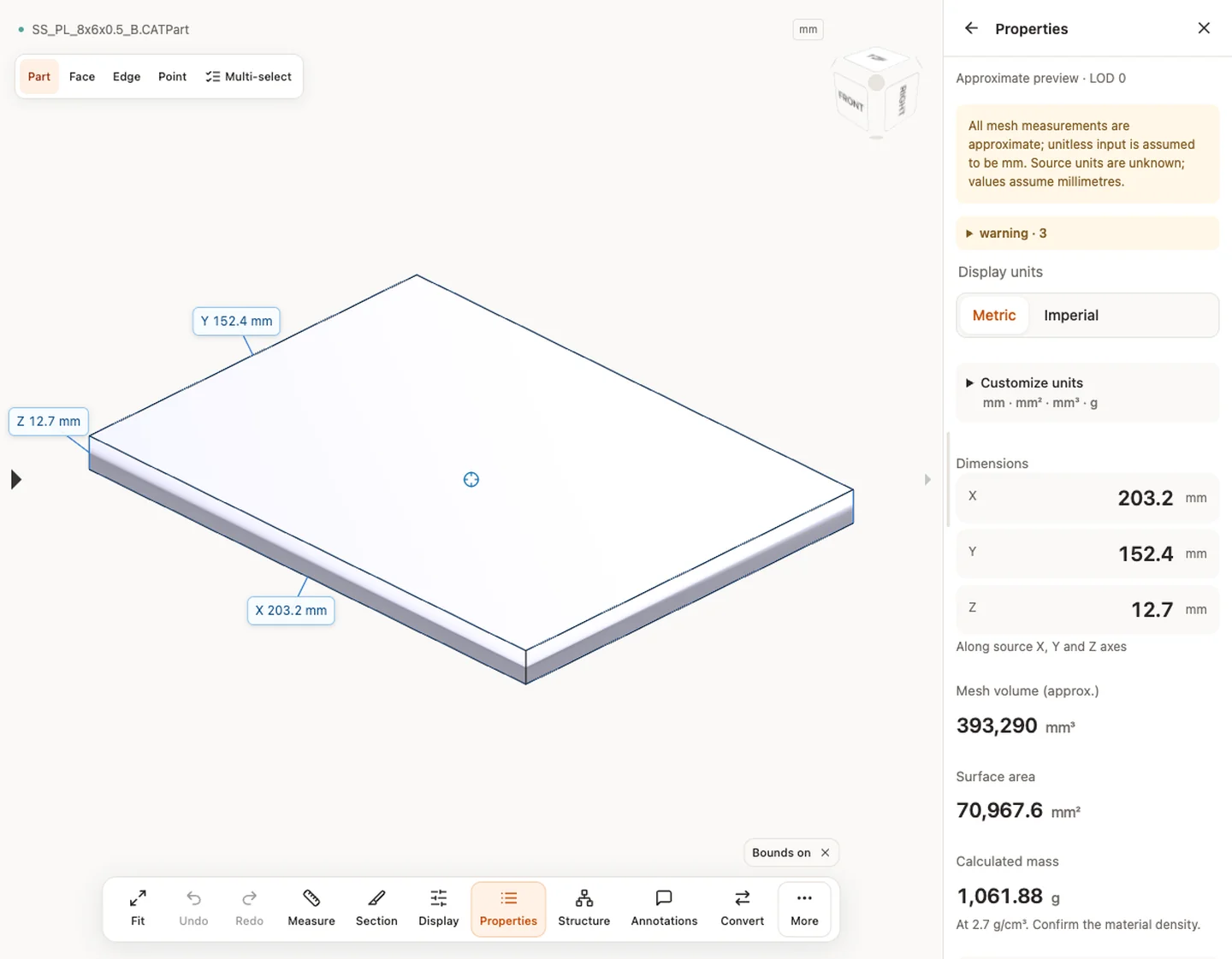
.CATPartas received. A.CATProductis a separate assembly document and the CADProps CATProduct view displays its saved thumbnail when available. - If the result is a rotatable model, open Properties. Check the displayed dimensions against one known dimension and read any warnings about the geometry and measurement basis.
- If the result is a thumbnail, stop at visual identification. Zooming into the picture does not expose a hole edge, a face or a physical unit.
| What loaded | What to do next |
|---|---|
| Rotatable 3D model with approximate properties | Use it to review shape and rough size. Ask for solid geometry if the decision depends on an exact edge or bore. |
| Rotatable model with exact B-Rep geometry available | Check the relevant face or edge and verify the intended part revision before using the reading. |
| Saved thumbnail only | For a part, request a CATPart with usable display data or a STEP export. For a whole assembly, request an assembly STEP. |
| Error with no preview | Note the message, check the file opens for the sender, and ask which CATIA release saved it. |
Tell the sender what you need to do
Suppose you received a fixture plate and need to check whether it fits inside a 210 mm envelope. Ask for the released revision as a STEP file and include the envelope dimension you want to check. Open the new file in the STEP viewer and verify its size, orientation and body count. If you need a hole diameter, select the relevant geometry and check the reported measurement method. An export can open cleanly and still be the wrong revision or contain only part of the model.
For a CATProduct, individual CATPart files can help you inspect pieces separately. If the question is whether two parts line up in the assembly, ask for the assembly STEP and verify the placements there. The CATProduct guide covers that handoff.
Original article: CADProps · https://www.cadprops.com/guides/catpart-only-shows-thumbnail/