

A file can be too large to email, slow to load in a browser or unnecessarily complex for a particular review. Those are different problems. Start by identifying which one you need to solve, because the most convenient reduction is not always safe for the next engineering task.
Keep the original CAD data. Make a separate delivery artifact, describe what changed and verify that the recipient still has the information needed for the job.
If the problem is transfer size, try packaging first
A ZIP archive changes the way the data is transported, not the design itself. The resulting reduction depends on the content and how it was already encoded; there is no sensible universal percentage to promise.
Preserve folder structure for an assembly package unless you are using a workflow that explicitly updates references. Keep a manifest with the top-level file and the intended revision. Compressing a package that is already missing parts only creates a smaller incomplete package.
If a sender has a supported compressed STEP option, check whether the receiving reader accepts it. File-format support is not identical across every reader and writer. STEP translator reference.
If the problem is viewing, create a viewing derivative
A recipient who only needs to inspect the shape may not need all the engineering source data at initial load. A separate mesh preview can reduce the browser's work while leaving the native or STEP source unchanged.
glTF is designed for efficient transmission and loading of 3D scenes and models. Khronos describes that purpose. It can be a useful delivery format for visualization, but it is not a promise to preserve a native CAD feature tree or engineering B-Rep.
Do not replace an agreed engineering deliverable with GLB merely because it loads quickly. Offer a preview alongside the source when both tasks matter.
If the problem is model scope, remove only what the job allows
Ask whether construction geometry, hidden alternatives, fixtures or unrelated components belong in this delivery. Exporting only the intended scope may be the right way to reduce the package.
The key is approval of the scope, not file size alone. A small component may carry critical information. A repeated fastener may be easy to omit visually but still matter in a parts list or mass calculation.
Keep an exclusion list. The recipient should not need to discover that the model was simplified by comparing it with a drawing after the fact.
Simplification changes geometry
Removing small holes, fillets or cosmetic features is not the same as compression. It creates a different geometric representation of the part. Such a derivative may be useful for a specific analysis or visualization task, but it must be identified as simplified.
Define the rule before running a defeaturing operation. “Remove features below a chosen size for this visualization” is a bounded task. “Make the file smaller without changing anything important” leaves the software guessing what important means.
Recheck the affected regions. Preserve the original and avoid allowing a simplified derivative to replace the manufacturing source by accident.
Use a decision table rather than one compress button
| Actual problem | Starting action | Keep checking |
|---|---|---|
| Email or transfer limit | Package the complete file set | Archive contents and references |
| Slow initial browser display | Use an appropriate visual derivative | Scope, orientation and units |
| Unrelated content in the export | Export the agreed subset | Explicit exclusions |
| Excess detail for a specific downstream task | Controlled simplification | Geometry changes and task suitability |
The smallest result is not automatically the best result. A slightly larger, complete and clearly documented package can cost less time overall than a small one that triggers several support messages.
Verify in the recipient's environment
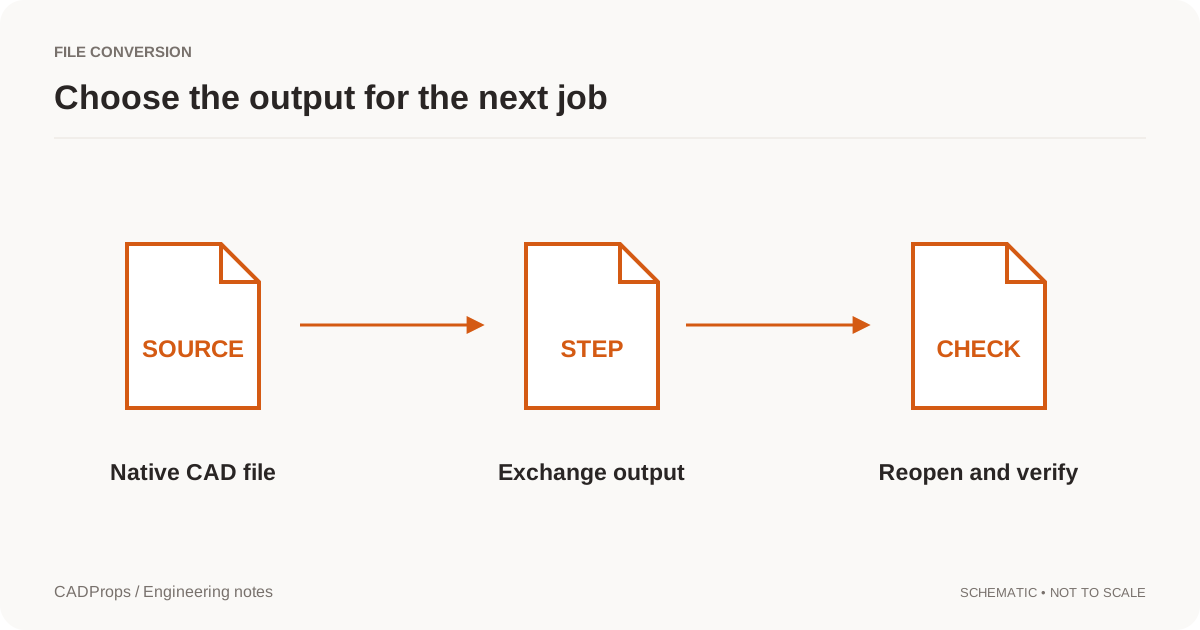
Reopen the delivery using the intended tool, not only the converter that produced it. Check the component scope, a known dimension and the regions the recipient cares about. For an assembly, confirm that repeated instances and their placement still make sense.
Store the original filename, derivative purpose and revision together. A clear name such as housing_RevB_visualization.glb helps, but a filename alone cannot enforce the intended use. Put the scope in the delivery note as well.
Compare size reduction with information loss
Measure the original and proposed derivative separately. Record bytes, intended bodies/components and the features or data deliberately removed. If the change is only ZIP transport, verify that extracting the archive restores the original files. If the change is a simplified model, document the geometry exclusions and do not call it lossless compression.
For a large assembly, start with an approved scope decision: are fixtures, alternative configurations or supplier-internal components part of this recipient's task? Removing an unneeded fixture can be legitimate; removing a required repeated part to reach an attachment limit is not.
A preview can also improve viewing without reducing the engineering source at all. Keep the STEP available through an agreed transfer method and provide a separate web derivative for quick inspection. Confirm that the preview does not become the only artifact the receiver can obtain.
CADProps provides inspection and supported conversions, not a universal STEP compression or native defeaturing editor. When a geometric simplification is necessary, make it in the authoring workflow, then inspect the changed output against the approved scope before release.
Original article: CADProps · https://www.cadprops.com/guides/smaller-step-files/