
Open your model in the CADProps dimensions tool and choose Measure → Angle → Angle. Click the flat bevel, then the adjoining flat face. CADProps reports the smaller angle between their planes. If the drawing dimensions the inside of the corner, check which side of the intersection its dimension arc spans.
Check a 45° bevel
- Open the beveled block sample. Rotate it until the broad top and sloping face are both visible.
- Click well inside the sloping face, then well inside the broad top. The sample reads 45°.
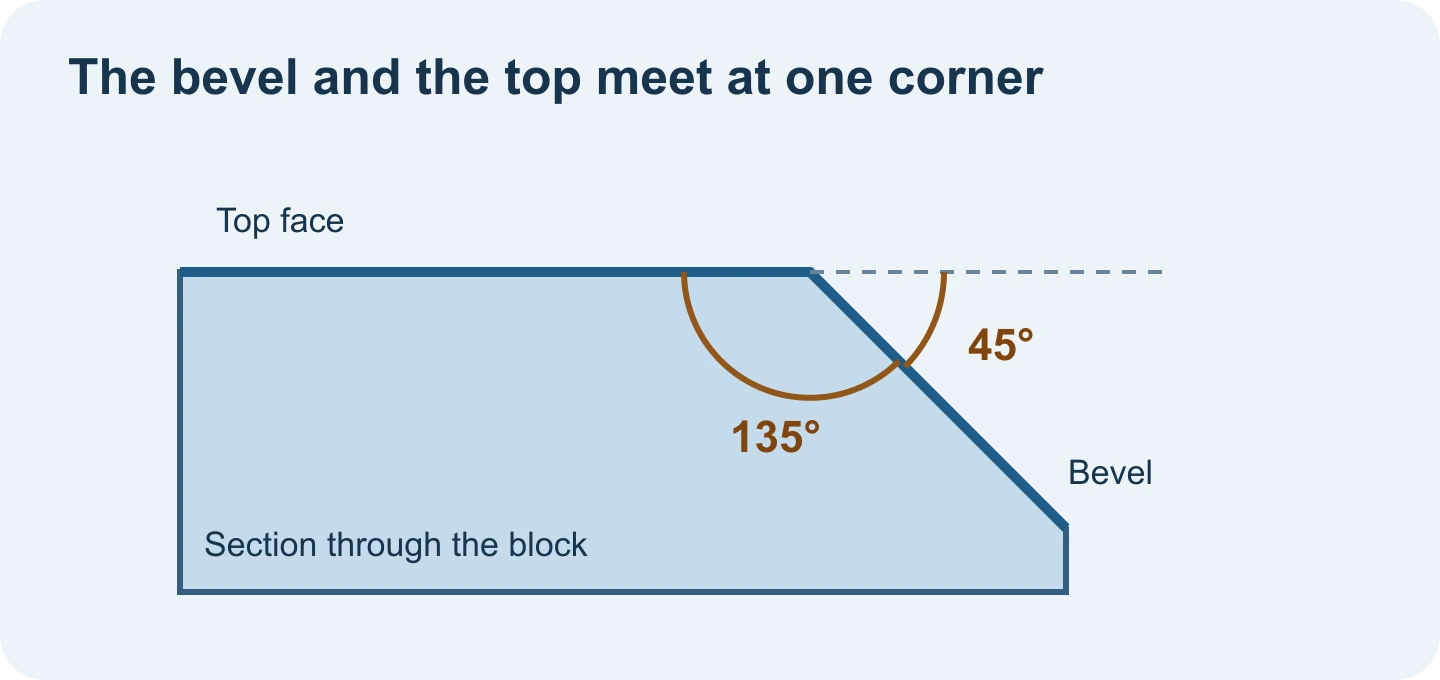
- In a section across the bevel, the angle inside the block at that junction is 135°. The two angles add to 180° at that corner. Check the drawing's arc before comparing its number with the viewer result.
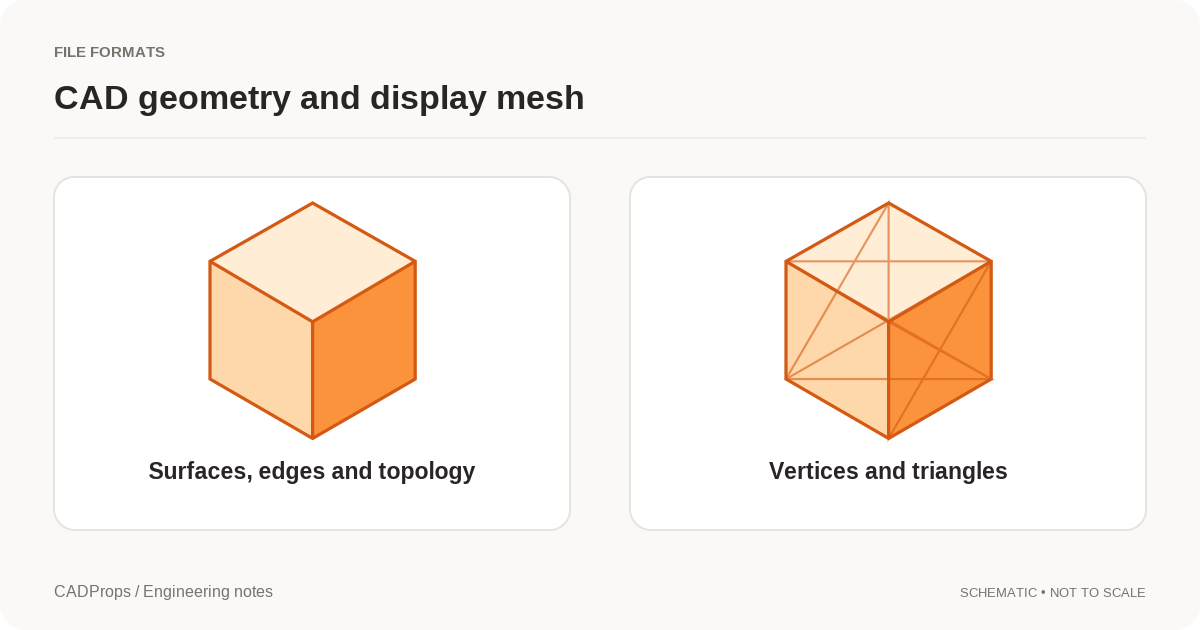
If the viewer rejects a selection, check that both picked surfaces are flat CAD faces. A round fillet cannot serve as either of those planes. If you are measuring the wall of a countersink, use Cone angle. If the model loaded as a display mesh and the angle tool is unavailable, ask for the original STEP with CAD faces.
Original article: CADProps · https://www.cadprops.com/guides/measure-flat-bevel-angle-step/