

You measured a bore and a face distance, then exported a CSV that lists only X, Y, Z and volume. That is the properties export. CADProps has a separate download for the measurements you pick in the viewer.
Export the table that matches the question
| What the recipient asked for | Where to export it |
|---|---|
| Two hole diameters, one centre distance or a picked face area | Open the file in the STEP viewer, make the selections in Measure, then use Download CSV in the measurement list. |
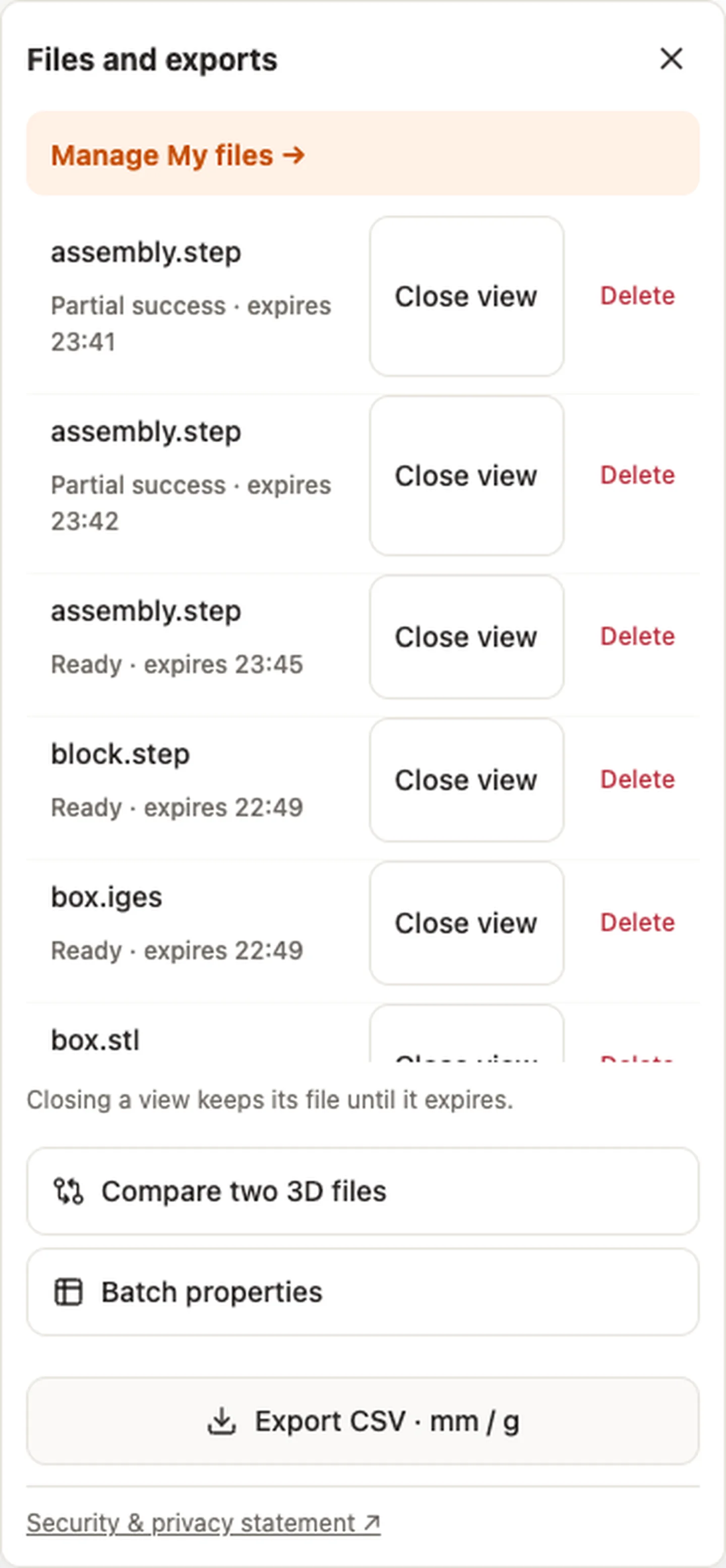
| Overall dimensions, volume, area or density-based mass | Use Files → Export CSV · mm / g for the properties table. |
| Properties for several uploads | Use the batch properties workflow, then reconcile the row count and any unavailable values. |
Check the local measurements before sending them
Say the recipient wants to check an 8 mm bore and a 40 mm spacing on the released plate. Use the measurement list to confirm the picks before downloading. In the CSV, keep the kind, unit, precision and basis columns with each value. For spacing, record whether you picked circular centres, bore axes or two approximate mesh points. Those methods can produce different results.
The measurement CSV uses mm, degrees, mm² or mm³ according to the quantity. The display unit you selected in the viewer does not change those exported units. Compare the numbers against the correct drawing dimensions and include the file and revision with the CSV. Keep unavailable properties blank or unavailable. They do not establish that a feature has a size or volume of zero.
Original article: CADProps · https://www.cadprops.com/guides/export-cad-measurements-vs-properties-csv/