
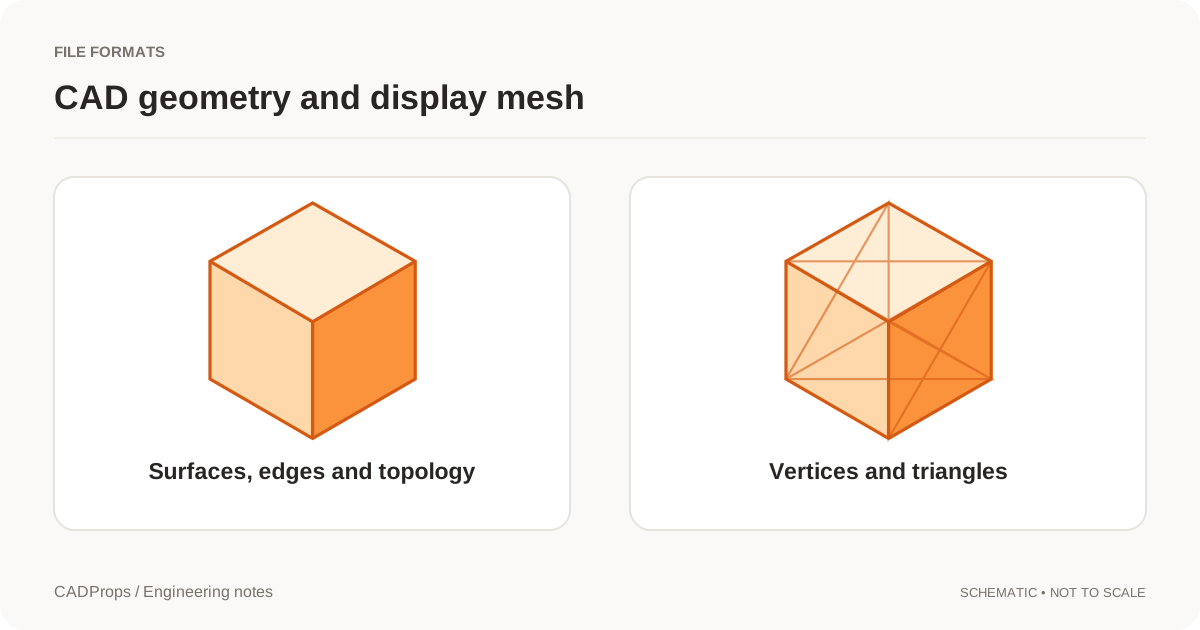
To check the thickness of a plate, open the STEP in the CADProps STEP viewer and choose Measure → Distance → Face distance. Pick the two flat faces that define the thickness. CADProps measures the perpendicular separation of their planes, so the points you click can be at different places on the two faces.
Check the top and bottom of a known block
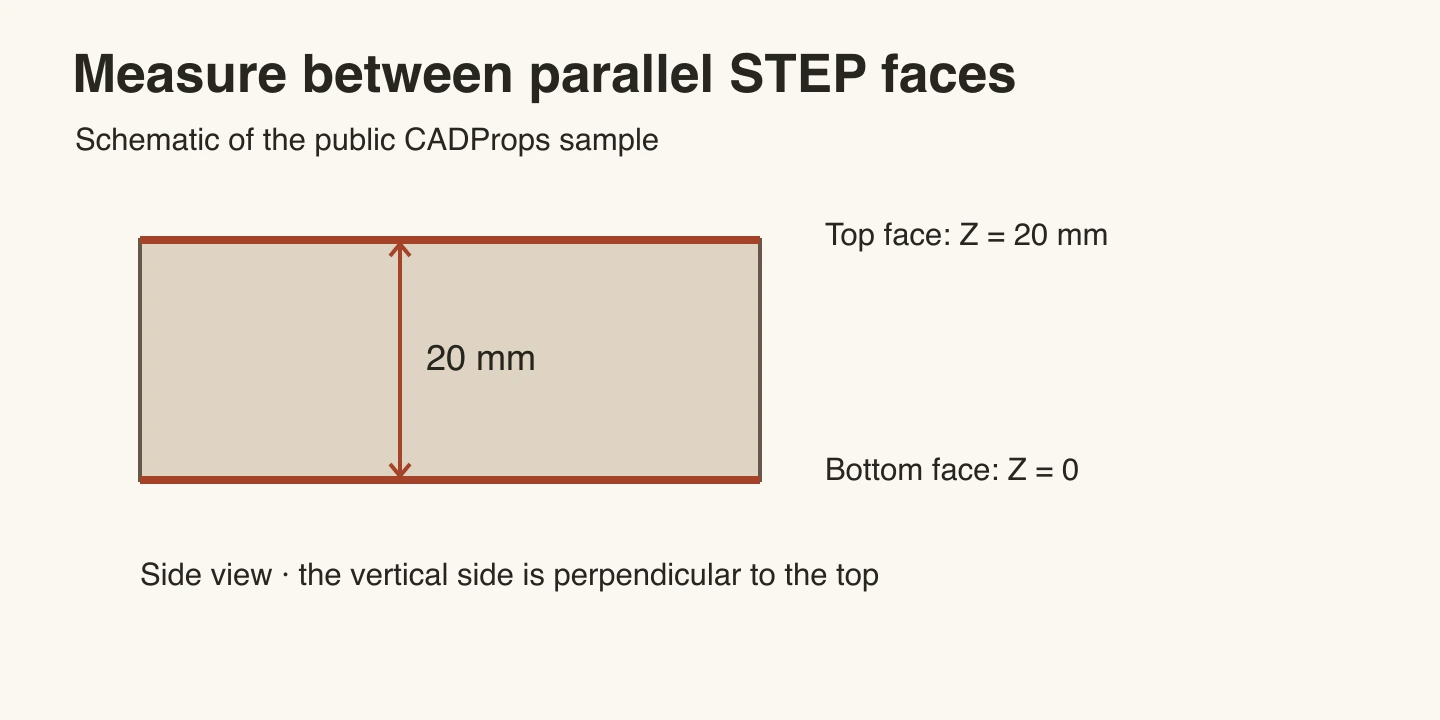
- Open the public block.step and use millimetres. Its X, Y and Z extents are 40, 30 and 20 mm.
- In Face distance, select the broad top face. Rotate the model to expose the underside, then select the broad bottom face.
- The two faces lie at Z = 20 mm and Z = 0. Their separation is 20 mm. If you happen to pick two points at opposite corners, the point-to-point distance would be longer. Face distance gives the same thickness anywhere on the two planes.
Fix a rejected second face
If you click a side wall after the top face, the planes intersect. The viewer prompts you to select parallel planar faces. Rotate the part and choose the underside. Use Angle when the angle between the faces is the quantity you need.
If the surface is a fillet or cylinder, look for the flat face next to it. If Face distance is absent, check whether the viewer loaded a mesh preview. Use a STEP export with readable planar CAD faces for this operation.
For an offset pair of faces, the measured separation is between their extended planes. If you need the closest gap between finite edges or corners, identify those features and use a measurement suited to them.
Original article: CADProps · https://www.cadprops.com/guides/measure-parallel-face-distance-step/