
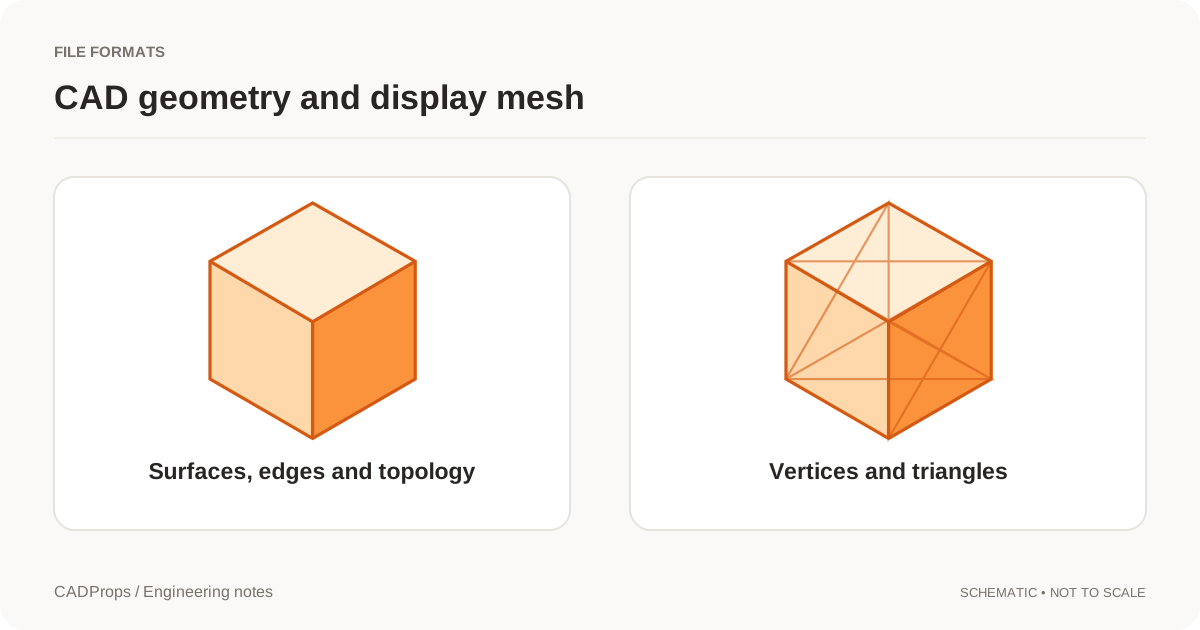
If you need the area of a cylindrical wall, open the file in the CADProps STEP viewer, choose Measure → Surface area and click the wall. Check the highlighted face to see what the result covers. The Surface area in Properties describes the whole model when its scope is Whole model.
Try the wall and the end of the same cylinder
- Open the public cylinder.step. It has a radius of 10 mm and a height of 30 mm.
- Rotate until you can see both the curved wall and one circular end. In Measure, choose Surface area and use mm² as the area unit.
- Click well inside the curved wall, away from the rim where it meets the end. The measured face should cover the wall. For this sample, its area rounds to 1,884.96 mm².
- Click the flat circular end. That face measures about 314.16 mm². If you see that smaller number when you meant to pick the wall, rotate the model and select the wall again.
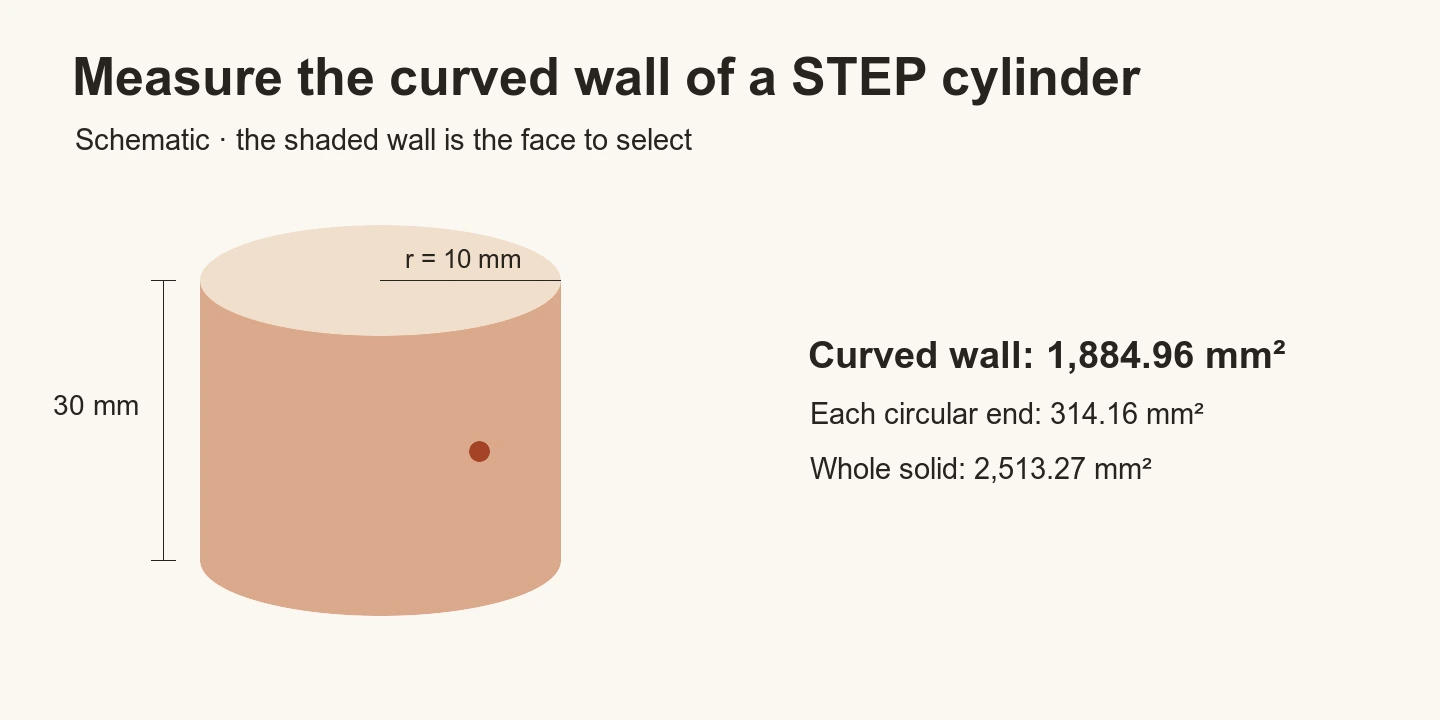
The wall wraps around the full cylinder, so its area is circumference times height, or 2π × 10 × 30 mm². The whole-model area is about 2,513.27 mm² because it also includes the two ends. Display rounding can differ from these examples.
If the surface highlights in sections
A curved wall can consist of several CAD faces, even when it looks continuous. If the highlight stops along the wall, check whether the next region is a separate face. Measure each intended face once and add the values in the same area unit. Record which faces you included when you give the result to someone else.
If Surface area is unavailable in Measure, check whether the preview has B-Rep geometry. For a mesh-only result or a missing face, ask for a STEP export with readable CAD faces, then recheck the intended surface.
Original article: CADProps · https://www.cadprops.com/guides/measure-curved-face-area-step/