
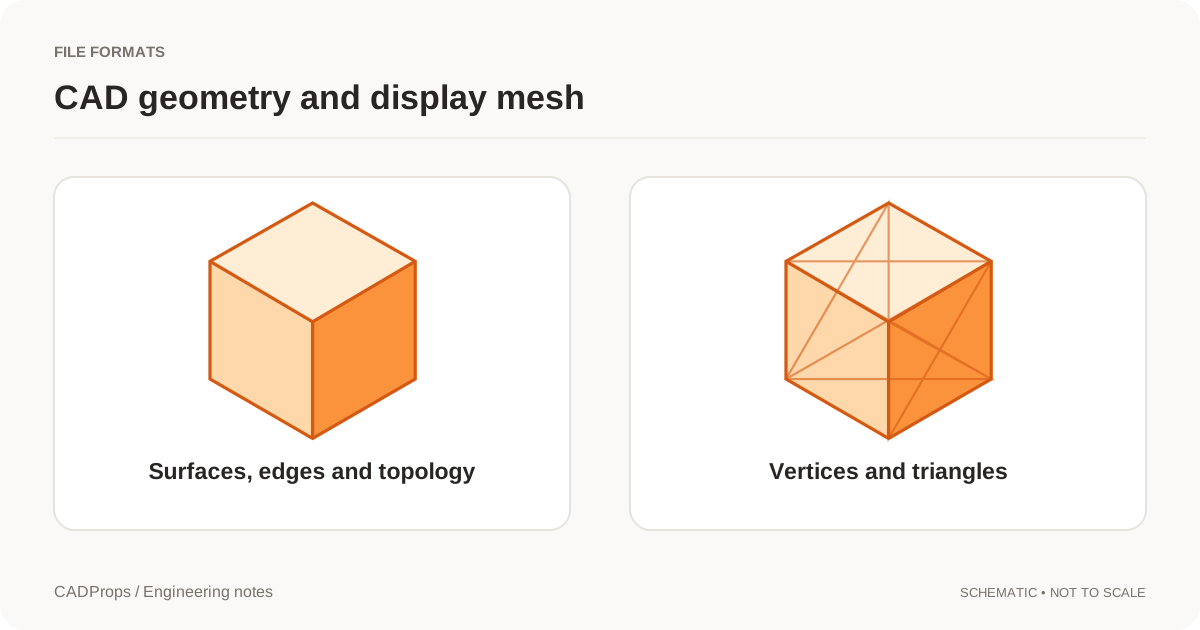
Open the STEP in the CADProps dimensions tool and choose Measure → Distance → Trimmed geometry distance. Click inside each of the two faces. This mode measures the shortest distance between the bounded CAD faces. It can report a positive gap when both faces lie at the same height.
Check the gap across a recessed slot
- Open the two-pad STEP sample and use millimetres.
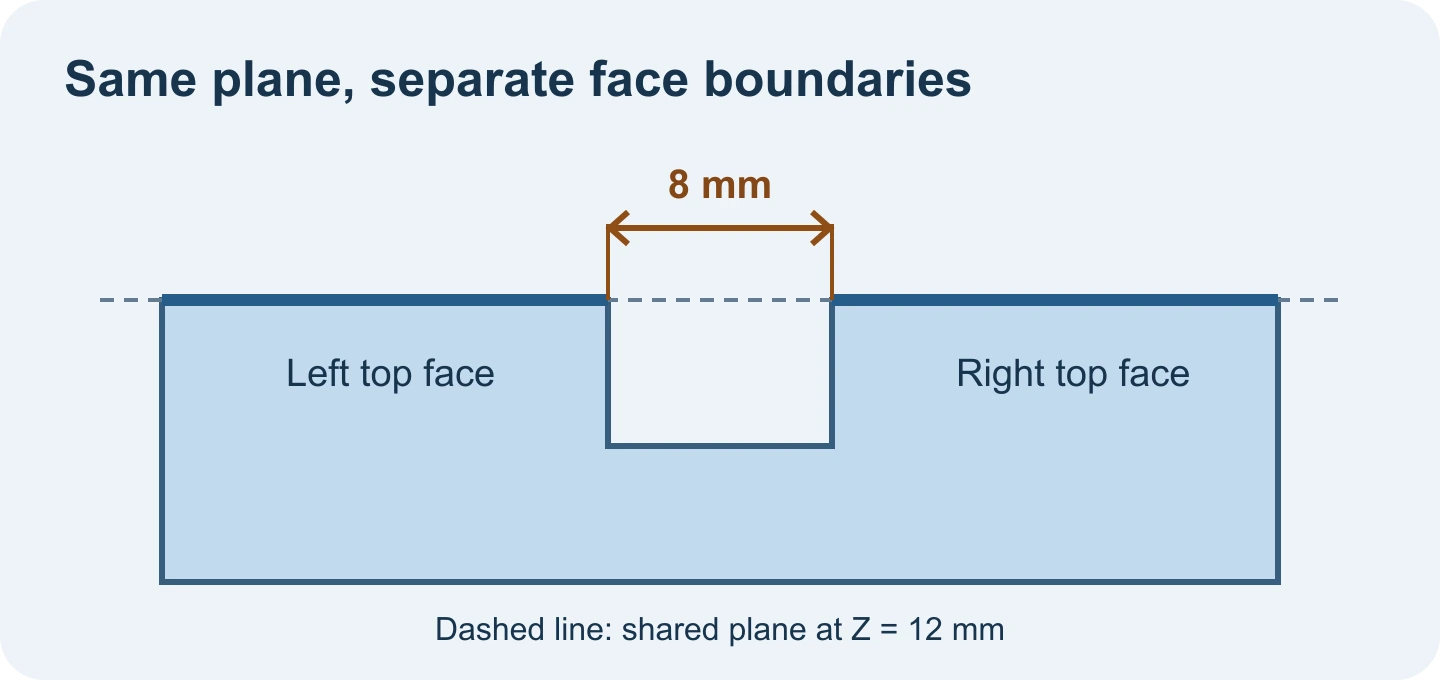
- Pick the broad top face on the left, then the broad top face on the right. Click away from their edges so the whole faces are selected.
- Read 8 mm, the distance between the nearest boundaries. The two tops lie at Z = 12 mm. A measurement between their extended support planes gives 0 mm because those planes coincide.
If the viewer highlights an edge, move farther inside the face and pick again. Use two different references from the same uploaded model. If the mode is missing, check for a complete CAD B-Rep instead of a mesh preview. When you need the vertical separation of opposing planes, use Face distance.
Original article: CADProps · https://www.cadprops.com/guides/measure-gap-between-coplanar-step-faces/