

Solid Edge parts, sheet-metal documents and assemblies normally use their own native files. Those native files are not a public upload format on CADProps. Renaming a Solid Edge file to STEP, STP or X_T does not translate it.
If you need to inspect geometry without Solid Edge, ask the sender for an export the receiving workflow actually supports. The two practical exchanges this site can open are a self-contained STEP file and a text Parasolid .x_t file. Binary Parasolid .x_b is not enabled.
Native Solid Edge files stay in Solid Edge
| File | What it usually is | What to do here |
|---|---|---|
.par |
Solid Edge part | Not enabled. Ask for STEP or X_T |
.psm |
Solid Edge sheet metal | Not enabled. Ask for a solid export of the intended state |
.asm |
Solid Edge assembly | Not enabled. A top-level file without its parts is incomplete even in Solid Edge |
An assembly export has to include the components you expect to measure. A STEP or X_T of only the assembly shell is not the full product. Package referenced files when the format needs them, keep relative paths, and treat missing components as a partial result. ZIP packages on this site are limited to 50 entries and 100 MiB expanded. Encrypted archives, nested ZIPs, symlinks and parent paths are rejected.
Choose the export before you upload
Ask for a specific deliverable:
- the released configuration, not an unnamed working copy;
- units, usually millimetres unless the drawing says otherwise;
- a closed solid when you need volume or mass;
- assembly components resolved, if the scope is the product rather than one part.
STEP is the safer request when the next system is unknown. Parasolid X_T is appropriate when the recipient already uses a Parasolid path. Parasolid vs STEP is the comparison. Neither export restores Solid Edge sketches, features or ordered/synchronous history.
Inspect the file you actually received
- Keep the native Solid Edge attachment unchanged for traceability.
- Open STEP in the STEP viewer, or X_T in the Parasolid viewer.
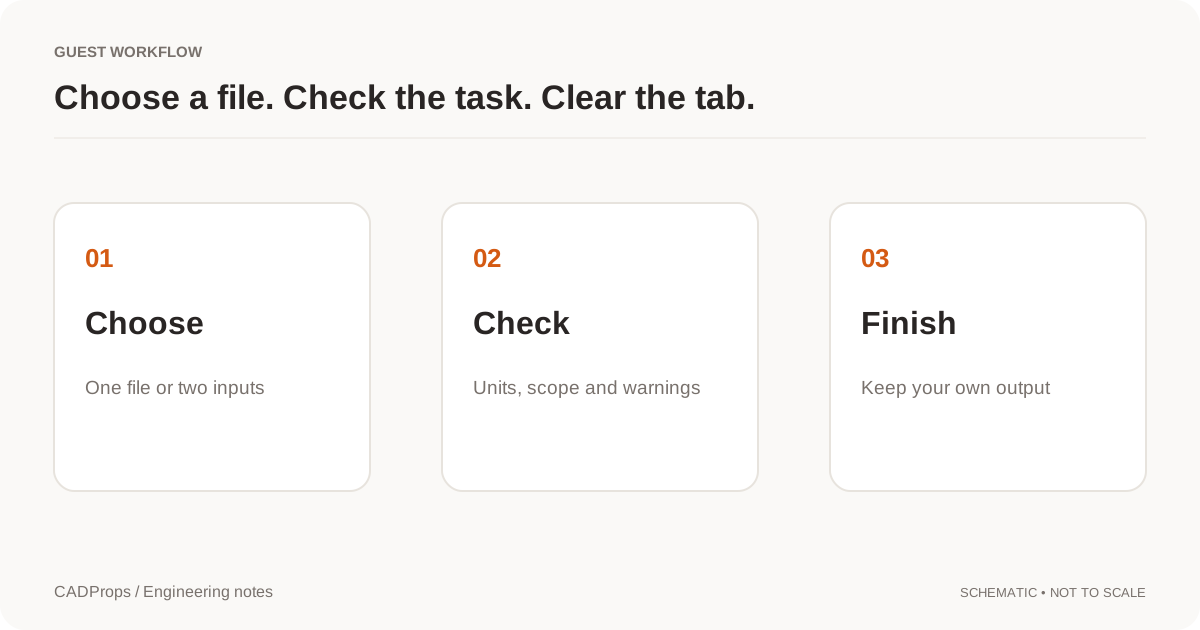
- Confirm the expected bodies and read any missing-reference warning.
- Check one known dimension before trusting area, volume or mass.
- Use Parasolid to STEP only if the downstream system asked for STEP, then repeat the dimension check.
A shaded view can hide an open shell. Volume is available only for a valid closed solid. Mass is that volume times a density you confirm. It is not a material definition stored by Solid Edge.
Sheet metal is a special case. An export of the flat pattern and an export of the formed part are different solids. Say which one you need, because a thickness or bend state that looks plausible can still be the wrong manufacturing stage.
If the export will not open
Do not cycle the native file through unrelated converters. Ask which Solid Edge release saved it, whether the attachment is PAR, PSM or ASM, and for a fresh STEP of the released configuration. A file that fails in one reader is not automatically corrupt.
Seeing the model does not approve the revision, tolerances or material. Keep the drawing or the agreed specification with the export you reviewed.
Original article: CADProps · https://www.cadprops.com/guides/open-solid-edge-without-solid-edge/