
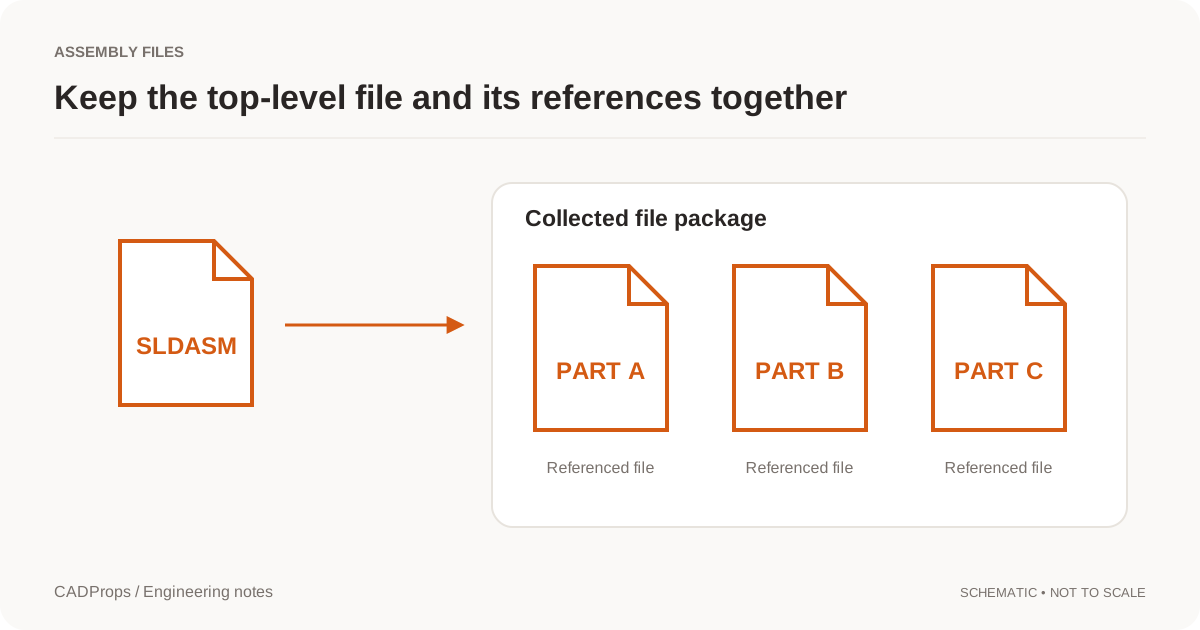
If a 3DXML assembly opens but an expected part is gone, upload the original package to the CADProps 3DXML viewer. Check the warnings and open Model structure. Compare the visible placements with the sender's assembly list or a reference image. A package can load a partial scene when a referenced mesh is missing, outside the package or in an unsupported encoding.
Compare two packages with the same outside footprint
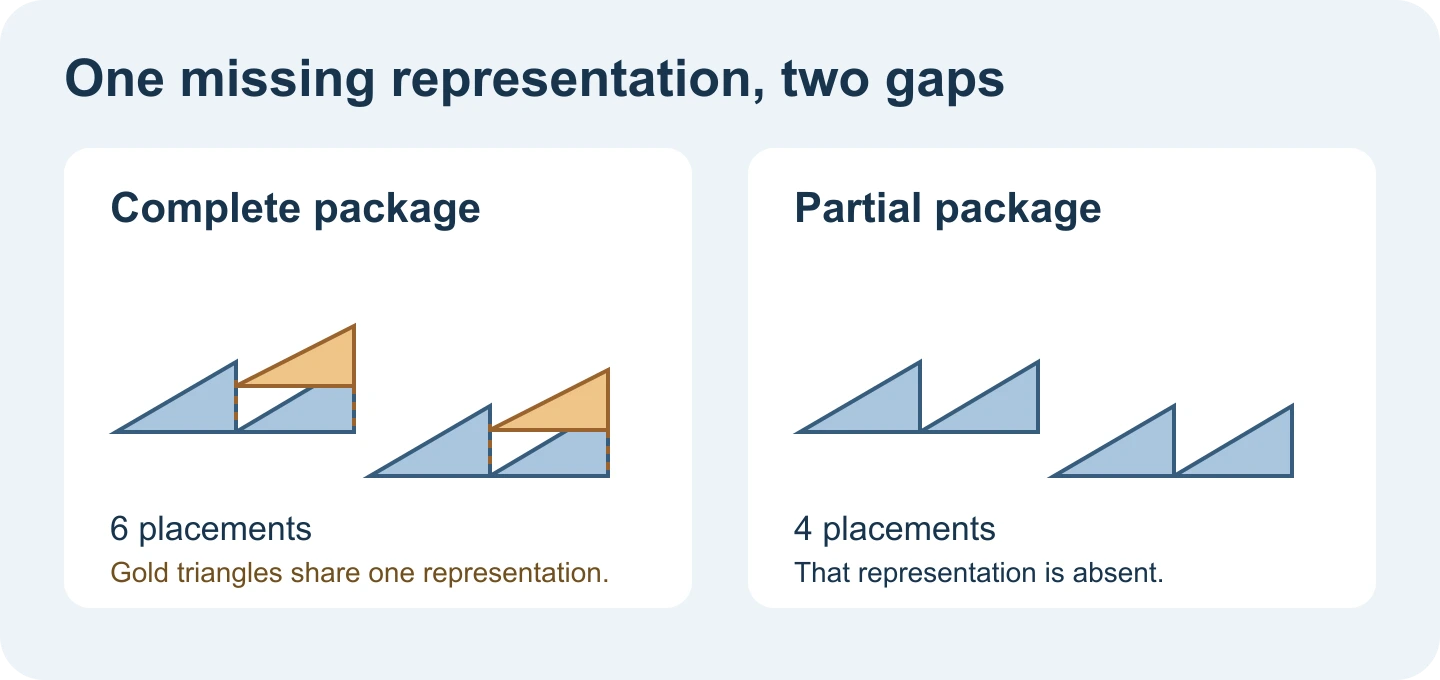
- Open the complete 3DXML sample. It contains six triangle placements, including two raised copies of one referenced representation.
- Open the sample with a missing representation. It has the same root assembly but lacks the shared representation file. CADProps reports an incomplete result and reads four placements.
- Turn the view slightly to expose the raised copies. The two files have the same X and Y span. From above, a raised copy can overlap the triangle below it, so a familiar outline or plausible width is a poor completeness check.
Ask for the file that fixes the omission
If CADProps reports a problem, ask the sender for a self-contained 3DXML package with the supported tessellations included. Send the warning and identify the missing shape or assembly location. Keep the original package intact on upload. The viewer uses package-local references and cannot read files from the sender's machine.
For a partial result, whole-model physical properties are unavailable. A complete 3DXML preview still has unverified source units in this workflow. Verify scale using a known dimension before comparing measurements. If you need exact CAD faces for the next step, ask the sender for a STEP export of the same assembly configuration.
Original article: CADProps · https://www.cadprops.com/guides/3dxml-assembly-missing-components/