

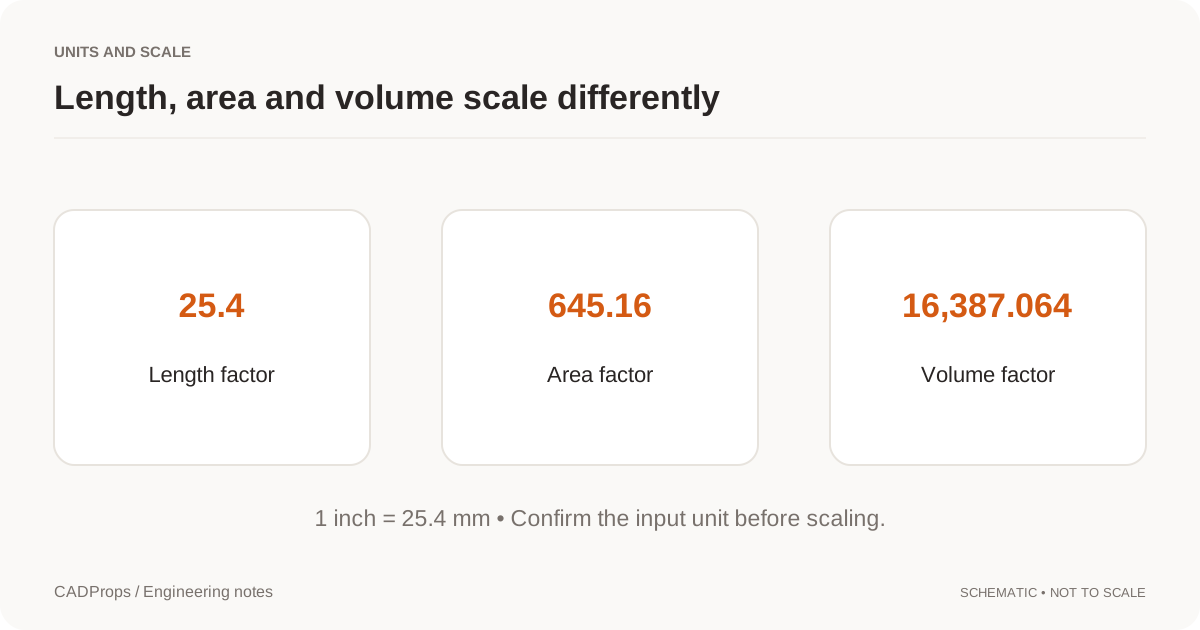
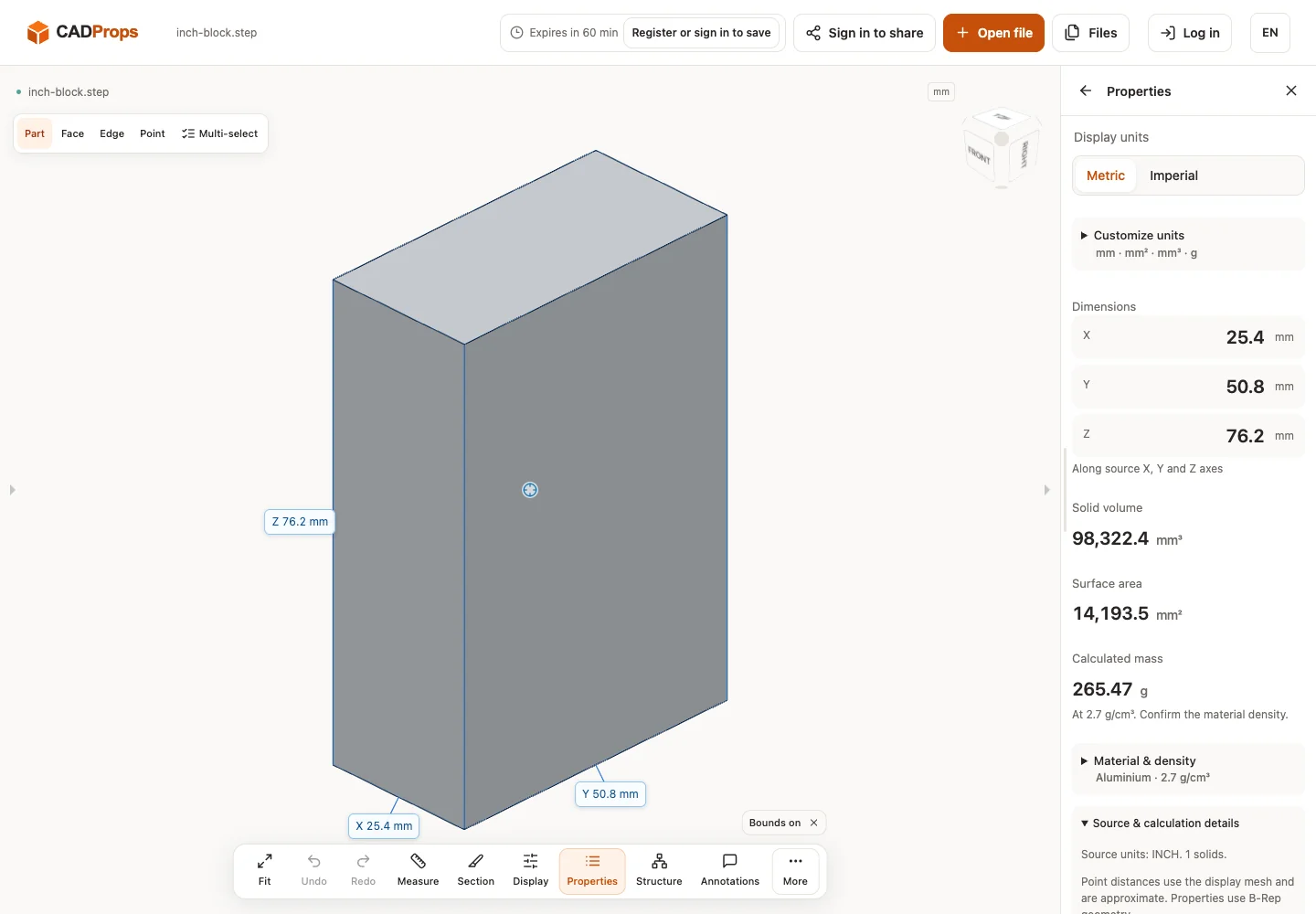
The STEP declares inches. Its physical geometry should normalize to 25.4 × 50.8 × 76.2 mm; displaying another unit must not resize it.
Open the matching tool and download inch-block.step.
Reproduce the check
- Download the unchanged public sample. It is synthetic geometry generated in the repository, not a customer model.
- Open it in CADProps and wait for the model canvas.
- Open Properties, confirm units, included components and warnings.
- Compare the displayed values with the analytical expectations below.
- Open Files → Export CSV · mm / g, then reopen the downloaded properties CSV. Keep unavailable cells separate from zero.
Expected and observed results
| Property | Analytical expectation | Observed CSV |
|---|---|---|
| X (mm) | 25.4 | 25.4 |
| Y (mm) | 50.8 | 50.8 |
| Z (mm) | 76.2 | 76.2 |
The observed values and original CSV are recorded in the verification record. This record identifies the test environment and source revision. It describes a local verification run, not a production release.
Verification scope
Sample SHA-256: 42aba73b93cce5b84fdb165da0dfda9558e9a1c567654f0f2fad0de678c98fdc. Generated by scripts/make_samples.py; source revision 27af64443aab95059aefa76ad27cefd267ebfbc4. Verified on 2026-10-01 with the local isolated CADProps server and Chromium; see the linked record for environment details. Numerical comparison allows 0.01 mm for extents, 0.1 mm² for area and 0.1 mm³ for volume of these simple fixtures; these are test checks, not manufacturing tolerances.
CADProps processes files on the server. Inspect source units and warnings before relying on properties. Missing components describe only loaded scope; volume requires valid closed geometry. Ordinary assembly totals sum occurrences and can double-count overlapping material; they do not compute a Boolean union. Mass requires a density you confirm. Accuracy and privacy explain the limits.
Try the check or follow the measurement workflow.
Original article: CADProps · https://www.cadprops.com/guides/step-inch-unit-check/