

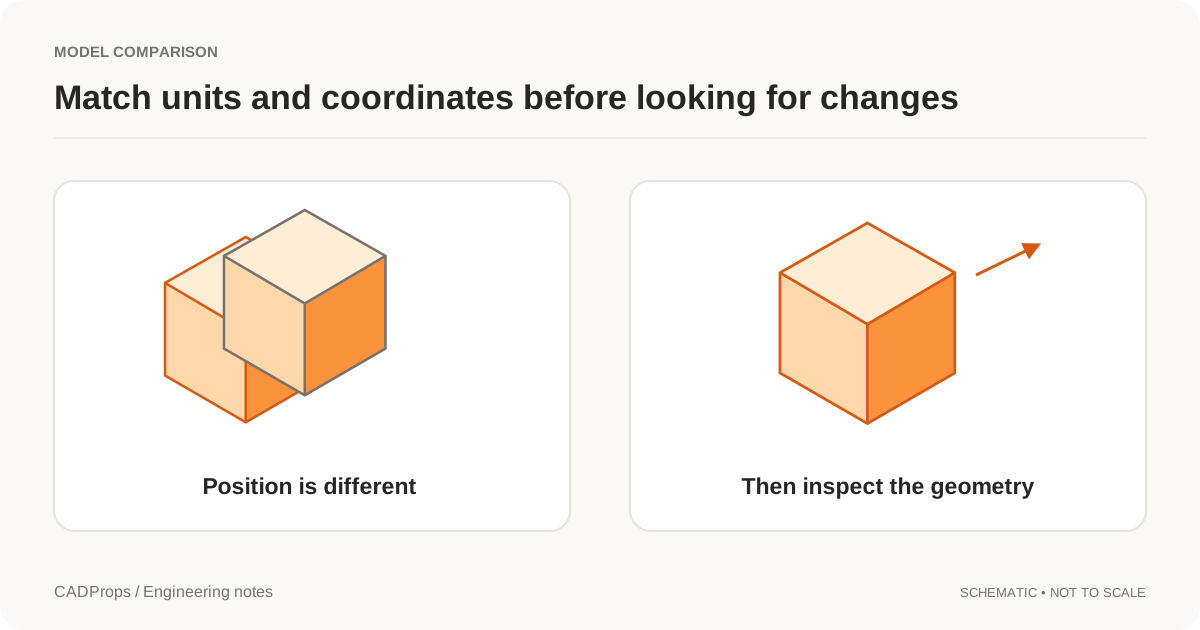
A reviewer comments on a model in the morning. The owner uploads a new one in the afternoon. If the same link now opens different geometry without saying so, the comment has lost its context.
For a file handoff, a fixed-version link is often the clearer default. It identifies exactly which snapshot is being reviewed. A link that follows the latest version can also be useful, but it should be a separate, explicit choice.
Decide what the link points to
A share can point to one model version, a set of files or a comparison between two versions. State the target before choosing the access settings.
A fixed comparison needs more than two filenames. It should preserve the version identifiers, selected configuration or bodies, units, alignment choice and any comparison parameters. Otherwise the recipient may reproduce a different result with the same visible title.
Saved versions and active workspaces are separate concepts in systems such as Onshape. That distinction is a useful reference when designing a smaller share workflow. Versions and history.
Show the version in the receiving page
Put the part name and revision near the model, not only inside an account menu. Identify the source format and describe the displayed artifact. A lightweight preview is not automatically the downloadable engineering source.
For a comparison, label both sides clearly as earlier and later, or A and B. If the result is a visual overlay, say so. Do not label the colors added and removed unless a corresponding geometric analysis was actually performed.
User-written notes should be visibly different from automatically calculated results. That simple distinction prevents a request or opinion from becoming an apparent system finding.
Limit access to the intended version
Permission to see V3 should not imply permission to browse V1 and V2. A link to a comparison should authorize its two inputs without opening the rest of the owner's workspace.
Choose which downloads are allowed. A viewer-only link, an export-download link and access to the original native file are different permissions. Hiding a download button alone is not enough; the underlying resource requests also need enforcement.
Revocation prevents later authorized access through the service. It cannot erase screenshots or files that recipients already retained. Do not describe link revocation as complete data recall.
Keep private work out of public search
Private result pages need real access control, not only a robots directive. noindex tells a search engine not to index a page it can read; it does not make the address secret. Google's noindex documentation.
Avoid putting customer part numbers, project names or source filenames into public URL paths. Search tools and analytics services do not need the geometry or private identifiers to count visits and errors.
A public demonstration is different. Use a sample you are allowed to publish, identify it as a sample and keep it separate from private uploads.
Replacing a delivery should be an explicit event
When V4 replaces V3, create a new delivery or a clearly labelled update. Keep a record of which version was originally shared. If the old link remains accessible, it should continue to show V3 with an appropriate status rather than silently changing its meaning.
If a latest-version link is needed for an ongoing working review, show the actual version now open and distinguish that link from a frozen delivery. Do not encourage someone to use a moving target as a manufacturing reference without an agreed process.
Test the link as the recipient
Before sending, open it in a separate session. Check access, version labels, download choices, expiry behavior and whether unrelated history is exposed. A owner session can conceal permission errors because it has broader rights.
For comments, confirm that clicking a note returns to the intended camera and section state. That small interaction makes a review more useful than a screenshot with an unexplained arrow.
CADProps can share a fixed single 3D model with a 7-day or 30-day viewing link. Recipients can view and measure without an account; original CAD downloads, comparison sharing and version history are not included. Saved model-anchored annotations can be copied into a new fixed share snapshot; recipients can read those notes and return to their viewpoints, but cannot edit them or add replies. New uploads do not change an existing share. Keep engineering source files and revision notes together when a separate file delivery is needed.
Test a replacement without changing the old review
Create the new snapshot, open both links separately and confirm each still shows its own model state. State which delivery supersedes the other and retain earlier comments with the geometry they describe. Do not reuse an old comment as approval of a new shape.
CADProps currently shares one completed 3D model; it does not share a fixed comparison pair or expose engineering version history. For a two-file review, keep the files and comparison parameters together through the agreed handoff process. Saved annotations included in a new snapshot are readable by recipients, not an editable discussion thread or a manufacturing sign-off.
For a STEP file you want to pin to a fixed version, open it first in the STEP viewer and confirm it is the right revision.
Original article: CADProps · https://www.cadprops.com/guides/share-fixed-cad-version/