# CAD Volume Calculator: Measure STEP Solid Volume
Calculate solid volume from STEP B-Rep geometry. Check model validity, source units and assembly scope before using or exporting the result.
Check the enclosed volume of the intended bodies, not just the overall envelope. Keep an unavailable result distinct from zero, and state the geometry and units used.
## Name the scope
Specify whether the result covers a selected body, a part or all resolved components. An assembly total that omits missing references should be labelled partial or withheld.
## Distinguish unavailable from zero
A failed or unsupported calculation is not a numerical zero. Keep the reason next to the value and in every exported report. Do not substitute the bounding-box volume.
## Record the method
CAD-geometry integration and mesh-based estimation are different calculation paths. Keep the method, geometry validity and unit conversions visible. This page calculates volume from your STEP B-Rep geometry and leaves it unavailable when the model is not a valid closed solid.
**Input formats:** STEP / STP
[Open this tool](https://www.cadprops.com/workspace/index.md)
General steps for uploading, viewing, sectioning, measuring, converting and exporting are explained once in [How it works](https://www.cadprops.com/how-it-works/index.md). This page covers what is specific to this file type.
## Real CADProps screenshots
The screenshots show the English interface. Captions and instructions describe the same operations.
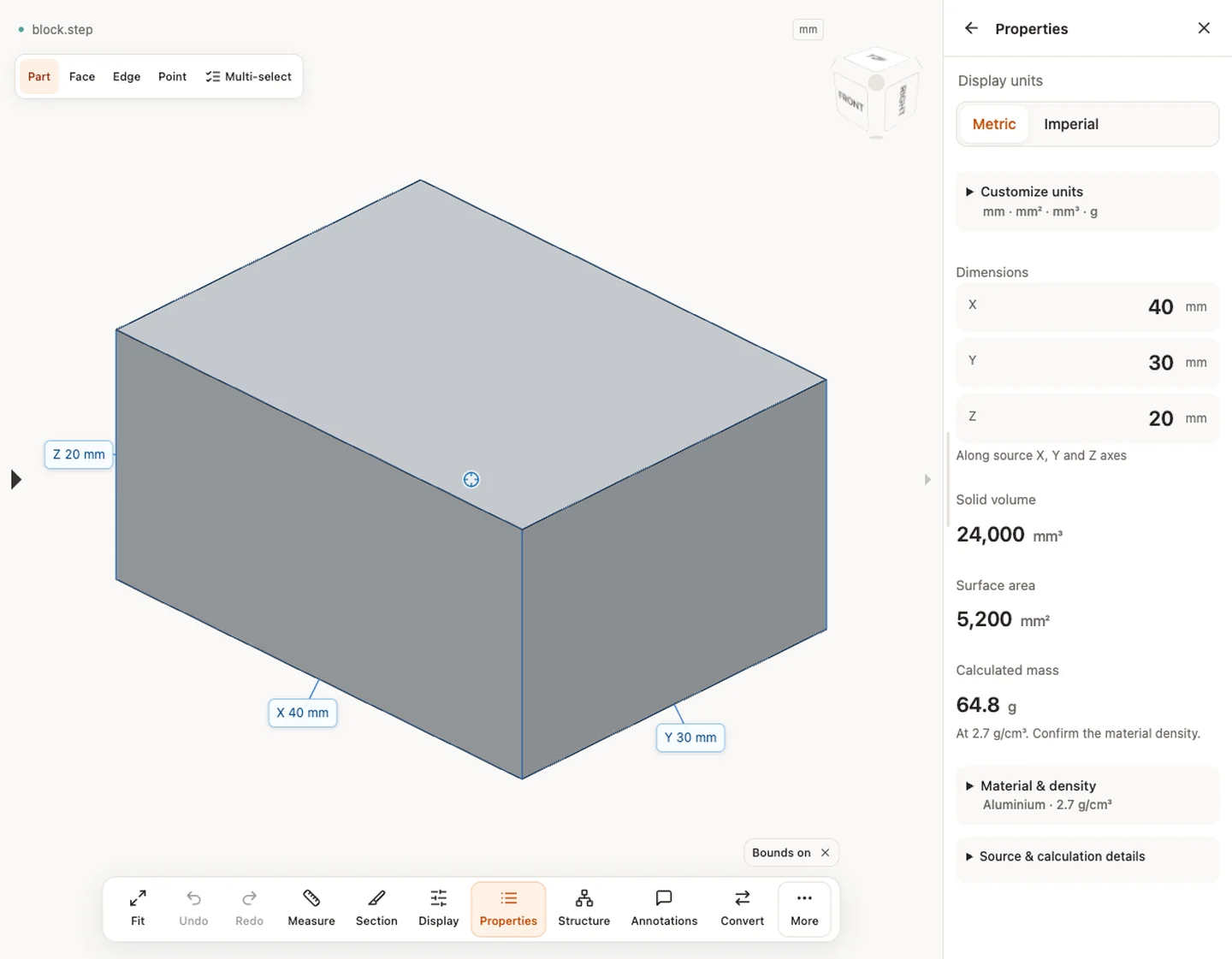
Properties — block.step · 40 × 30 × 20 mm · 24,000 mm³ · 5,200 mm²
[Sample source and verification](https://www.cadprops.com/samples/block.step)
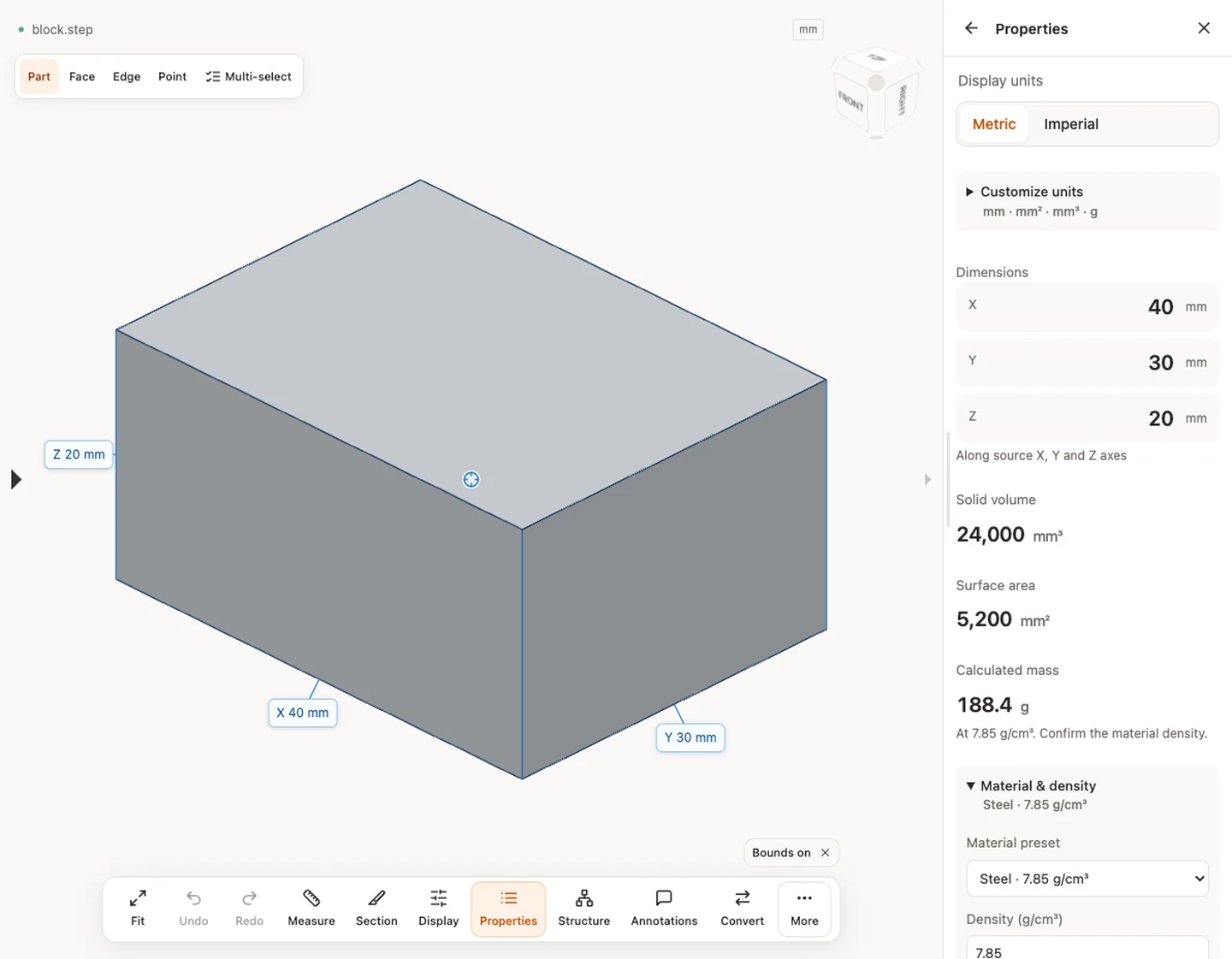
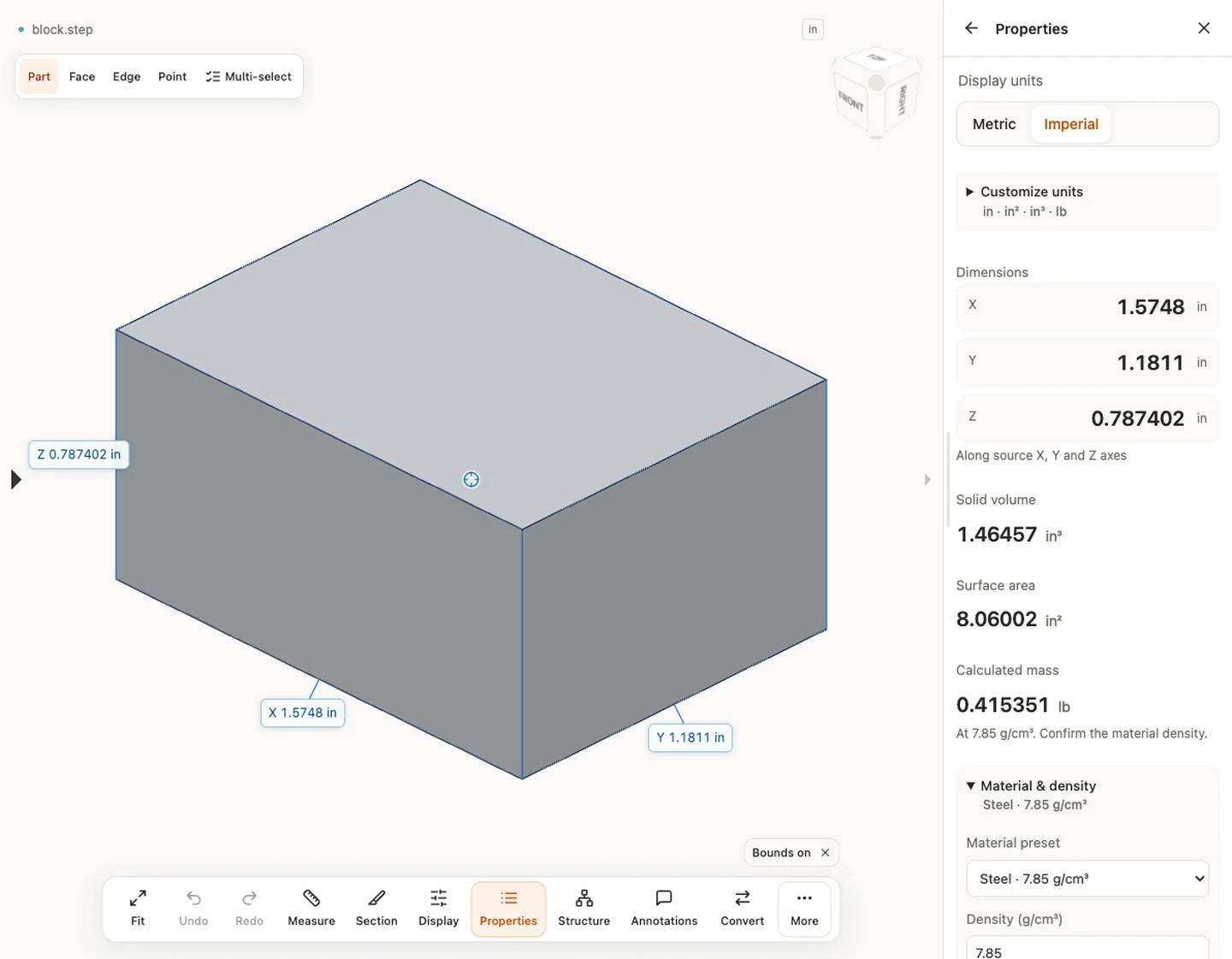
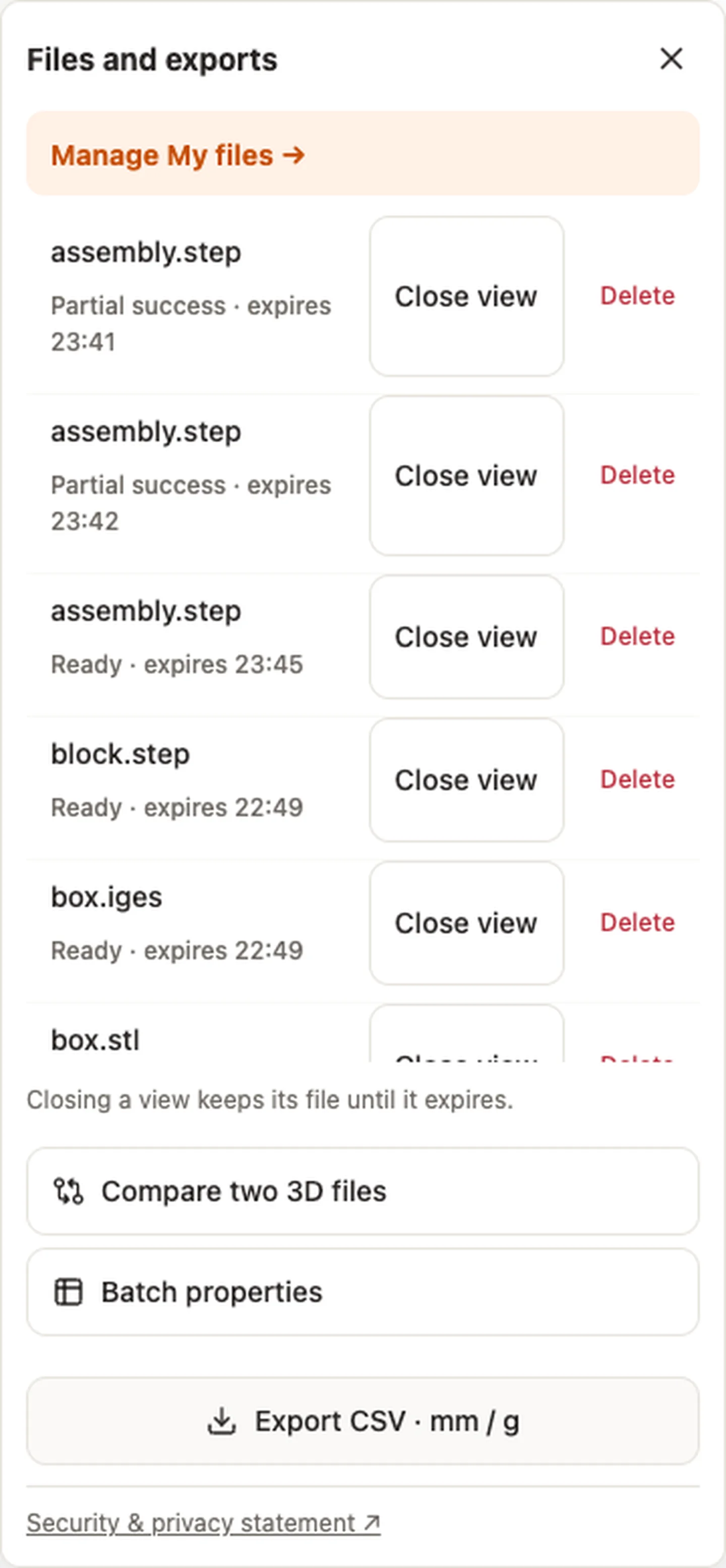
Material & density — block.step · 7.85 g/cm³ → 188.4 gDisplay units — block.stepExport CSV · mm / g — block.step
[Export CSV · mm / g](https://www.cadprops.com/assets/evidence/tools-2026-10-01/properties.csv)
## When a result needs another check
Viewing can start without an account. Conversion, account storage and share creation require signing in. Temporary files expire after the displayed retention period. Read the privacy statement for server processing and deletion, and the accuracy notes before using numerical results. Do not assume that hiding a part, clipping it or exploding an assembly changes the exported source geometry.
[When a result needs another check](https://www.cadprops.com/accuracy/index.md) · [Input formats](https://www.cadprops.com/supported-formats/index.md)
## Continue with a related task
- [CAD Weight Calculator: STEP Volume & Material Density](https://www.cadprops.com/tools/cad-weight-calculator/index.md)
- [CAD Surface Area Calculator: Measure STEP Geometry](https://www.cadprops.com/tools/cad-surface-area/index.md)
- [Batch STEP Properties: Export CAD Measurements to CSV](https://www.cadprops.com/tools/batch-cad-processing/index.md)
## Capabilities and limits
- Calculate solid volume from STEP B-Rep geometry. Check model validity, source units and assembly scope before using or exporting the result.
- Reliable volume requires valid closed solids; open surfaces have no usable solid volume and mesh volume is approximate.
- Files are uploaded for server processing; support depends on format, version and geometry.
- Viewing and measuring do not require an account. Sign in to convert, save files across devices or create share links.
## Questions about this task
### Does CAD assembly volume count overlapping parts twice?
Assembly properties sum instances. Overlapping material is not subtracted from ordinary property totals.
### Is STL mesh volume as exact as STEP solid volume?
Closed mesh volume is approximate. Open or inconsistently oriented meshes do not receive a usable volume.
### Is my CAD file uploaded to a server to calculate volume?
Selecting a file starts temporary server processing. For guests, access to the workspace copy is limited to the browser session; it can be deleted early and expires after the displayed period. Signed-in files are saved to the account library when space is available; otherwise they remain temporary.
HTML page: https://www.cadprops.com/tools/cad-volume-calculator/