# CAD Surface Area Calculator: Measure STEP Geometry
Calculate surface area from STEP geometry, inspect individual parts and export the result in mm². Keep open surfaces and solid-volume requirements distinct.
Area is meaningful only with a defined set of faces and bodies. Internal surfaces, duplicated instances and the scope of a finish operation can all change which number is useful.
## Define which faces count
State whether the result includes internal cavities, hole walls and all bodies or only a selected subset. A total with no scope cannot be interpreted reliably for a process estimate.
## Use the available representation honestly
Area from CAD surfaces and area from triangles can differ according to the approximation. Keep the method with the result. An attractive shaded image is not an accuracy statement.
## Do not turn area into a quotation automatically
Surface treatment may depend on masking, setup and process requirements not present in geometry. Export the measured scope and let the appropriate workflow apply its rules.
**Input formats:** STEP / STP
[Open this tool](https://www.cadprops.com/workspace/index.md)
General steps for uploading, viewing, sectioning, measuring, converting and exporting are explained once in [How it works](https://www.cadprops.com/how-it-works/index.md). This page covers what is specific to this file type.
## Real CADProps screenshots
The screenshots show the English interface. Captions and instructions describe the same operations.
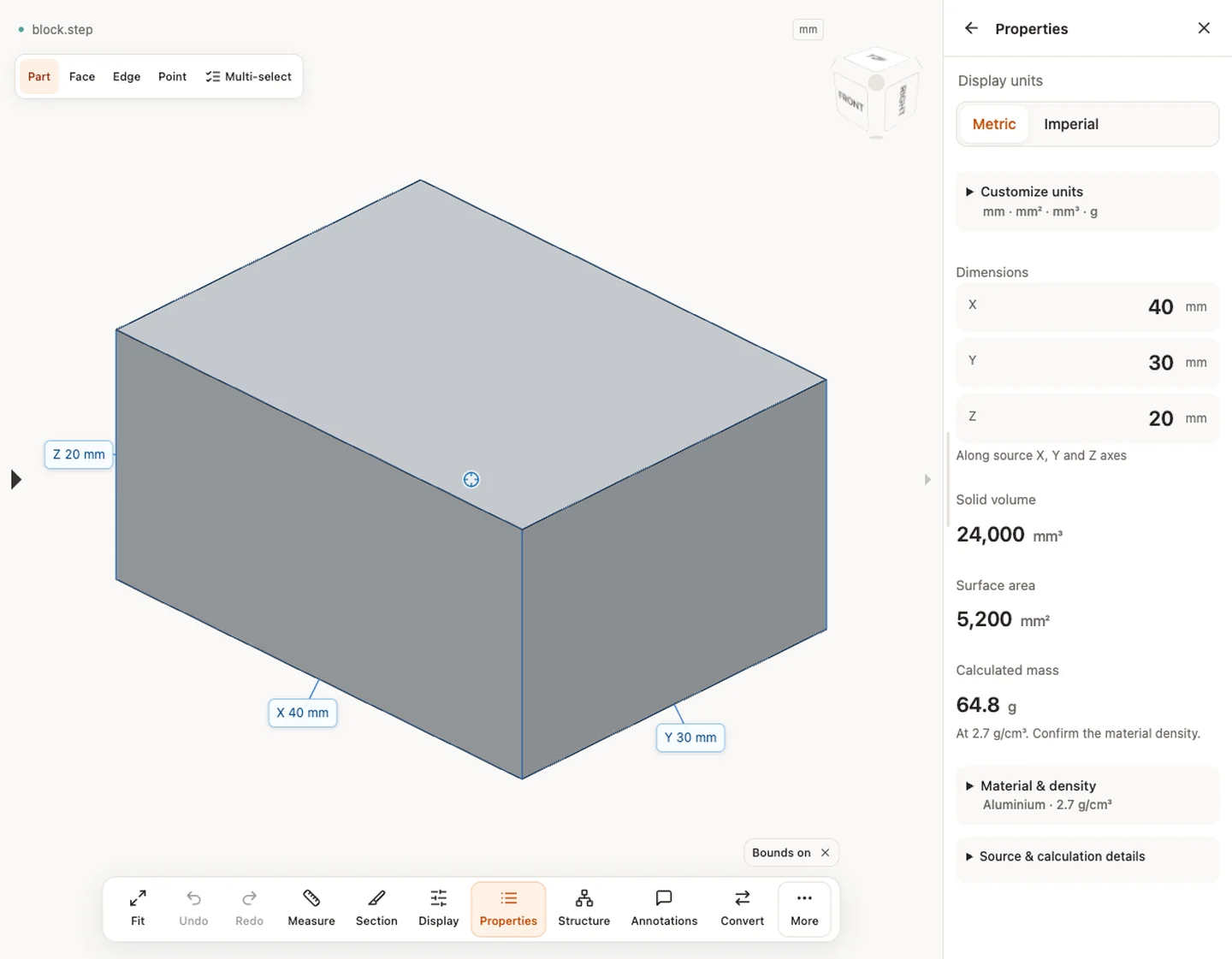
Properties — block.step · 40 × 30 × 20 mm · 24,000 mm³ · 5,200 mm²
[Sample source and verification](https://www.cadprops.com/samples/block.step)
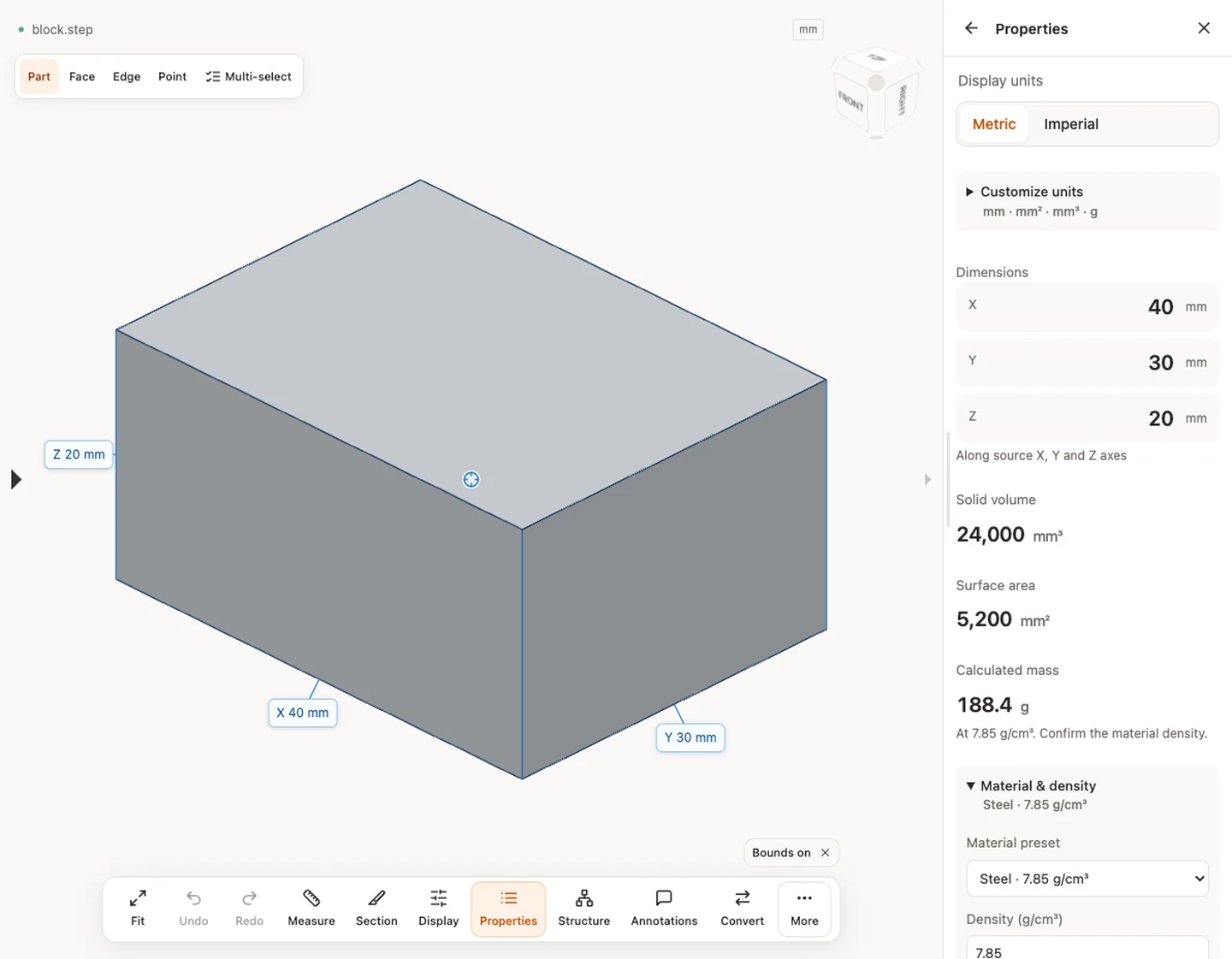
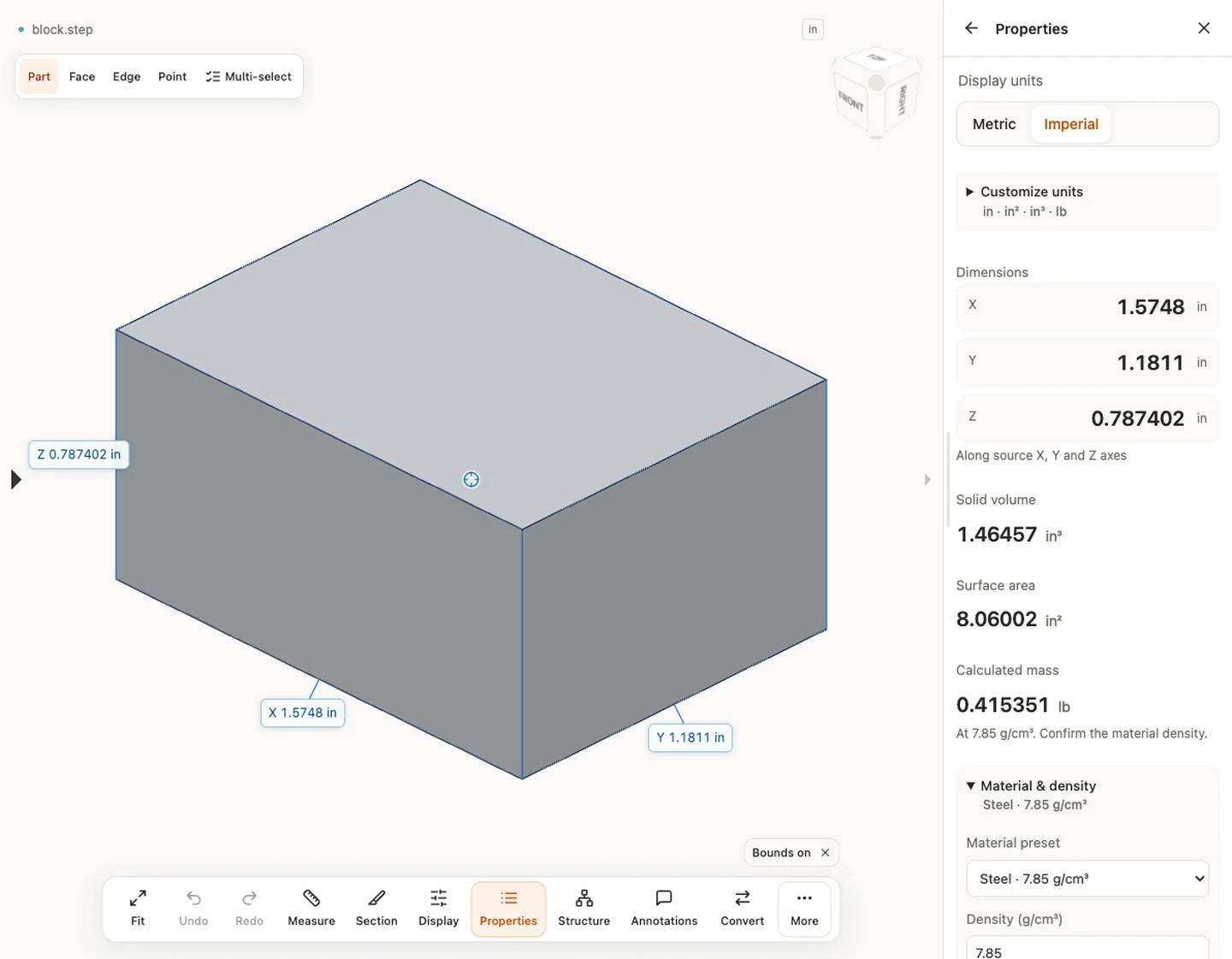
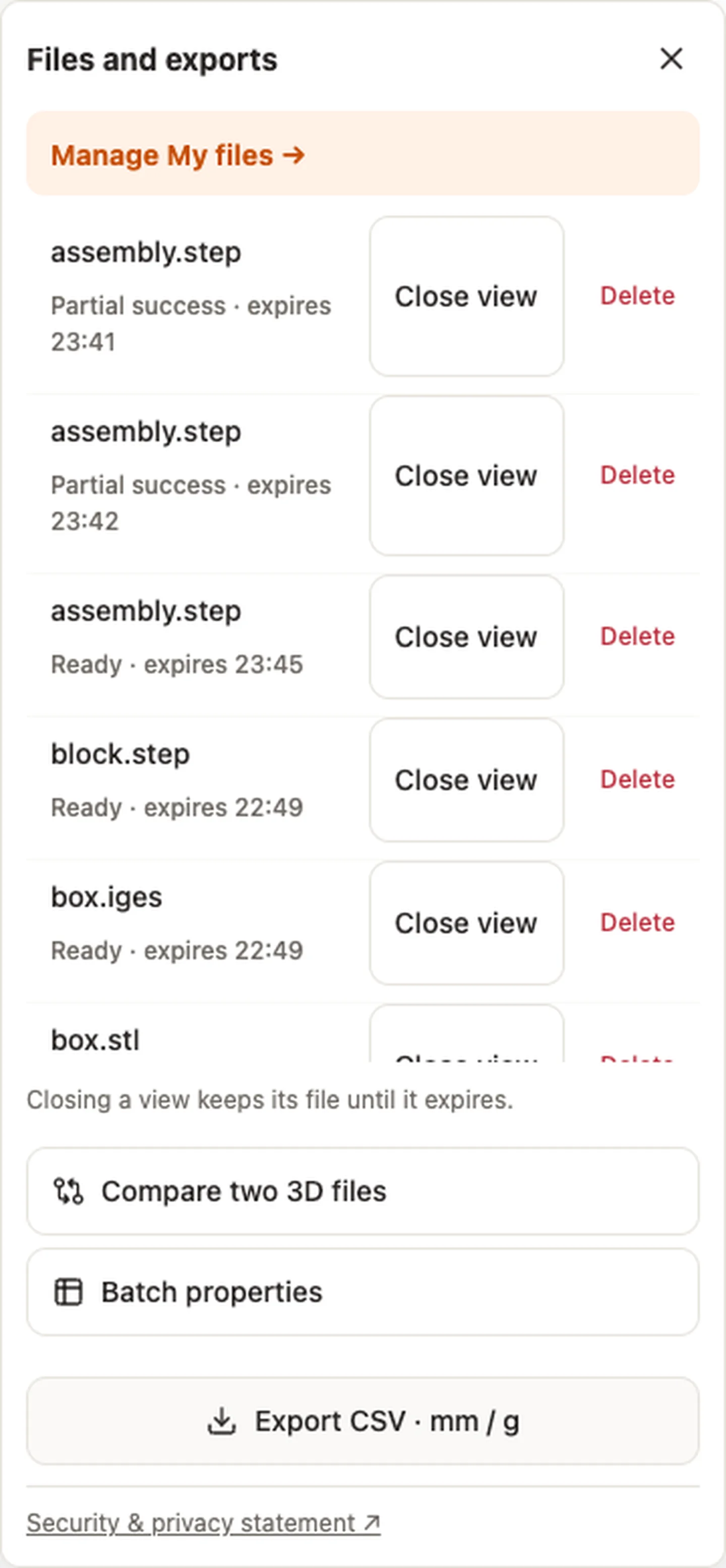
Material & density — block.step · 7.85 g/cm³ → 188.4 gDisplay units — block.stepExport CSV · mm / g — block.step
[Export CSV · mm / g](https://www.cadprops.com/assets/evidence/tools-2026-10-01/properties.csv)
## When a result needs another check
Viewing can start without an account. Conversion, account storage and share creation require signing in. Temporary files expire after the displayed retention period. Read the privacy statement for server processing and deletion, and the accuracy notes before using numerical results. Do not assume that hiding a part, clipping it or exploding an assembly changes the exported source geometry.
[When a result needs another check](https://www.cadprops.com/accuracy/index.md) · [Input formats](https://www.cadprops.com/supported-formats/index.md)
## Continue with a related task
- [CAD Volume Calculator: Measure STEP Solid Volume](https://www.cadprops.com/tools/cad-volume-calculator/index.md)
- [CAD Weight Calculator: STEP Volume & Material Density](https://www.cadprops.com/tools/cad-weight-calculator/index.md)
- [IGES Viewer Online: Measure IGS Dimensions & Area](https://www.cadprops.com/tools/iges-viewer/index.md)
## Capabilities and limits
- Calculate surface area from STEP geometry, inspect individual parts and export the result in mm². Keep open surfaces and solid-volume requirements distinct.
- B-Rep and triangle-mesh surface areas are different; partial assemblies describe loaded components only.
- Files are uploaded for server processing; support depends on format, version and geometry.
- Viewing and measuring do not require an account. Sign in to convert, save files across devices or create share links.
## Questions about this task
### Does hidden CAD geometry count in the total surface area?
Hiding parts changes display only. Select an individual part to inspect its own properties.
### Is CAD surface area the same as the area I need to paint?
No. Surface area includes represented internal and external faces and does not infer coating or manufacturing scope.
### Is my CAD file uploaded to a server to calculate surface area?
Selecting a file starts temporary server processing. For guests, access to the workspace copy is limited to the browser session; it can be deleted early and expires after the displayed period. Signed-in files are saved to the account library when space is available; otherwise they remain temporary.
HTML page: https://www.cadprops.com/tools/cad-surface-area/