# STEP File Dimensions Online: Measure X, Y, Z & Distances
Get STEP file dimensions online, check X/Y/Z bounding extents, measure supported geometry and verify units before using CAD dimensions for engineering decisions.
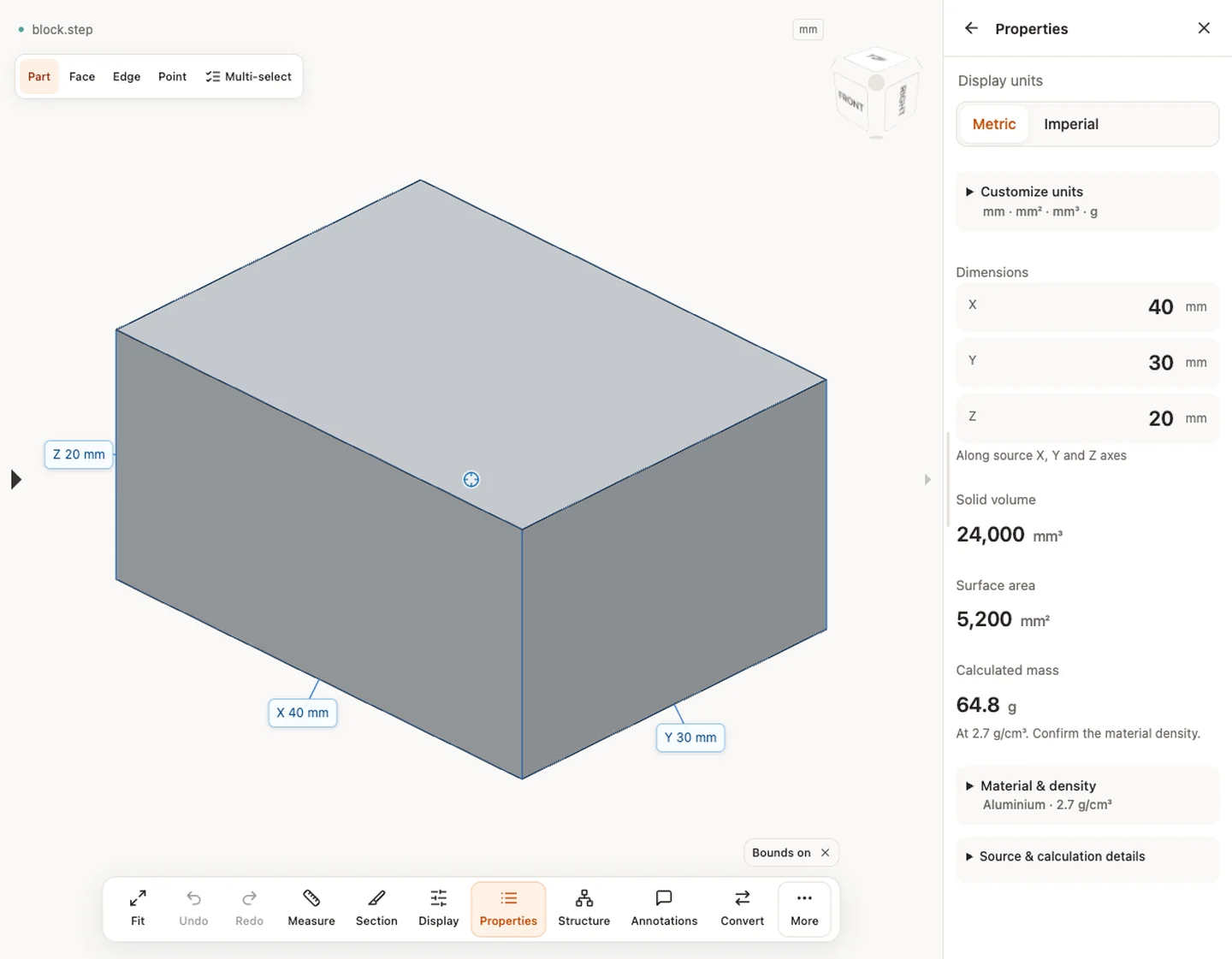
Open a STEP file and read its overall X, Y and Z extents in the source coordinate frame. Then use supported geometry measurements for local checks. A bounding box, a picked distance and a drawing dimension answer different questions.
## Read STEP X, Y and Z dimensions
The overall values are axis-aligned extents in the current source frame. They are useful for quick fit and scale checks, but rotating the part relative to the axes can change X/Y/Z without changing the physical model.
## Verify units with a known dimension
Before using any number, compare one dimension with a drawing or source-system value. A 25.4× mismatch strongly suggests an inch/mm interpretation issue. Fit-to-screen is a camera operation and cannot verify scale.
## Use the right measurement for the question
Bounding dimensions describe the envelope. Picked distances answer local geometric questions. Supported B-Rep edge, circle or cylinder measurements can use underlying CAD geometry. Keep the measurement mode with the recorded value.
## Do not infer tolerance from geometry
A viewer reports the current shape; it does not automatically tell you the permitted manufacturing variation. Use the controlling drawing, PMI or agreed specification for tolerance requirements.
## Keep model scope visible
For assemblies and multi-body STEP files, confirm which components or bodies are included. Missing components, stray bodies or a different coordinate frame can materially change the overall dimensions.
**Input formats:** STEP / STP
[Open this tool](https://www.cadprops.com/workspace/index.md)
General steps for uploading, viewing, sectioning, measuring, converting and exporting are explained once in [How it works](https://www.cadprops.com/how-it-works/index.md). This page covers what is specific to this file type.
## Real CADProps screenshots
The screenshots show the English interface. Captions and instructions describe the same operations.
Properties — block.step · 40 × 30 × 20 mm · 24,000 mm³ · 5,200 mm²
[Sample source and verification](https://www.cadprops.com/samples/block.step)
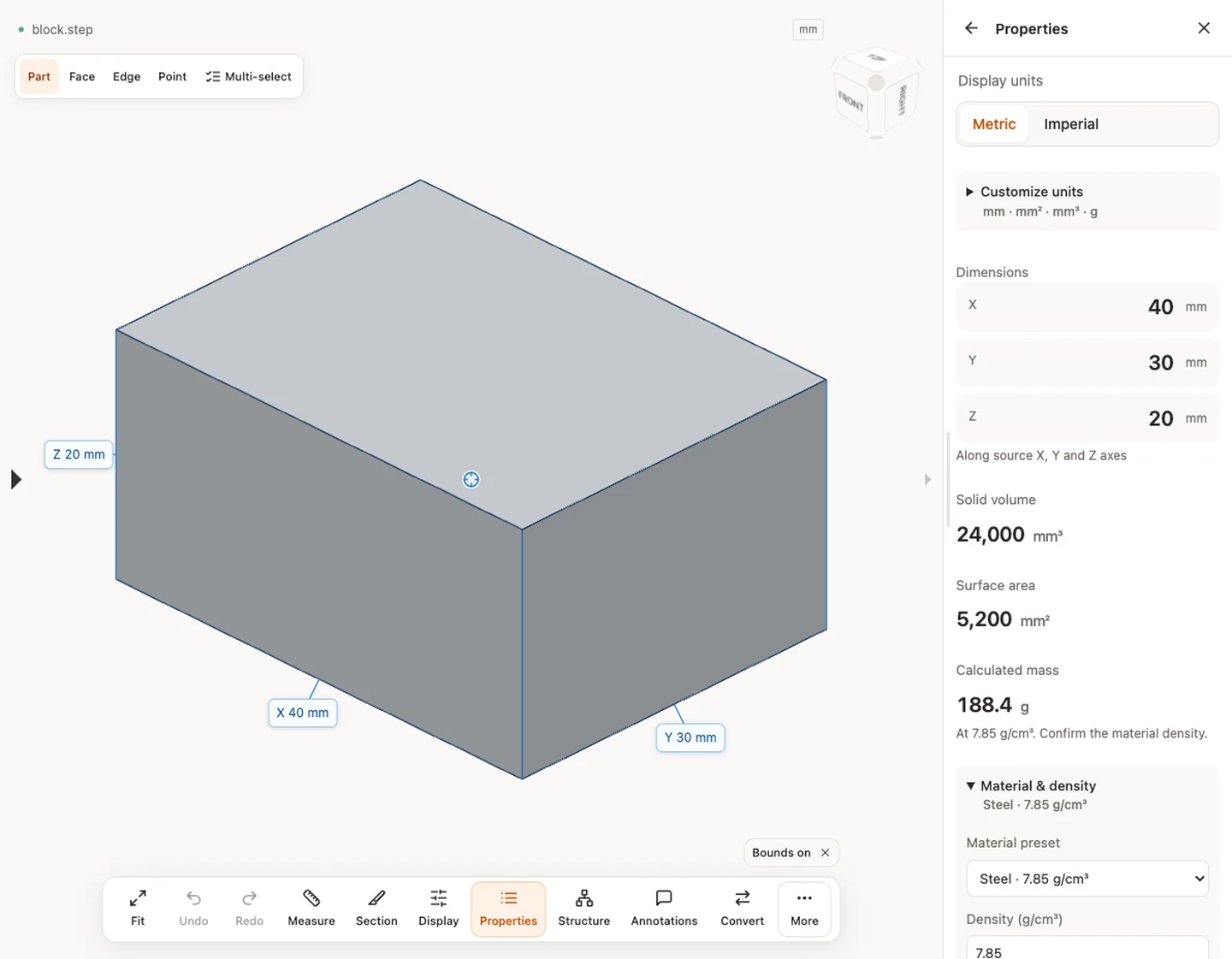
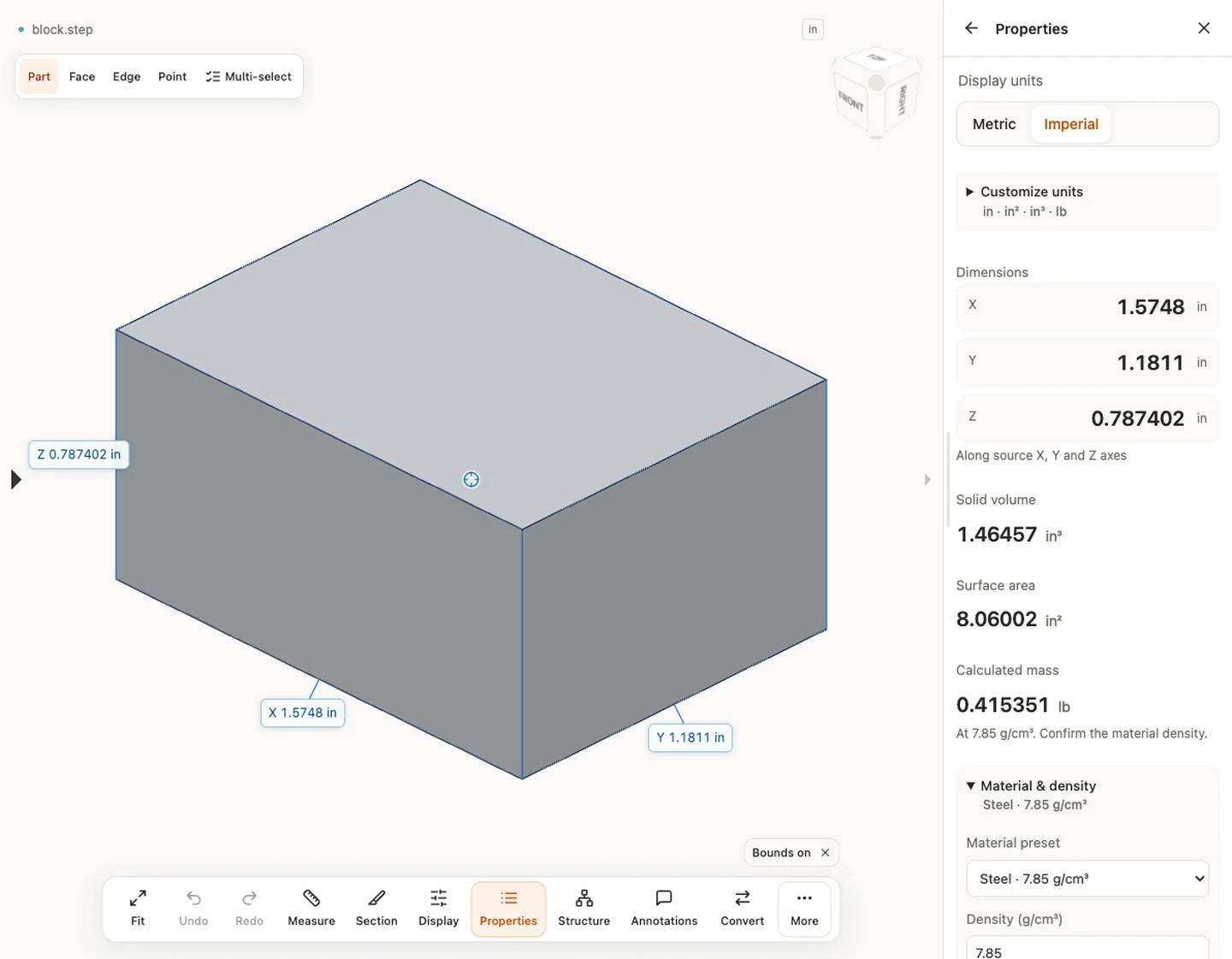
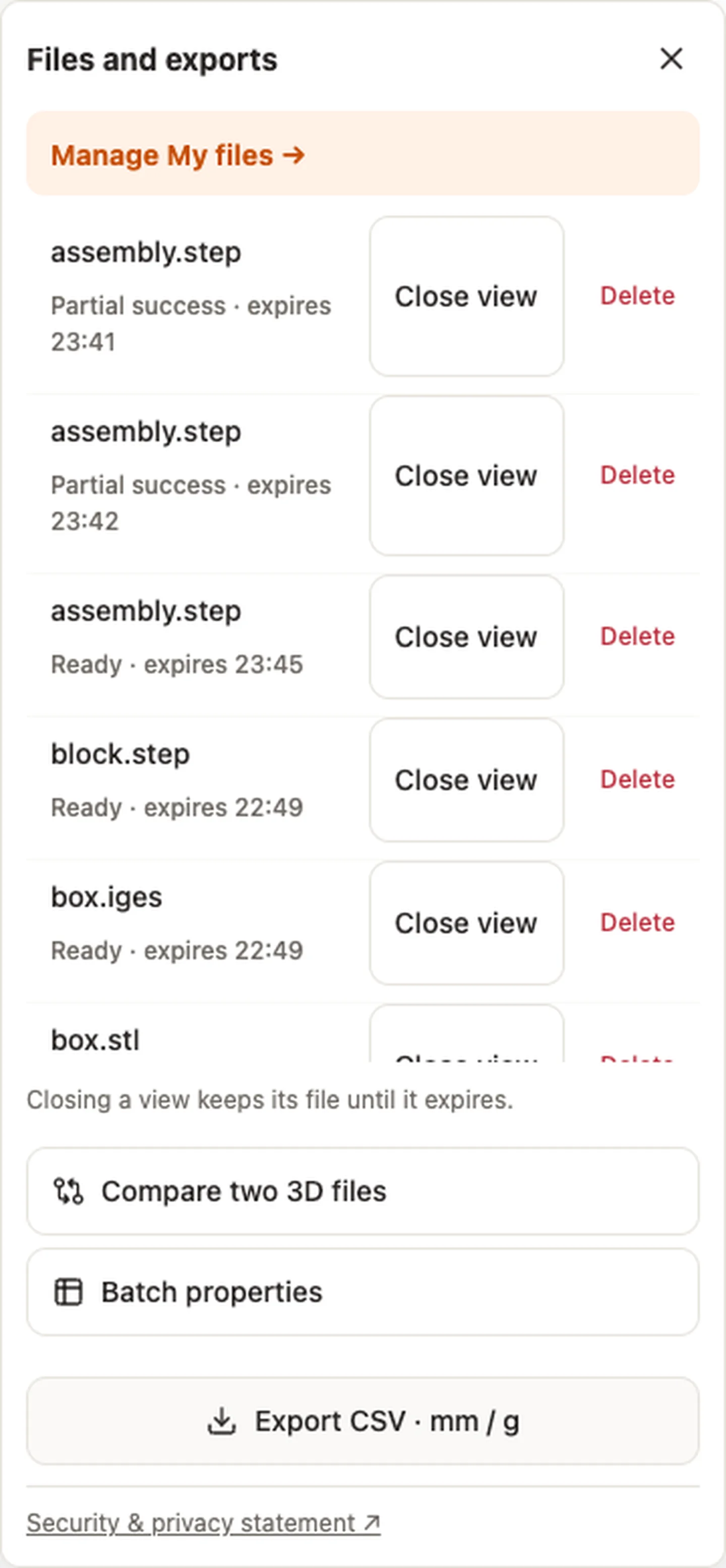
Material & density — block.step · 7.85 g/cm³ → 188.4 gDisplay units — block.stepExport CSV · mm / g — block.step
[Export CSV · mm / g](https://www.cadprops.com/assets/evidence/tools-2026-10-01/properties.csv)
## When a result needs another check
Viewing can start without an account. Conversion, account storage and share creation require signing in. Temporary files expire after the displayed retention period. Read the privacy statement for server processing and deletion, and the accuracy notes before using numerical results. Do not assume that hiding a part, clipping it or exploding an assembly changes the exported source geometry.
[When a result needs another check](https://www.cadprops.com/accuracy/index.md) · [Input formats](https://www.cadprops.com/supported-formats/index.md)
## Continue with a related task
- [STEP File Viewer Online: Open STP Files, No Account](https://www.cadprops.com/tools/step-viewer/index.md)
- [CAD Volume Calculator: Measure STEP Solid Volume](https://www.cadprops.com/tools/cad-volume-calculator/index.md)
- [Compare CAD Files Online: STEP Geometry & Properties](https://www.cadprops.com/tools/compare-cad-files/index.md)
## Capabilities and limits
- Get STEP file dimensions online, check X/Y/Z bounding extents, measure supported geometry and verify units before using CAD dimensions for engineering decisions.
- Overall X/Y/Z extents are axis-aligned; local measurements depend on the loaded geometry and measurement method.
- Files are uploaded for server processing; support depends on format, version and geometry.
- Viewing and measuring do not require an account. Sign in to convert, save files across devices or create share links.
## Questions about this task
### How do I get dimensions from a STEP file?
Upload the STEP/STP file and read the X/Y/Z bounding extents. Verify units with a known dimension before using the result.
### Are STEP X/Y/Z dimensions the part's length, width and height?
They are axis-aligned extents in the current coordinate frame. A rotated part can have larger X/Y extents than its intuitive length and width.
### Can I measure distances in a STEP file online?
Yes. CADProps supports overall dimensions and additional supported geometry measurements. The method used should remain visible with the value.
### Why are my STEP dimensions 25.4 times too large?
That ratio often points to an inch/mm interpretation mismatch. Confirm a known dimension and the source/import unit settings before scaling geometry.
### Do the measurements include tolerance?
No. Measured geometry and manufacturing tolerance are different. Use the drawing or model-based definition for acceptance limits.
HTML page: https://www.cadprops.com/tools/cad-dimensions/